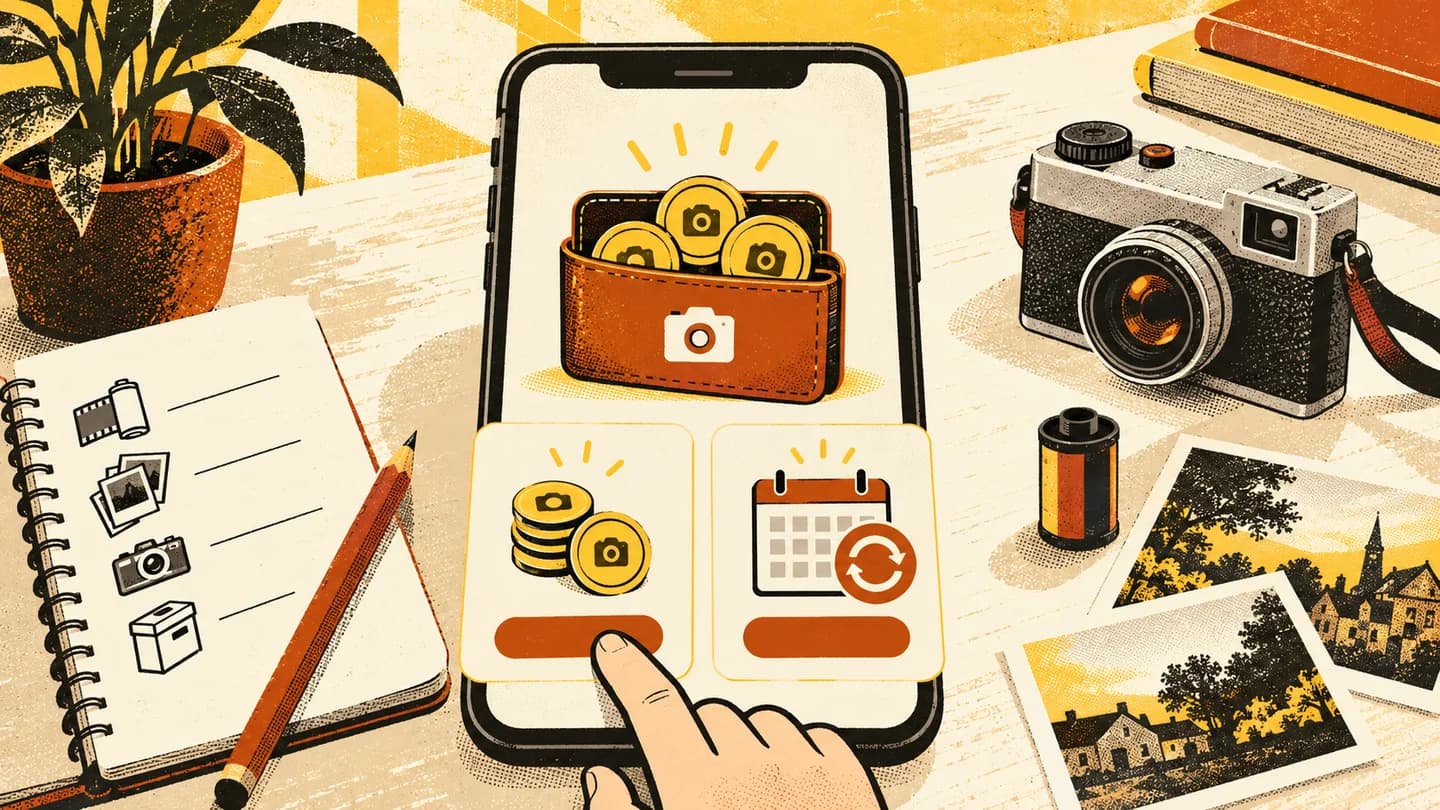
Check your balance and the current purchase options before adding credits for more scans.
Start from My credits
The app shows the available balance for the signed-in account. Scan types have different displayed charges, so estimate what you need from the work you plan to do.
Add credits
- Sign in to the account whose saved finds you use, then open My credits and read Your available credits.
- Review the options displayed. Buy credits is a one-off top-up; Choose a price per month starts a recurring monthly plan when subscriptions are offered. Read the amount, credits and renewal terms before selecting.
- For a top-up, use How many extra credits? when that selector is shown, then choose Buy followed by the credit amount and price. Subscription-mode top-ups require an eligible active monthly plan.
- Read the secure checkout page and complete it only if the purchase and any recurring terms match what you intended. A disabled or unavailable option has not started a purchase.
- Return to Bargain Bandit and read the confirmation. Check Your available credits and Your credit activity; credits are added after confirmed successful payment, not simply after opening checkout.
Existing plans and unavailable purchases
If you already have a plan, Manage subscription or Change plan opens its billing management. Check the current status before starting another checkout. A failed monthly payment does not add new credits, while existing paid credits remain available. If payments or scanning are unavailable, purchase controls can be disabled; use the displayed explanation rather than repeatedly selecting the button.
If the balance has not changed
Allow the payment confirmation to reach the app, then use Check payments where offered. Do not buy again simply because the first checkout returned slowly.