Start with a clear photo. Check the identification and market evidence before using the estimate to decide what to pay.
Start with one item and a clear question
You are standing beside a stall with a camera in your hand. The price sounds tempting, but you do not know the model or what a working example sells for. That is a useful moment to open Bargain Bandit: it gives you a starting point for research while the item is still in front of you.
A valuation is an estimate, not an offer to buy. Your job is to confirm that the identification matches the object and that its condition is comparable. An attractive number cannot tell you whether an electrical item works.
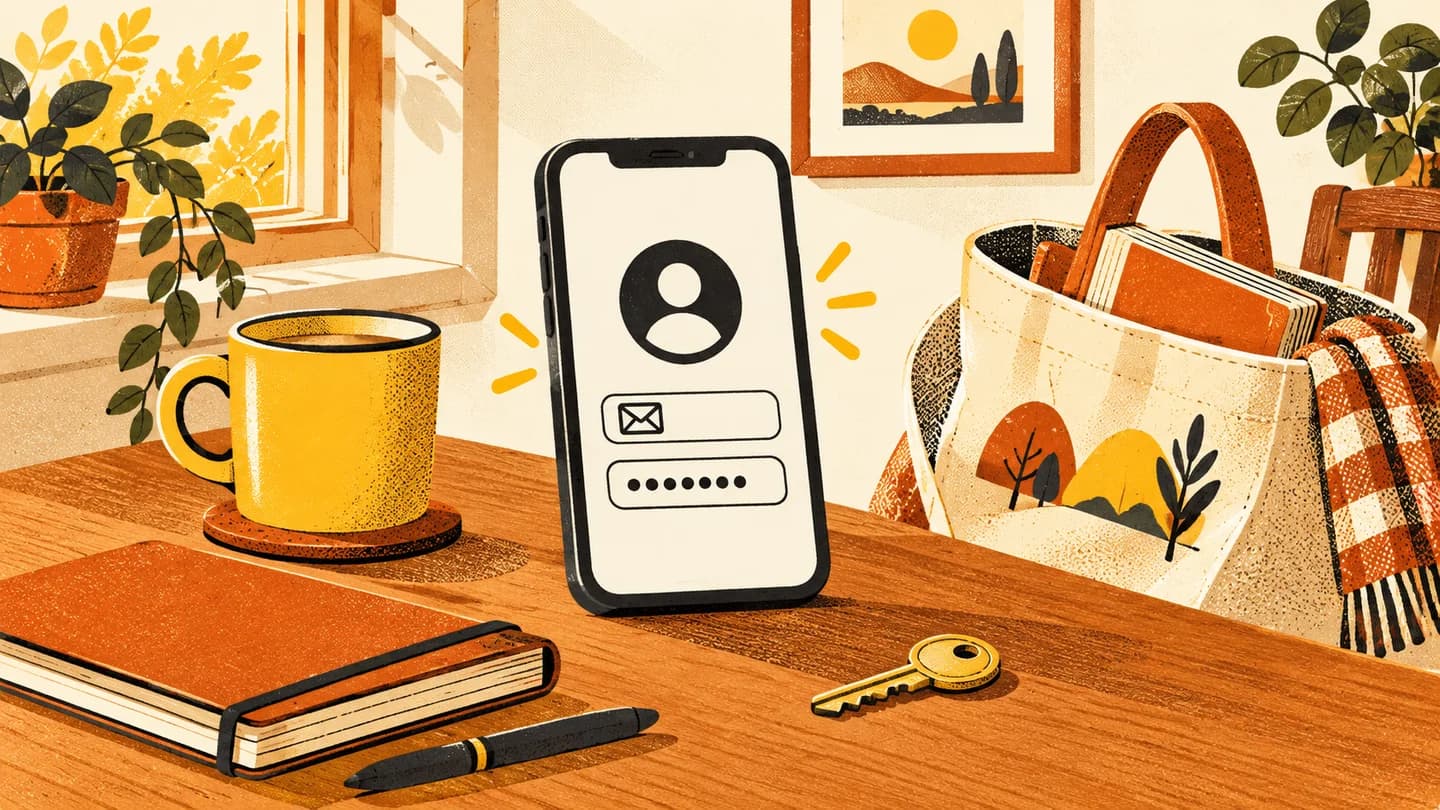
1. Open the app and sign in
Open Bargain Bandit and create an account or sign in. Your account keeps your credit balance and saved finds together. Check the displayed credit cost before taking or choosing a photograph: Quick Scan sends it for valuation immediately. Detailed Scan lets you review your photographs and details before pressing Start Detailed Scan.
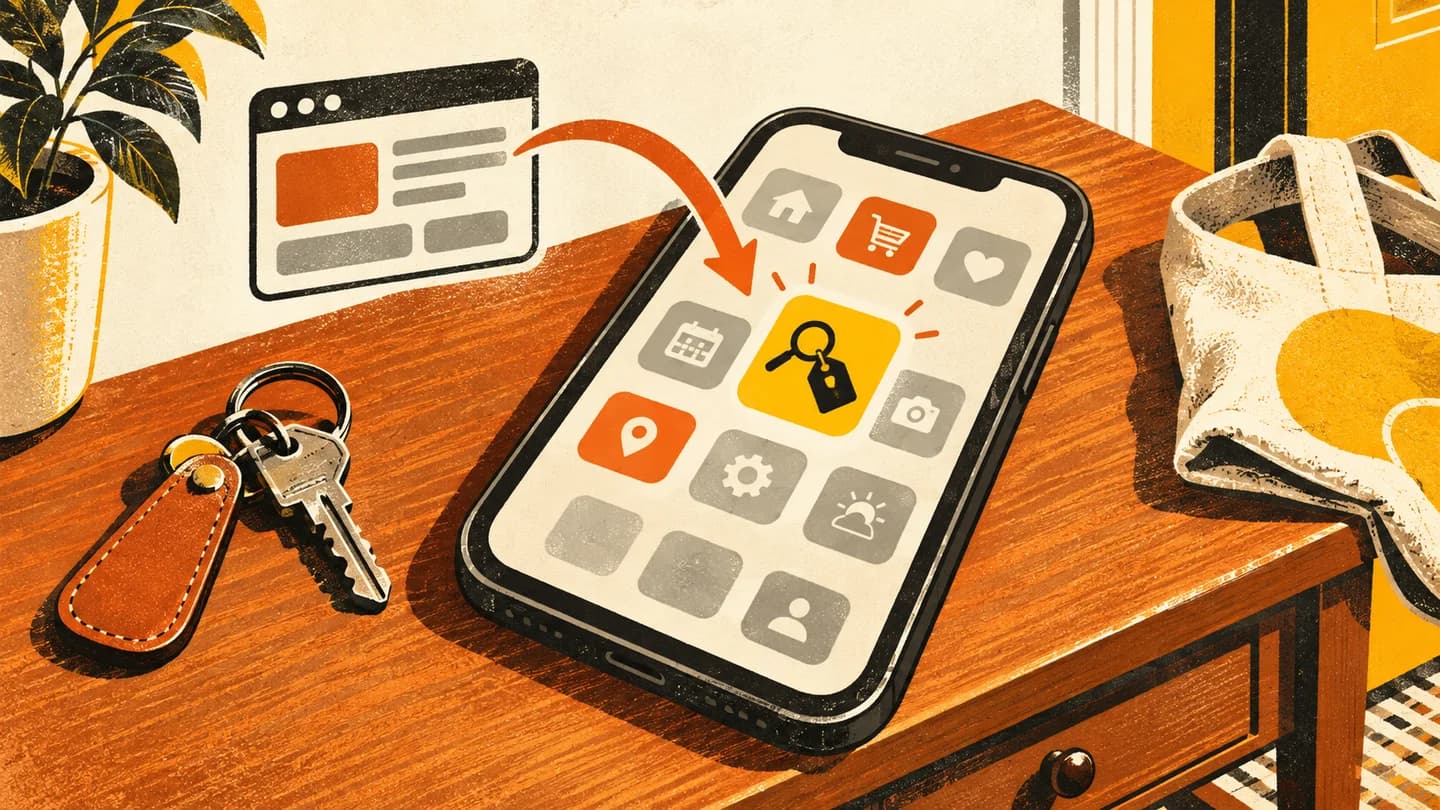
For quick access on a buying trip, use the Add to your phone guide on the home page. Charge your phone before leaving and allow time for a result when reception is weak.
2. Choose the right scan
Quick Scan
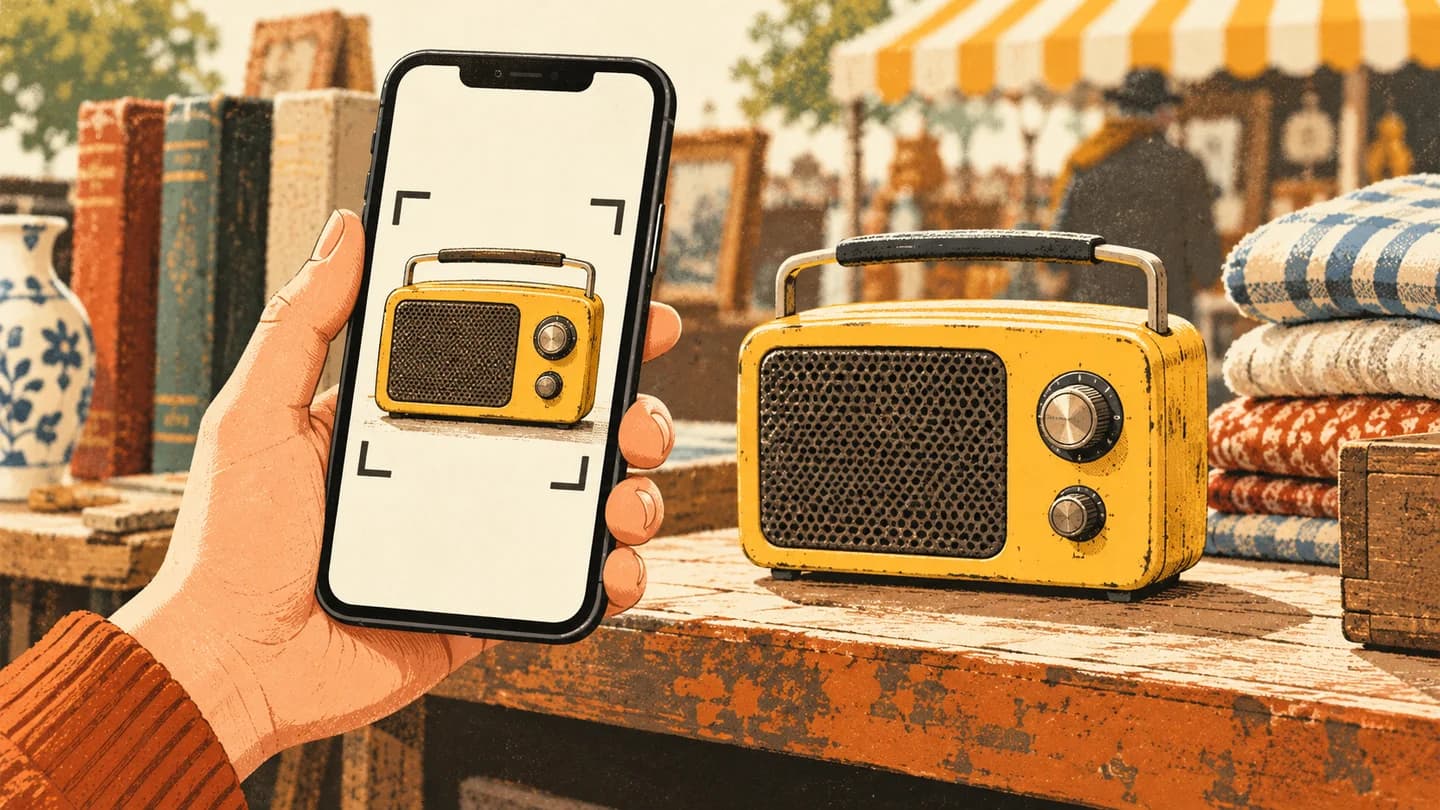
Quick Scan uses one photograph. Put the whole item in frame, avoid glare and check focus before pressing the shutter. Taking or choosing a photo submits it immediately. On the result, choose See checks & full valuation to open the fuller evidence and buying-price calculation.
Detailed Scan
Detailed Scan accepts up to three views of one item. Use the extra views for the model label, makers’ mark, underside or damage rather than three almost identical pictures. Add useful details you can read in person.
Art Scan
Art Scan is the specialist route for researching paintings and prints. Photograph the whole work clearly and include signature, label or provenance information in your notes. Its research can continue after you leave the screen; return to My finds to check the result.
3. Check what the result actually identified
Compare the result’s title, description and model with your item. A similar-looking camera from the same brand may use a different mount or sell for a very different amount. Read the confidence and condition information before relying on the range.
If a photograph is rejected as blurry, retake it in better light. If a result is uncertain, inspect the label and use the appropriate scan with better information. Do not repeatedly submit the same poor photo expecting certainty.
- Does the model name match the label on your item?
- Does the description match its condition and accessories?
- Is the confidence level strong enough to act on?
4. Check the evidence and work out your buying limit
Use the sold-listings link to research comparable items. Match the model, working condition and included accessories. Asking prices show what sellers hope to receive; completed sales are a more useful starting point when the items really are comparable.
Use the profit calculator to include the buying price, likely selling fees and postage. Allow for packaging, missing accessories and your share of travel costs as well.
5. Keep your research ready while selling tools are paused
Selling tools are temporarily unavailable, including selling drafts, AI selling descriptions and the in-app MPB quote route. Your valuations and saved finds remain available.
You can prepare a title and description separately. Check every claim about testing, authenticity, condition and included accessories before using that copy. A valuation is an estimate, not an offer to buy.
- Open My finds and select your completed valuation.
- Review the identification, photographs and market evidence.
- Keep your research and prepare any selling copy in a separate note.
6. Record the outcome, not just the estimate
When the item sells, open the saved find and record the actual sale, purchase price and selling costs. This separates the value you hoped to achieve from the profit you actually made. Keep any selling-status record up to date too.
If you listed the same item elsewhere, remove those other adverts. Do not assume marking an item sold in one place removes every listing. Review your completed deals over time: the categories that look exciting on a stall are not always the ones that repay your effort.