How to Use Bargain Bandit: From Your First Scan to Your First Sale
Learn to scan a second-hand find, check its estimated value, calculate your buying price and record a sale with Bargain Bandit.
Read the guide
Start with your first scan, then learn the tools that help you research a find, prepare an advert and record the outcome. These tutorials follow the app’s available customer workflows.
Learn to scan a second-hand find, check its estimated value, calculate your buying price and record a sale with Bargain Bandit.
Read the guideCreate an account to keep your scan credits, valuations and saved finds together.
Read the guidePut Bargain Bandit on your phone’s home screen for quicker access when you spot a possible bargain.
Read the guideUse one clear photograph to get an identification and estimated resale range, then check the result against the item.
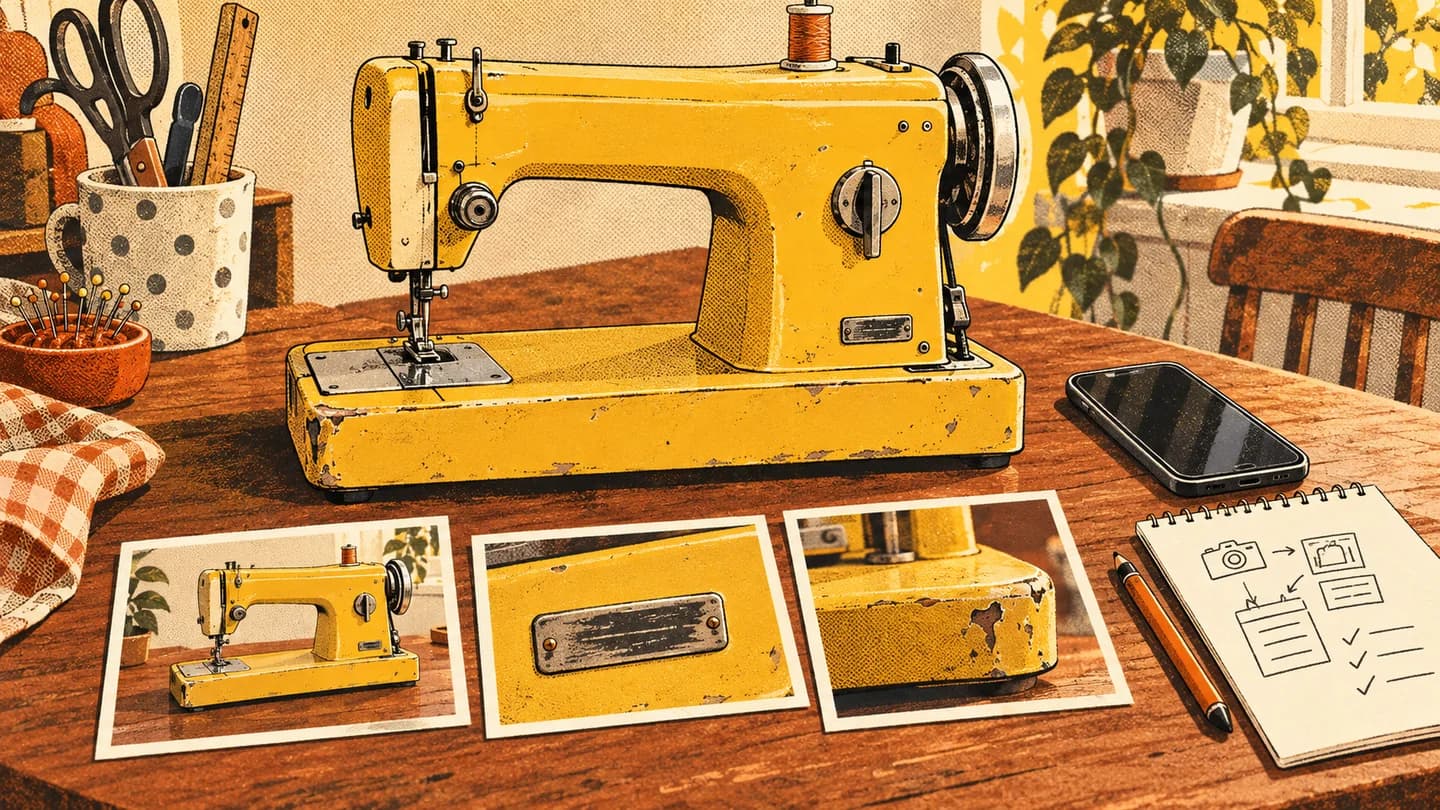
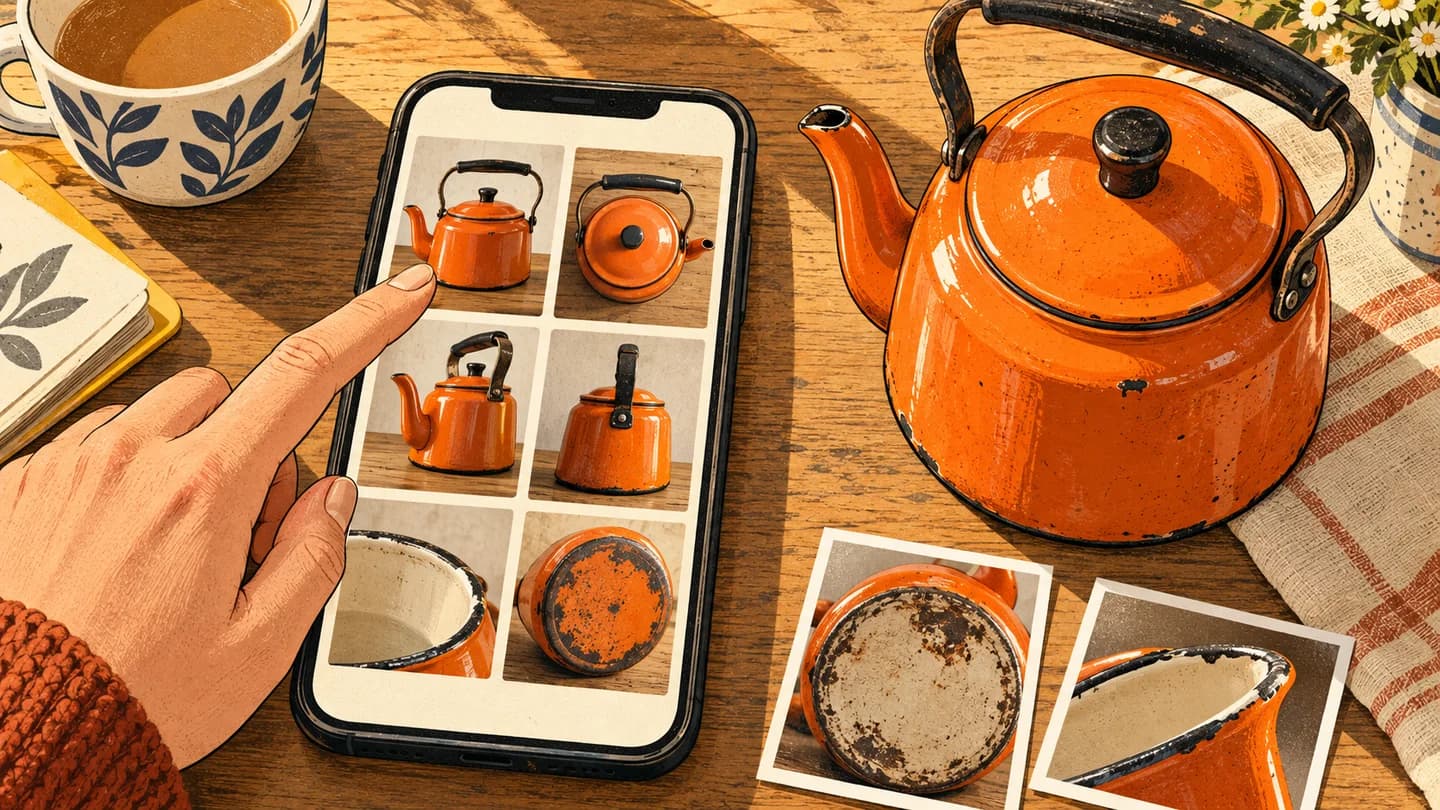
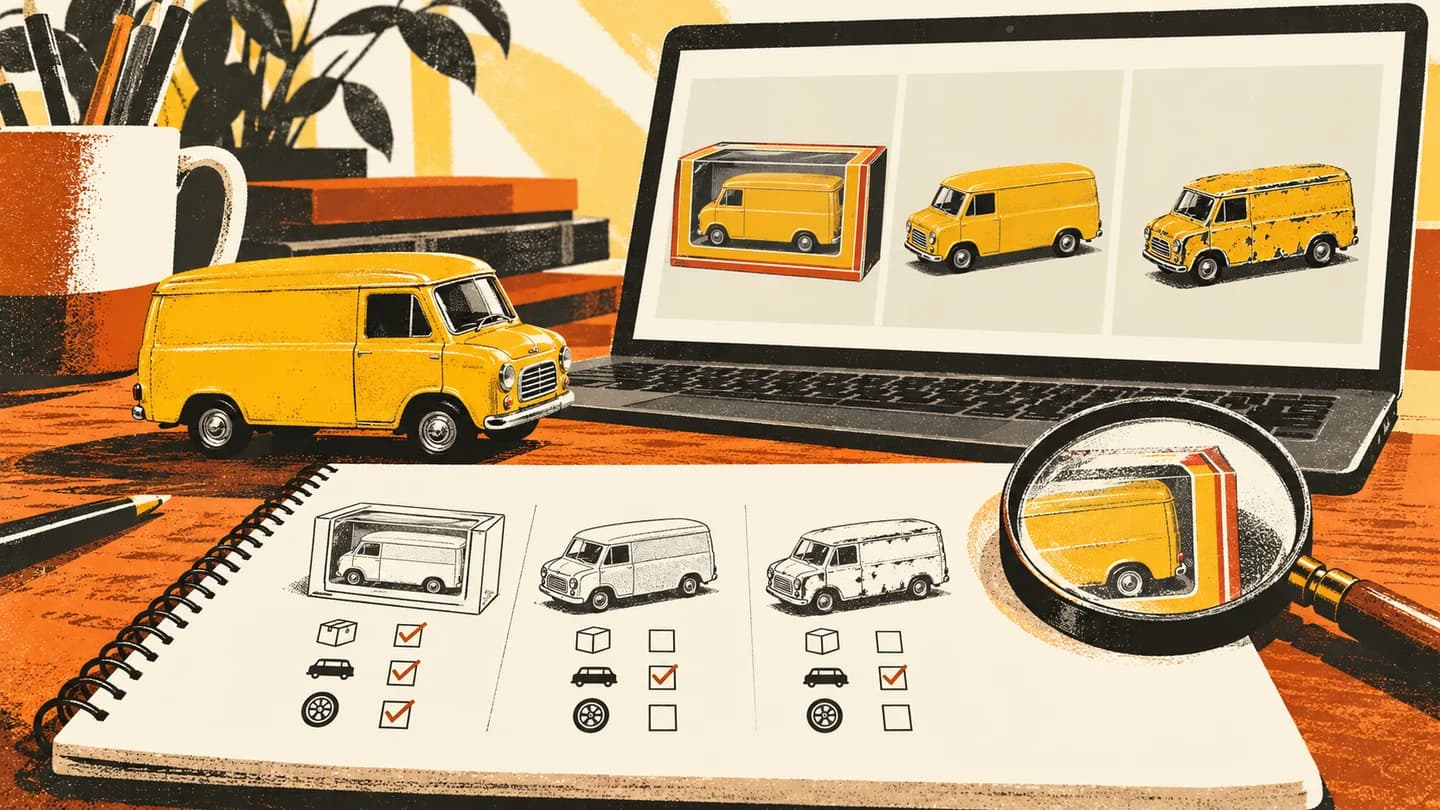
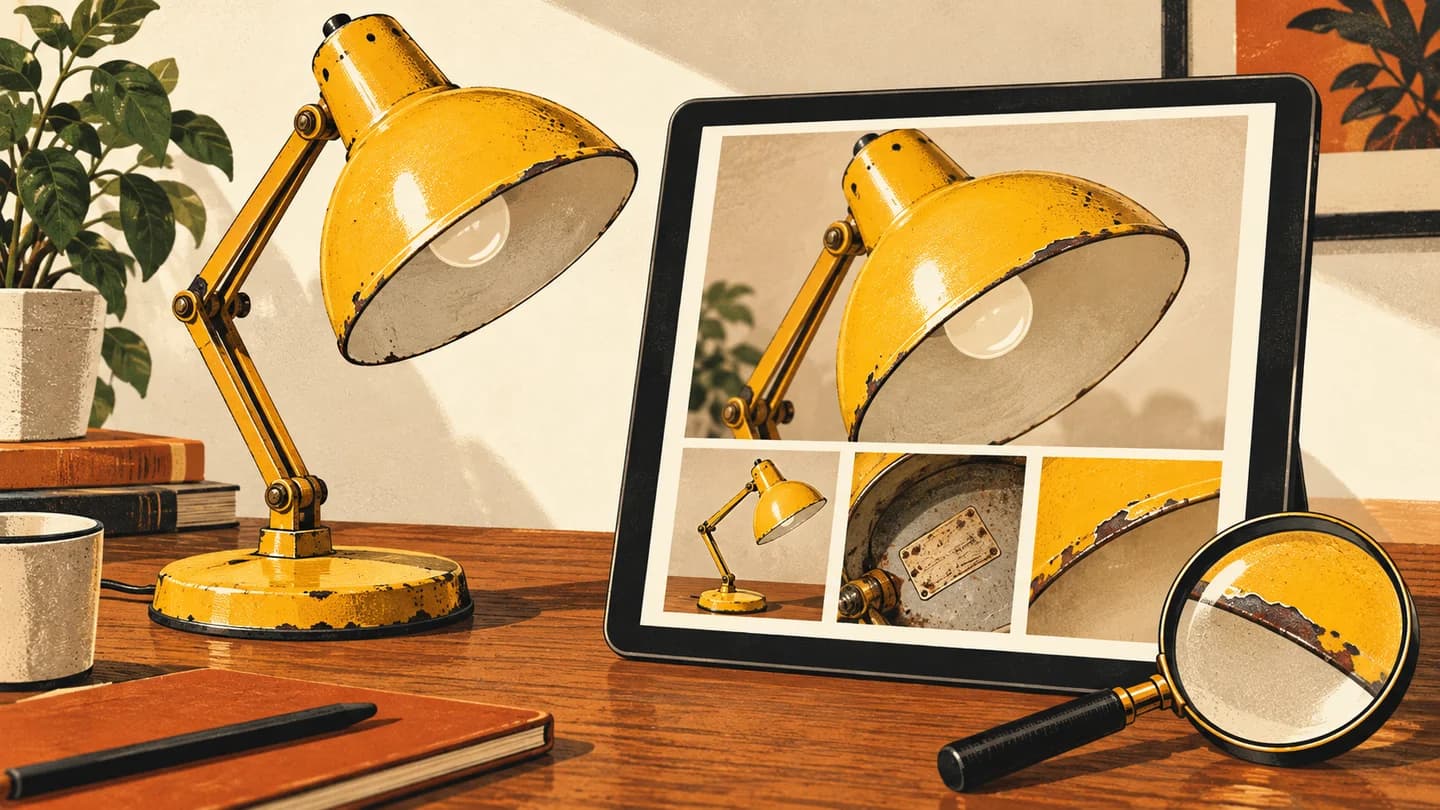
Read the guideGive Bargain Bandit up to three useful views of one item, including identifying details and condition.
Read the guideChoose the scan that fits the evidence you have and the question you need answered.
Read the guideChoose a saved photograph when taking a new picture is inconvenient, then check it contains the evidence you need.
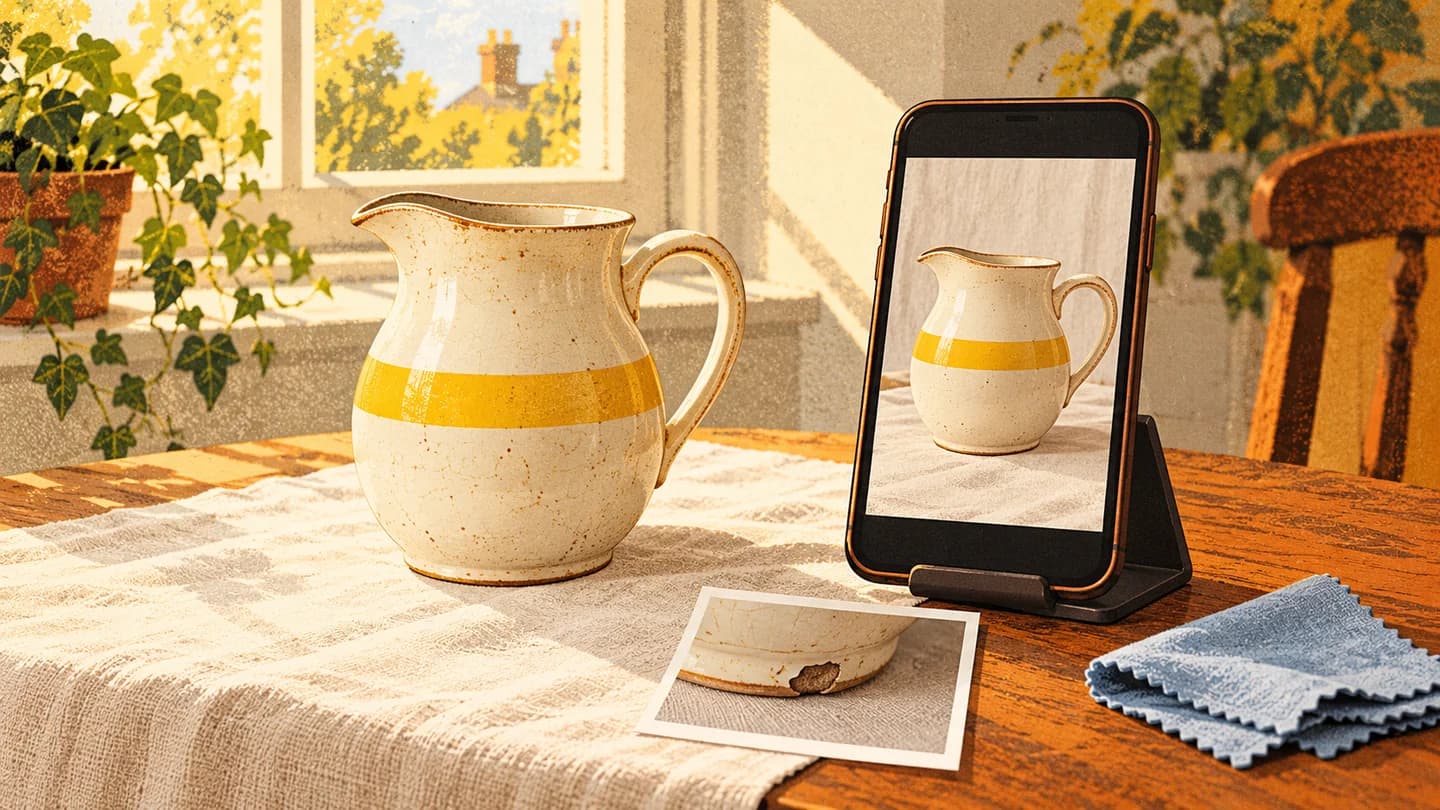
Read the guideMake your subject easy to identify by controlling focus, glare, background and the details shown.
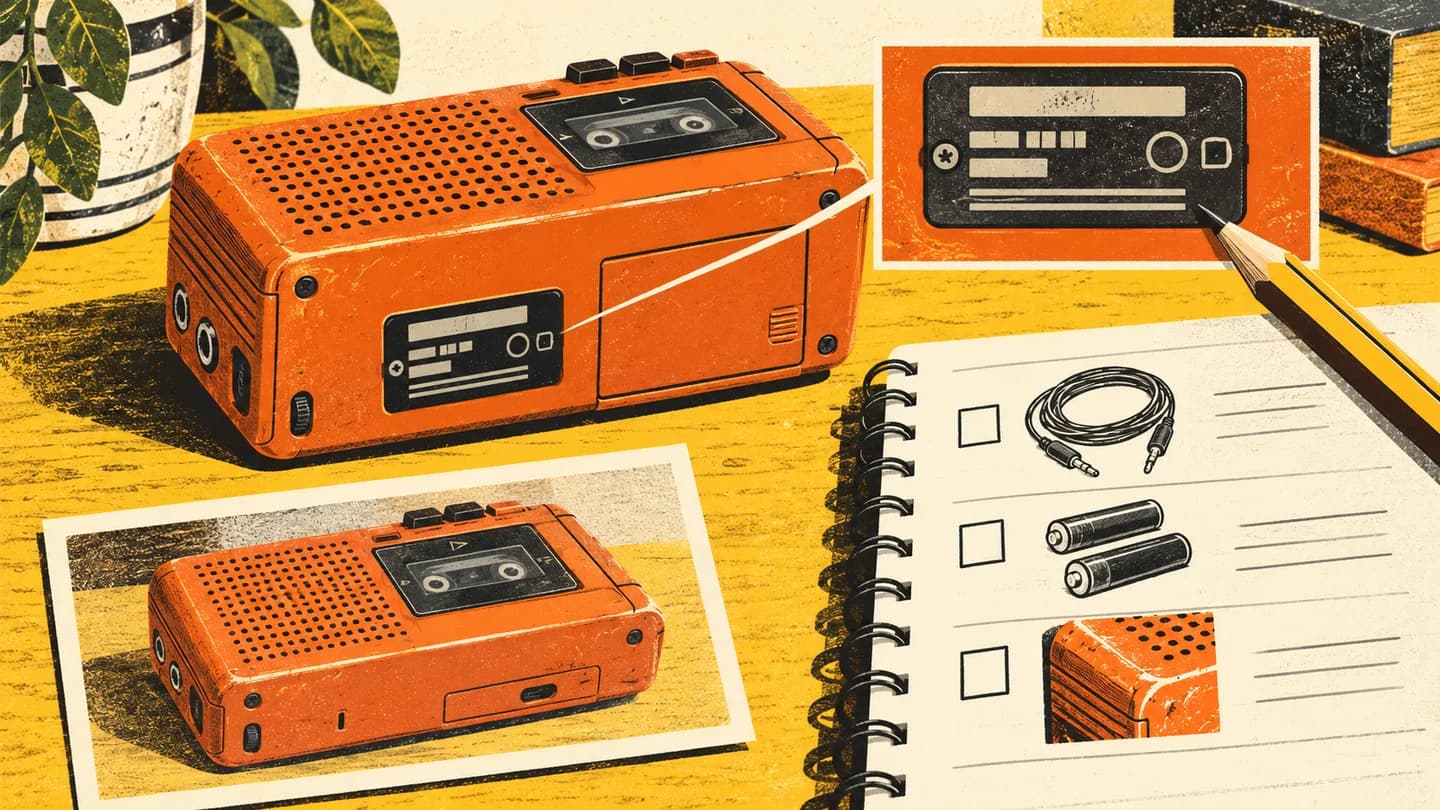
Read the guideSupply precise details that distinguish your find from similar-looking items.
Read the guideRead identification, condition and evidence alongside the price range instead of treating one number as a promise.
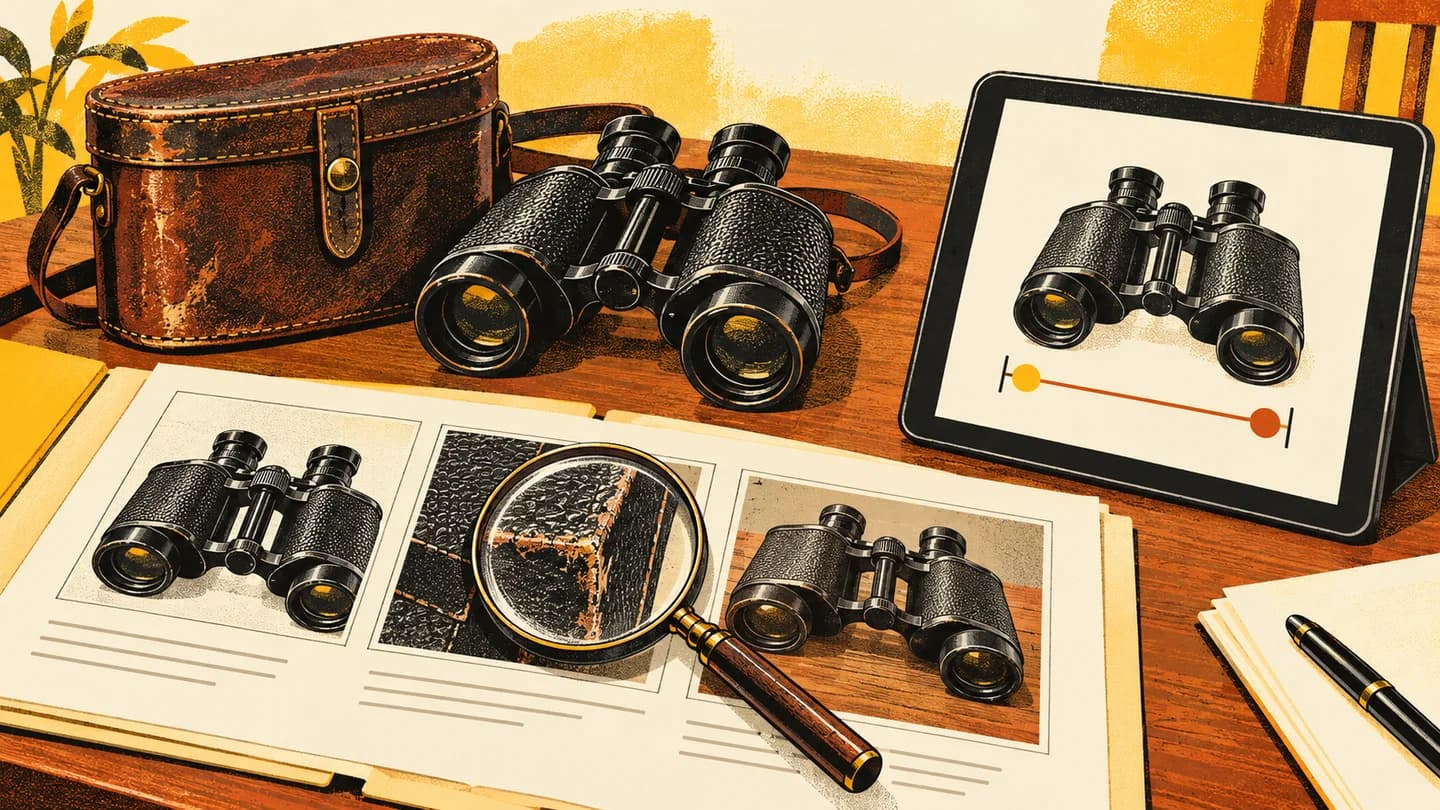
Read the guideUse the result’s eBay link as a research shortcut, then choose genuinely comparable sales.
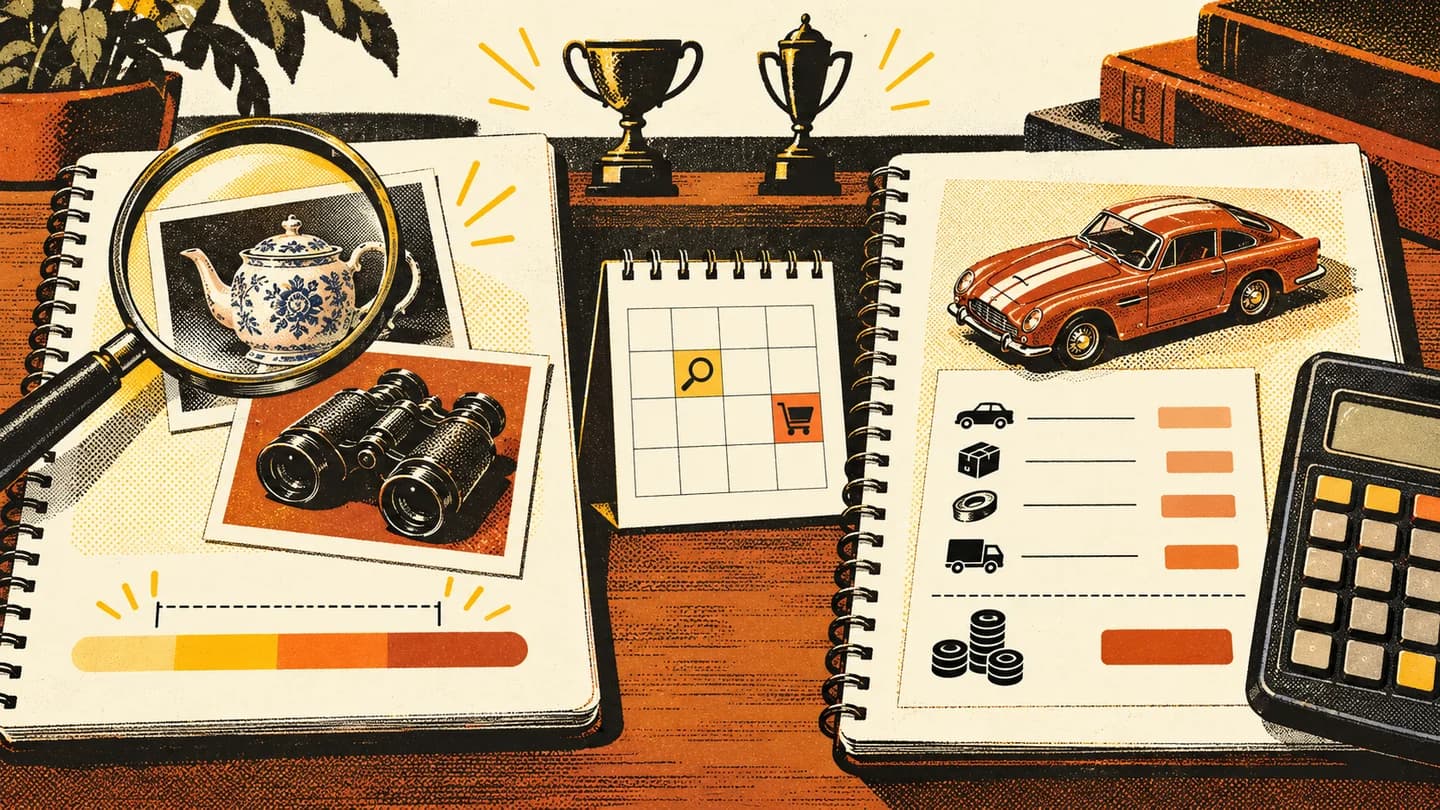
Read the guideEnter your buying price and selling costs to assess the valuation range, then check alternative sale prices separately.
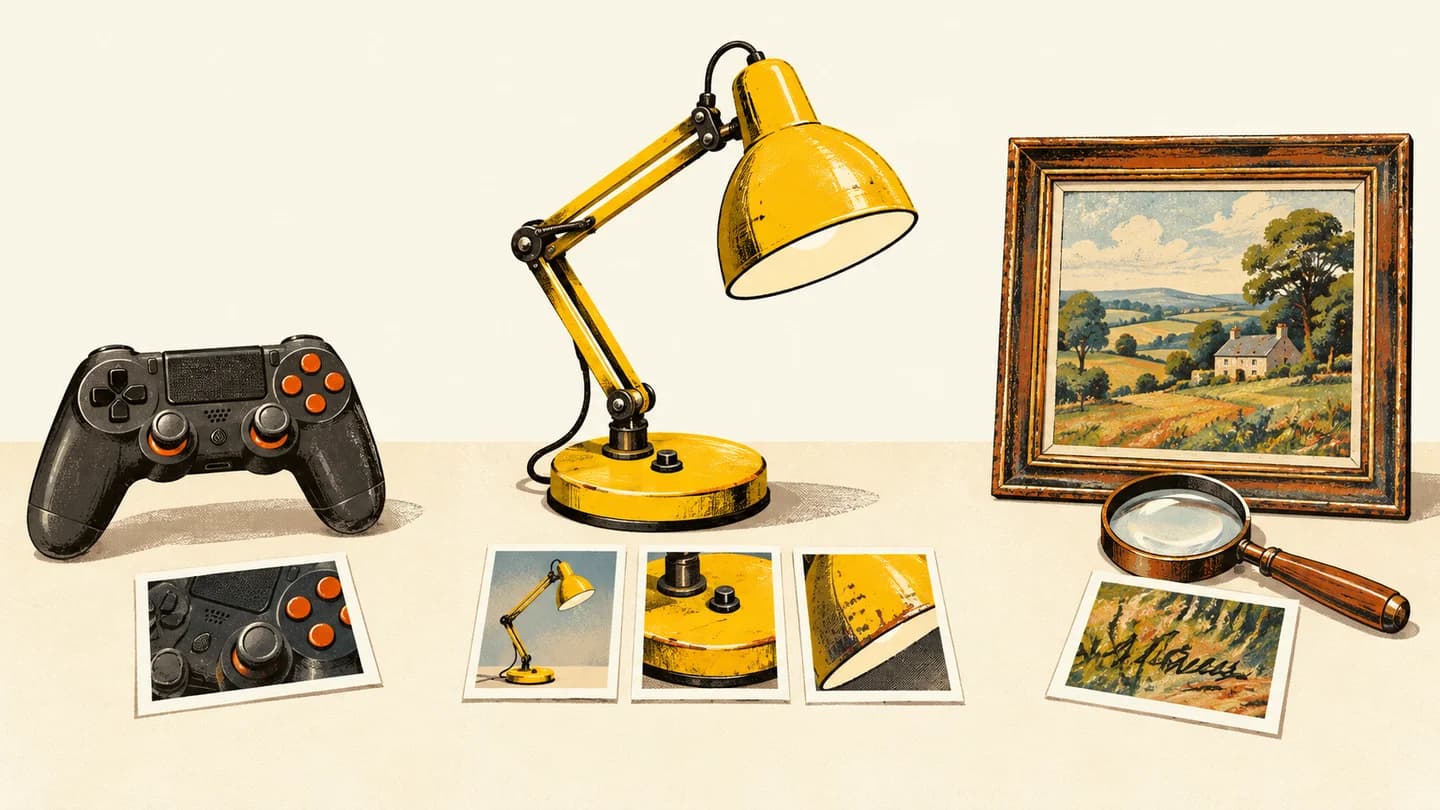
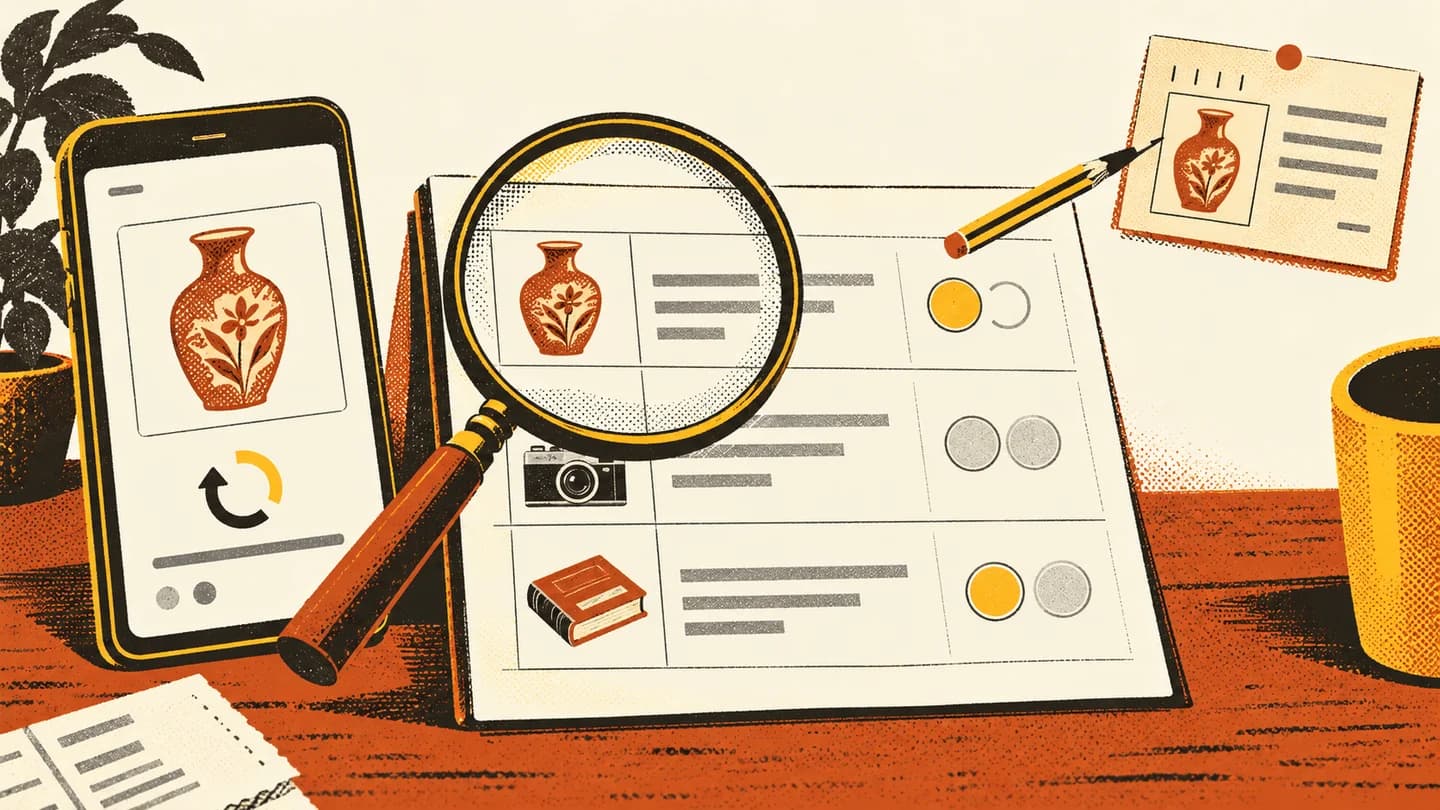
Read the guideResearch visible artwork while keeping the physical object’s medium, edition and authenticity separate.
Read the guideGive Art Scan accurate context without turning an unverified story into an established fact.
Read the guideReopen a completed Art Scan in My finds, or check the Art Scan screen if its research is still running.
Read the guideTreat alternative art estimates as separate scenarios that depend on evidence, rather than a single guaranteed range.
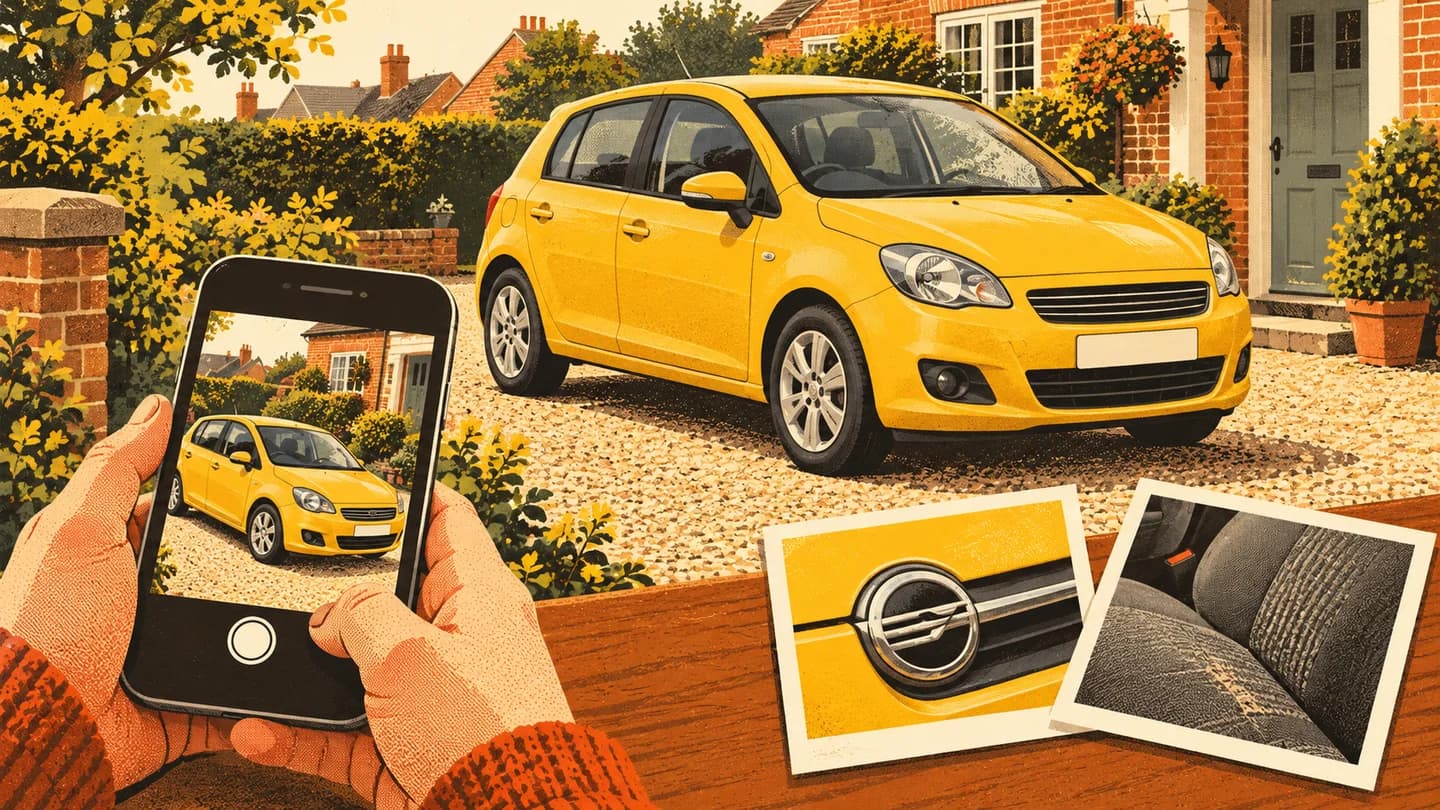
Read the guideUse the car valuation flow to research a private-sale guide range from photographs and accurate vehicle details.
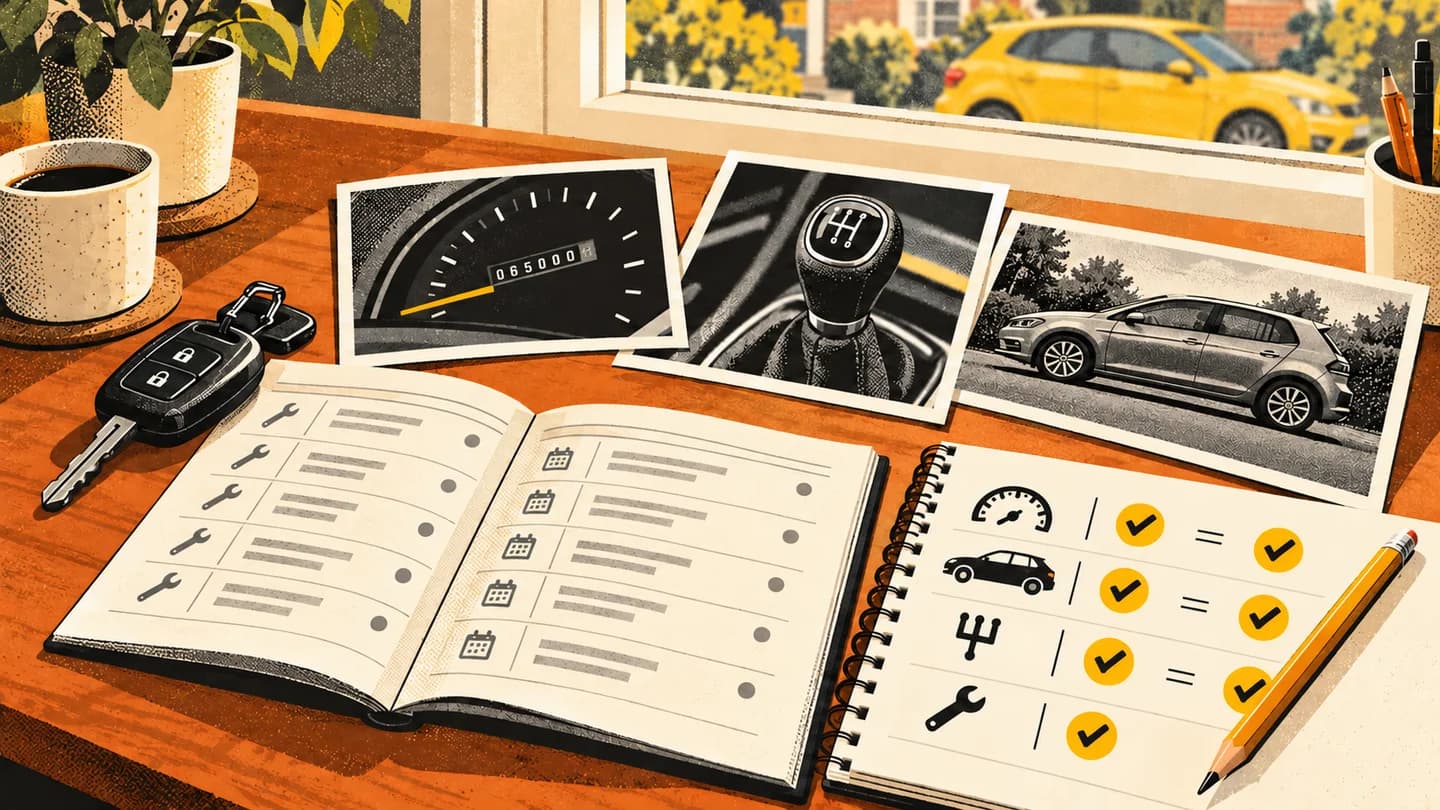
Read the guideImprove a car comparison by supplying the details that distinguish it from similar advertisements.
Read the guideResolve the existing scan before submitting another, and replace unusable images with clearer evidence.
Read the guideUse the original scan and credit activity together to understand a debit, refund or pending request.
Read the guideReturn to completed valuations to review evidence, prepare a sale or record what happened to an item.
Read the guideUse the saved photo gallery to revisit labels, accessories and condition details before listing.
Read the guideSave the actual purchase price so later profit calculations start from the right cost.
Read the guideRecord the money received and the costs of selling a find, rather than using its estimated valuation as revenue.
Read the guideUse recorded purchase prices, sale proceeds and costs to see which finds actually made money.
Read the guideStart a selling draft from an existing valuation and check every reused detail before listing.
Read the guideMake a saved selling draft accurate and useful to a buyer before you take it further.
Read the guideUse the description-writing tool for a first draft, then remove assumptions before a buyer sees them.
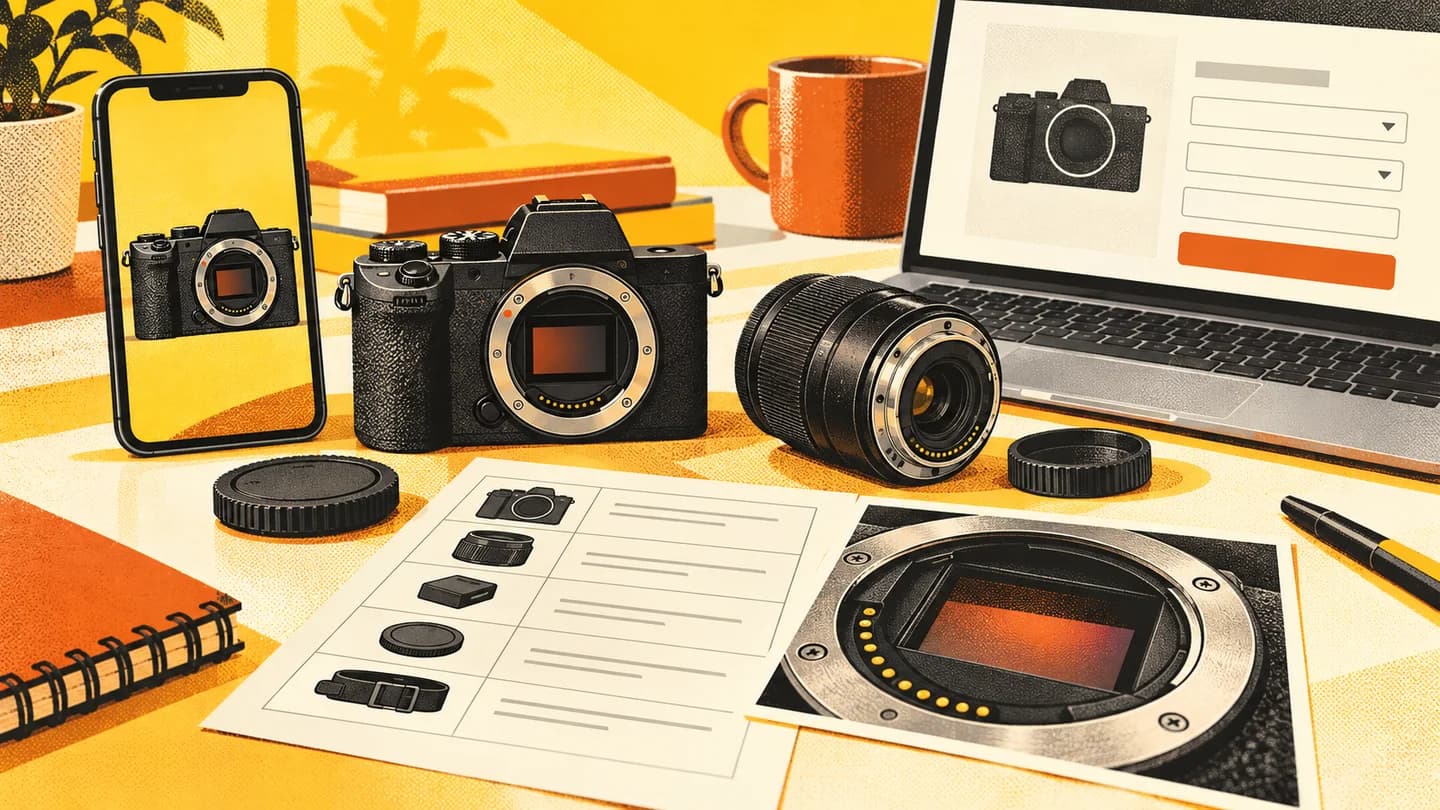
Read the guideOpen MPB from an eligible camera find and request a separate quote for your exact equipment.
Read the guideKeep a find’s selling status aligned with what happened on the actual selling platform.
Read the guideChoose whether your eligible finds take part in the public league while keeping track of your own progress.
Read the guideCompare like with like by choosing the right league metric and time period.
Read the guideManage your public league identity and use consistent date ranges when comparing progress.
Read the guideReview the milestones shown in your league panel and create a shareable achievement card.
Read the guideSearch by postcode and radius, then confirm the organiser’s details before travelling.
Read the guideUse the venue filters to plan the kind of second-hand shopping trip you want.
Read the guideBalance travel time with the number of places you want to explore.
Read the guideSwitch views according to whether you are comparing locations, reading details or choosing a date.
Read the guideRead the venue record carefully and confirm time-sensitive information before a buying trip.
Read the guideChoose an area, event types and reminder timing so relevant hunts can reach your inbox.
Read the guideKeep local-hunt emails relevant when your location, schedule or interests change.
Read the guideCheck your balance and the current purchase options before adding credits for more scans.
Read the guideMatch purchases, scans and refunds to their activity entries before assuming your balance is wrong.
Read the guideShare your personal invitation link and check the referral page for current eligibility and reward progress.
Read the guideSend a clear, reproducible problem report so the right screen and request can be investigated.
Read the guideCheck an existing eBay listing, end it deliberately and understand why disconnecting leaves adverts live.
Read the guideCheck monthly credit plans, manage an existing subscription and confirm cancellation without confusing it with your credit balance.
Read the guideShare an existing public advert, choose where it appears on Facebook and check the post before treating it as published.
Read the guideReturn to the account that holds your finds and credits, check it on another device and sign out when you finish.
Read the guideRecover an email-and-password account with a reset code, then check you are back with your original finds and credits.
Read the guideReview optional measurement cookies, change your choice and keep it separate from email reminders and account settings.
Read the guideSend a useful support enquiry, include the details needed to investigate and recognise when your message has been sent.
Read the guideDownload the shop-directory records, understand their sources and check the details before using them to plan a hunt.
Read the guide