The useful bit
Open MPB from an eligible camera find and request a separate quote for your exact equipment.
Current availability
The estimate and the offer are different
Bargain Bandit provides research; MPB decides what it will buy and what it will offer. A camera valuation is not an MPB commitment.
When available: follow the camera quote route
- Open a real completed camera or lens valuation in My finds. The quote card is not shown for sample results or every camera-related object.
- Find Want to sell this camera kit? on the valuation, or choose MPB in the available selling routes.
- Select Get a quote from MPB. This opens MPB in a separate tab; it does not submit a sale or turn the Bargain Bandit estimate into an offer.
- Check the exact model on MPB and supply its requested condition and accessory information. If the model is absent, ask MPB rather than selecting a similar-looking one.
- Read the quote and current inspection and collection terms before accepting anything. Keep the quote reference and your own condition photographs.
- After a completed sale, record the actual amount received and costs in the saved find. Opening the quote page alone is not a sale.
Prepare the equipment record while the link is paused
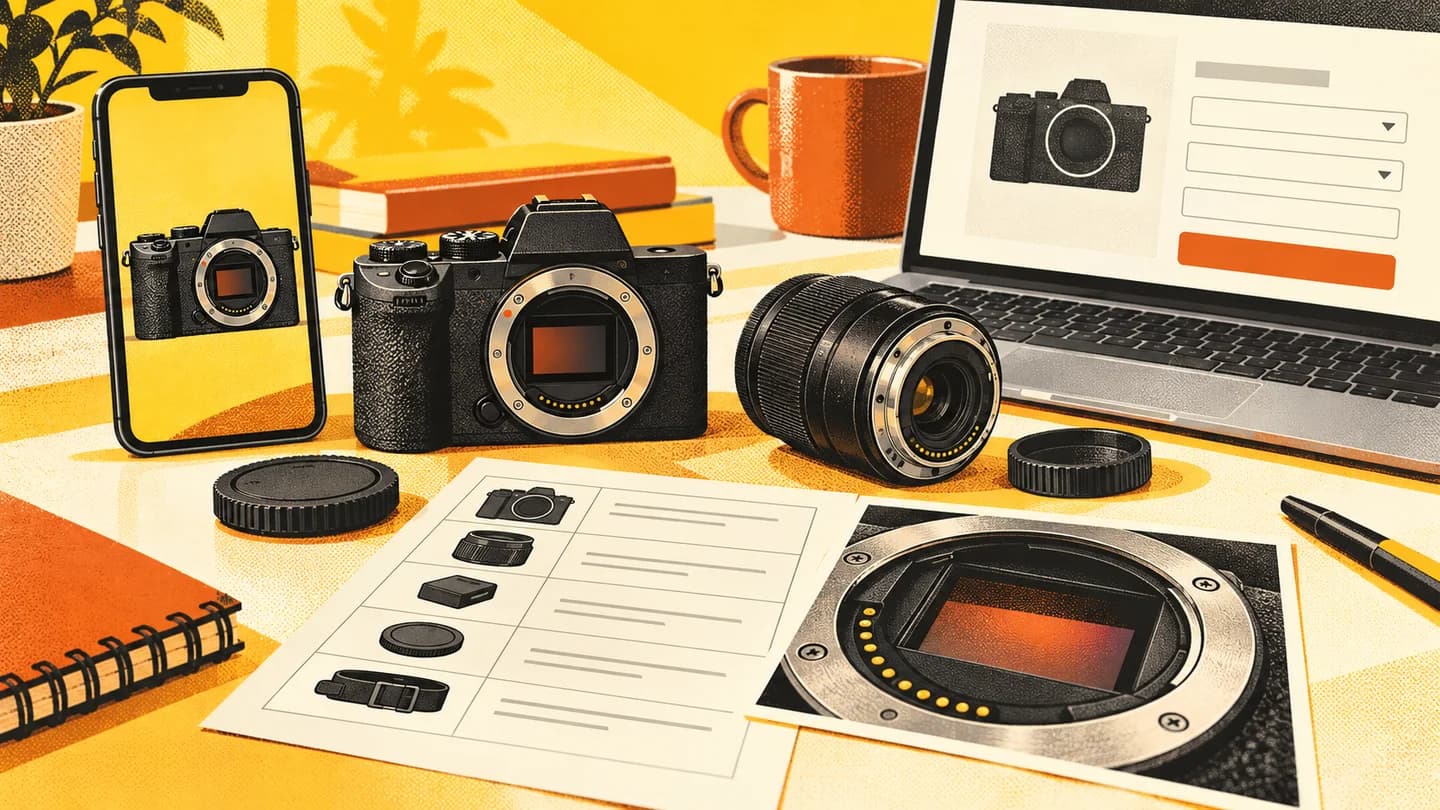
Use the saved valuation to collect the full model name, lens mount, cosmetic condition, known faults and included accessories. Distinguish what you physically checked from what the identification suggested. You can visit MPB independently, but a quote obtained there is separate from Bargain Bandit; do not assume its status or final amount will appear automatically in your saved find.
Have these details ready
Do not guess from a similar product photograph.
- Full model and lens-mount details.
- Cosmetic condition and known faults.
- Accessories you will include.
- Any testing you have actually performed.