The useful bit
Use the saved photo gallery to revisit labels, accessories and condition details before listing.
The useful detail may be in another view
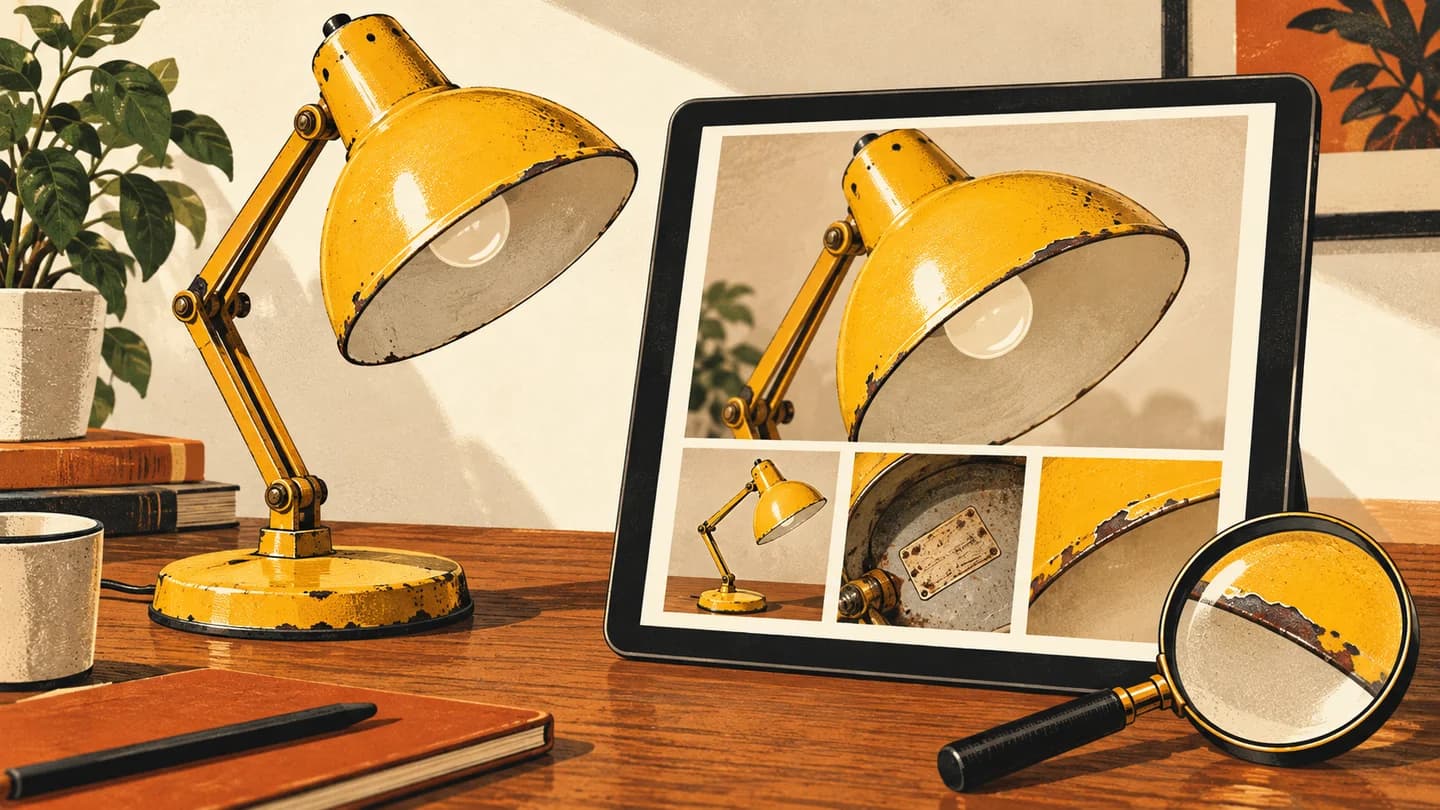
A thumbnail is a reminder, not a complete condition record. A label or fault photographed during a Detailed Scan may only appear in a secondary image.
Review the gallery
- Open My finds and choose the item. A multi-photo card shows a photo count, helping you spot finds with extra views.
- In the valuation, read Photo 1 of the saved total beneath the main image. If more than one was saved, select a numbered thumbnail to change the main view.
- Choose Open full size to open the selected original view in a separate tab. Use it to inspect model labels and condition details that are too small in the result layout.
- Work through the other thumbnails, checking completeness, accessories and previously recorded damage.
- Take fresh photographs for selling if the saved set does not fully represent the item today. This gallery displays the photos saved with the valuation; it is not an editor for adding new scan photos to that result.
Before reusing scan photographs
A selling photo has a different job from an identification close-up.
- Include a clean overall view of the actual object.
- Make faults visible at a useful size.
- Avoid personal information in backgrounds.
- Check that every pictured accessory is included in the sale.