The useful bit
Supply precise details that distinguish your find from similar-looking items.
Facts beat guesses
Small suffixes can identify a different lens mount, capacity or production version. Copy what is present rather than completing an unclear number from memory.
Add evidence
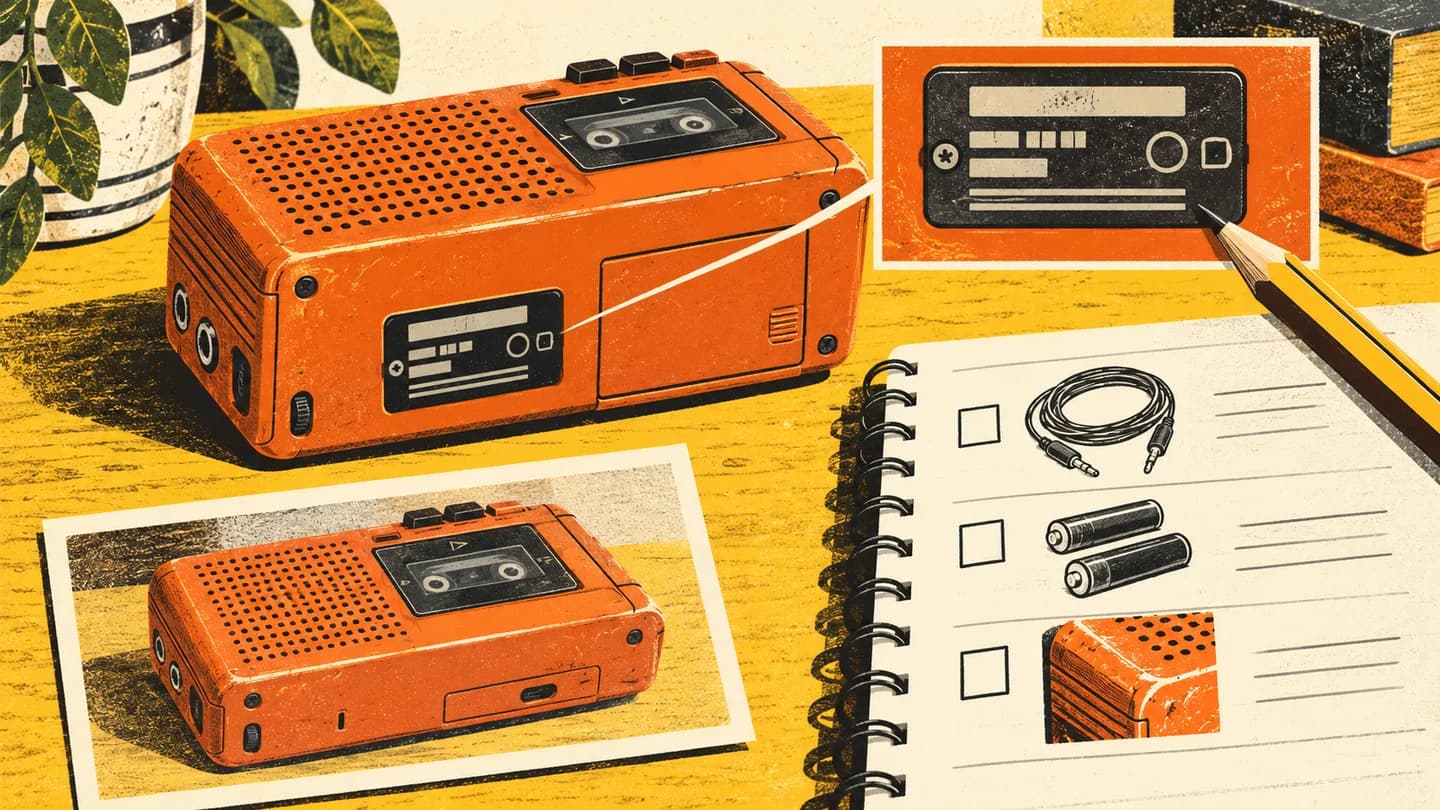
- Inspect the base, rear panel, battery compartment or maker’s label where safe. Do not open a sealed electrical casing to look for a number.
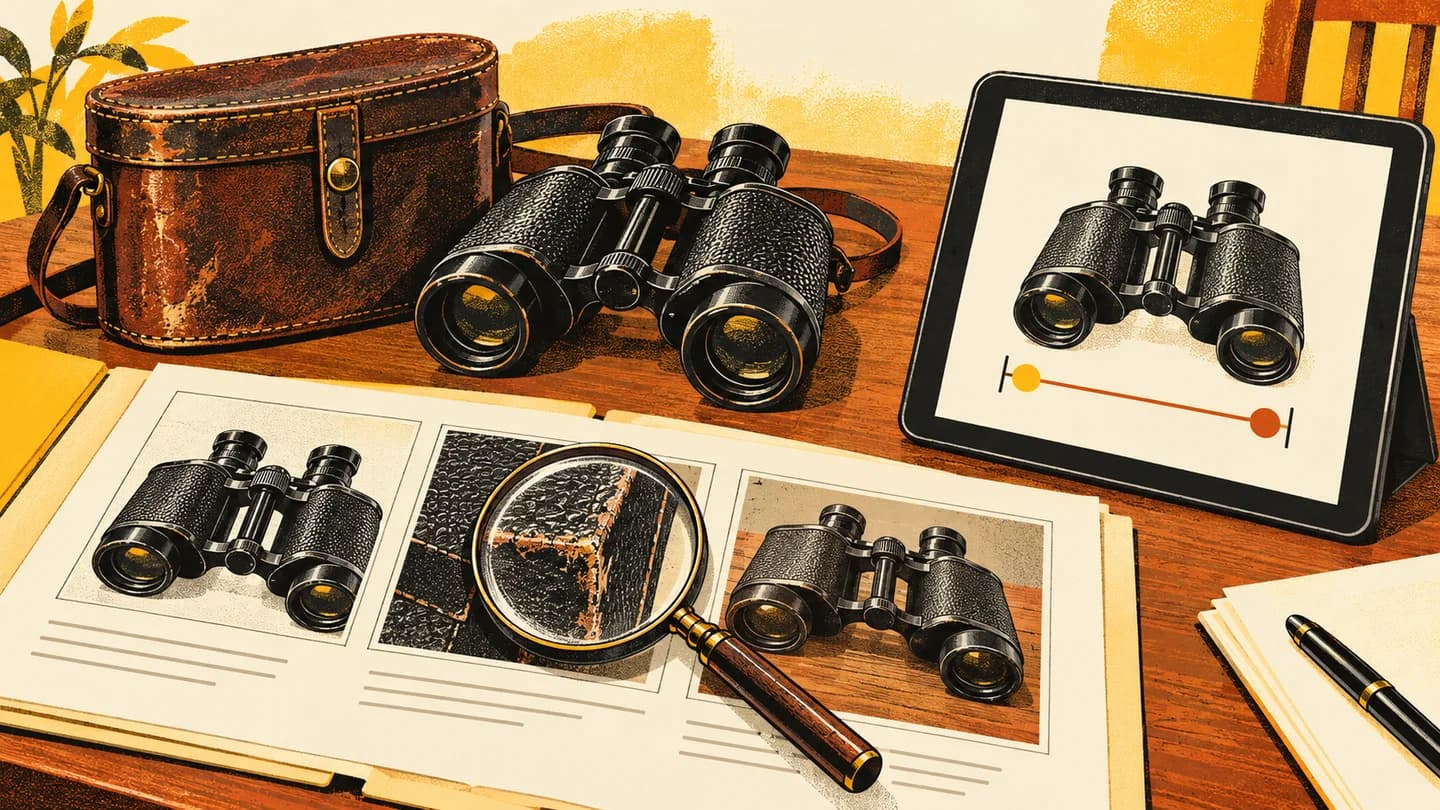
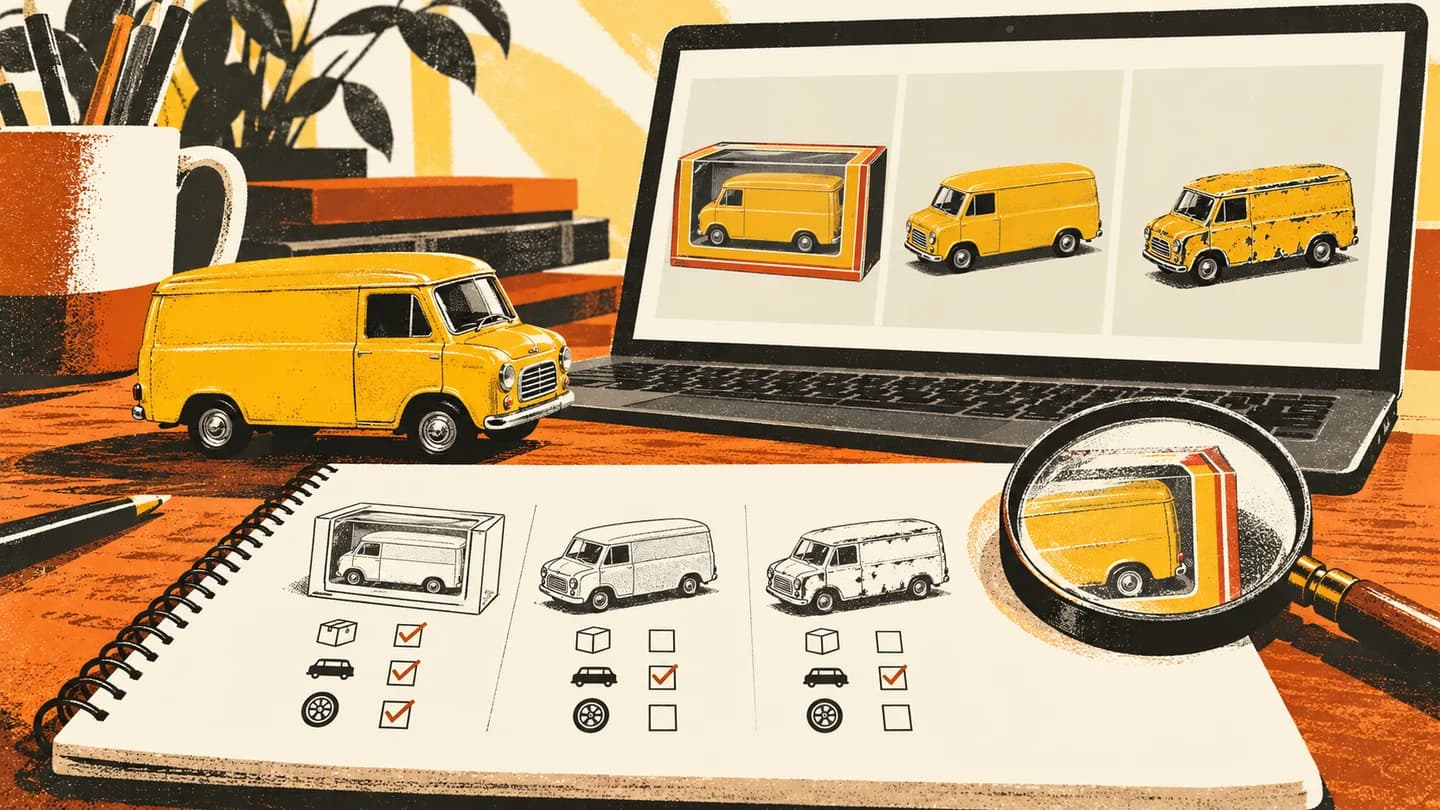
- Open Detailed Scan. Add a whole-item photograph and a sharp identifier close-up, within the three-photo limit.
- Expand Add details (optional) and find Anything else you know. Copy the identifier exactly; use a question mark for a character you cannot read.
- Choose a supported Condition, or leave Not sure. In the notes, state what you tested, which accessories are present and any faults. You have 500 characters, so put the distinguishing details first.
- Review the photographs and notes together, check the credit cost, then press Start Detailed Scan.
Useful wording
Write observations a reader could check.
- “Model label reads X100 II”, rather than “probably the expensive one”.
- “Powers on; other functions not tested”, rather than “working”.
- “Charger missing; battery included”, rather than “all there”.
- “Chip on the underside shown in photo”, rather than “good for age”.
Check the resulting identification
If the result misses your identifier, research that discrepancy before buying. Notes help interpretation but do not guarantee the system will resolve every version correctly.