The useful bit
Keep local-hunt emails relevant when your location, schedule or interests change.
Change the saved setting, not just a search
Searching another town in the finder does not necessarily replace your reminder preferences. Open the actual reminder controls to change future emails.
Update reminders
- Open Find a hunt, choose Get email reminders and sign in to the account receiving the emails.
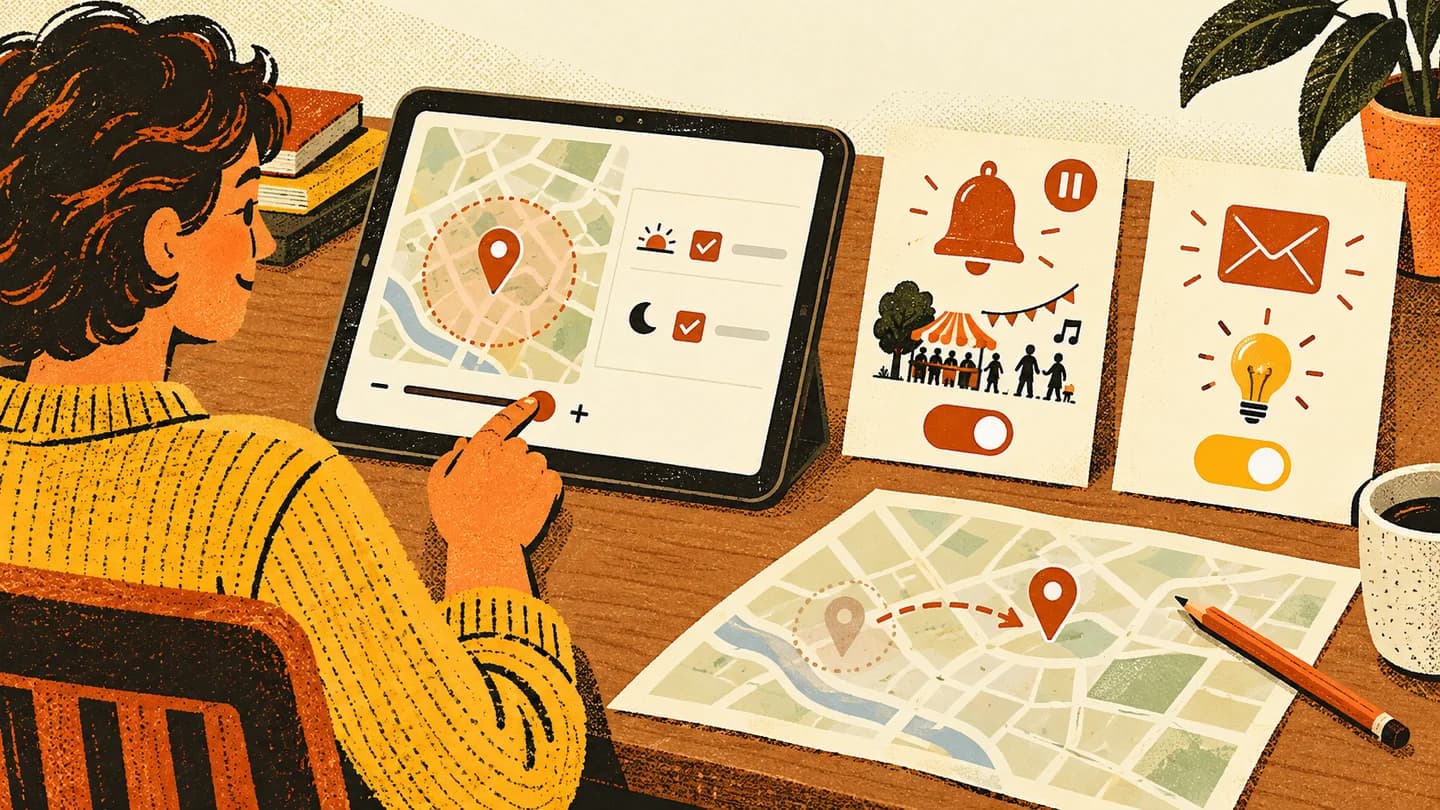
- Check the reminder form’s Your UK postcode and Within settings. Use my search postcode, if offered, copies the search area but does not save it on its own.
- Change Tell me about and Remind me. Keep at least one event type and one timing selected if you want reminders enabled.
- Tick the consent box again, save and read the status. If confirmation is needed, follow the email and use Check status when you return.
- To stop reminders, choose Pause reminders. Wait for Reminders paused. Your area and preferences are saved. To restart later, review those settings, consent and use the enable/save action offered.
Manage getting-started emails separately
Choose Manage getting-started emails beneath the reminder form to open Email preferences. Set Send me getting-started emails as you want, then choose Save email preference and read the confirmation. That choice is separate from local event reminders, analytics preferences, and account or payment messages. If delivery is paused for your address, changing the checkbox will not restart it; use the displayed Contact us link for help.