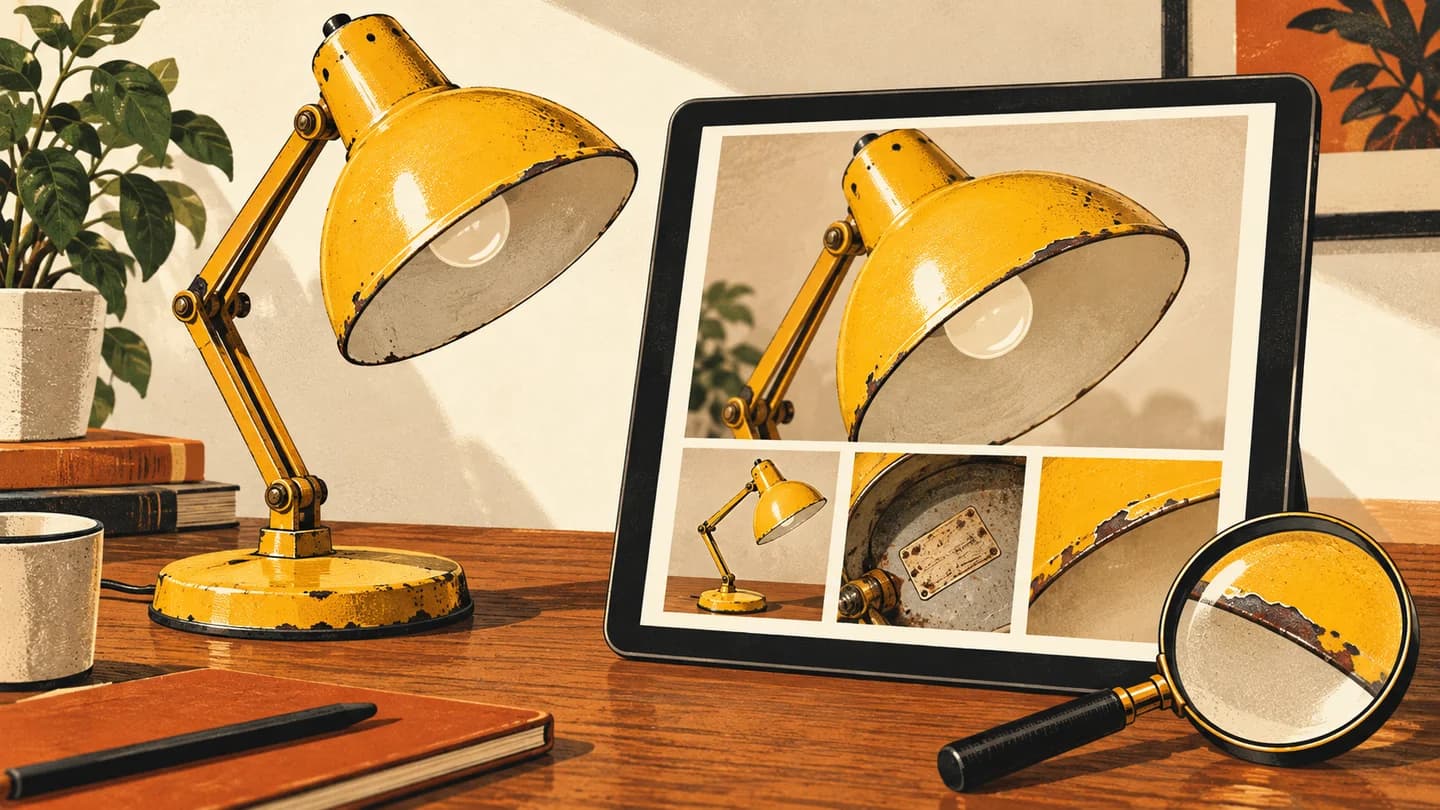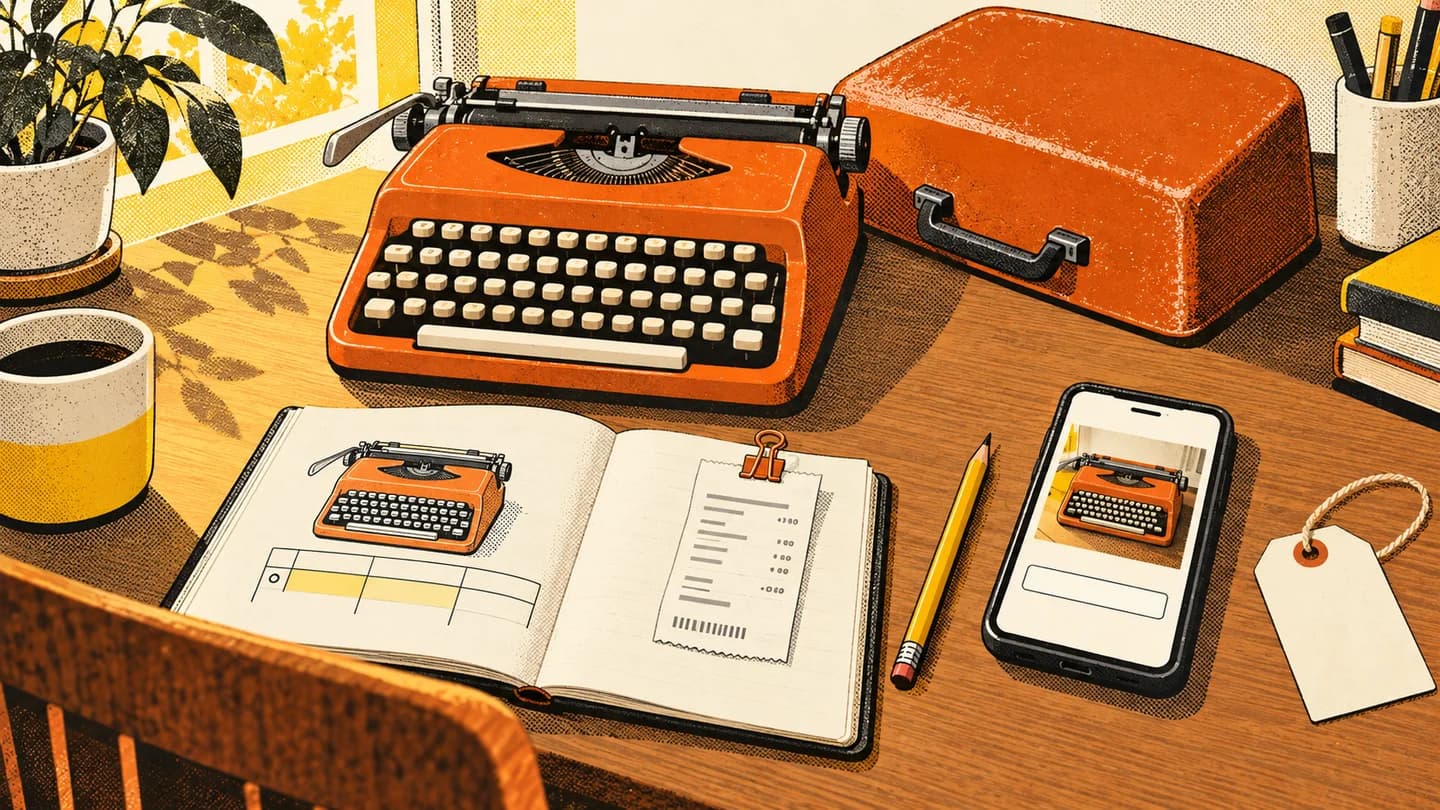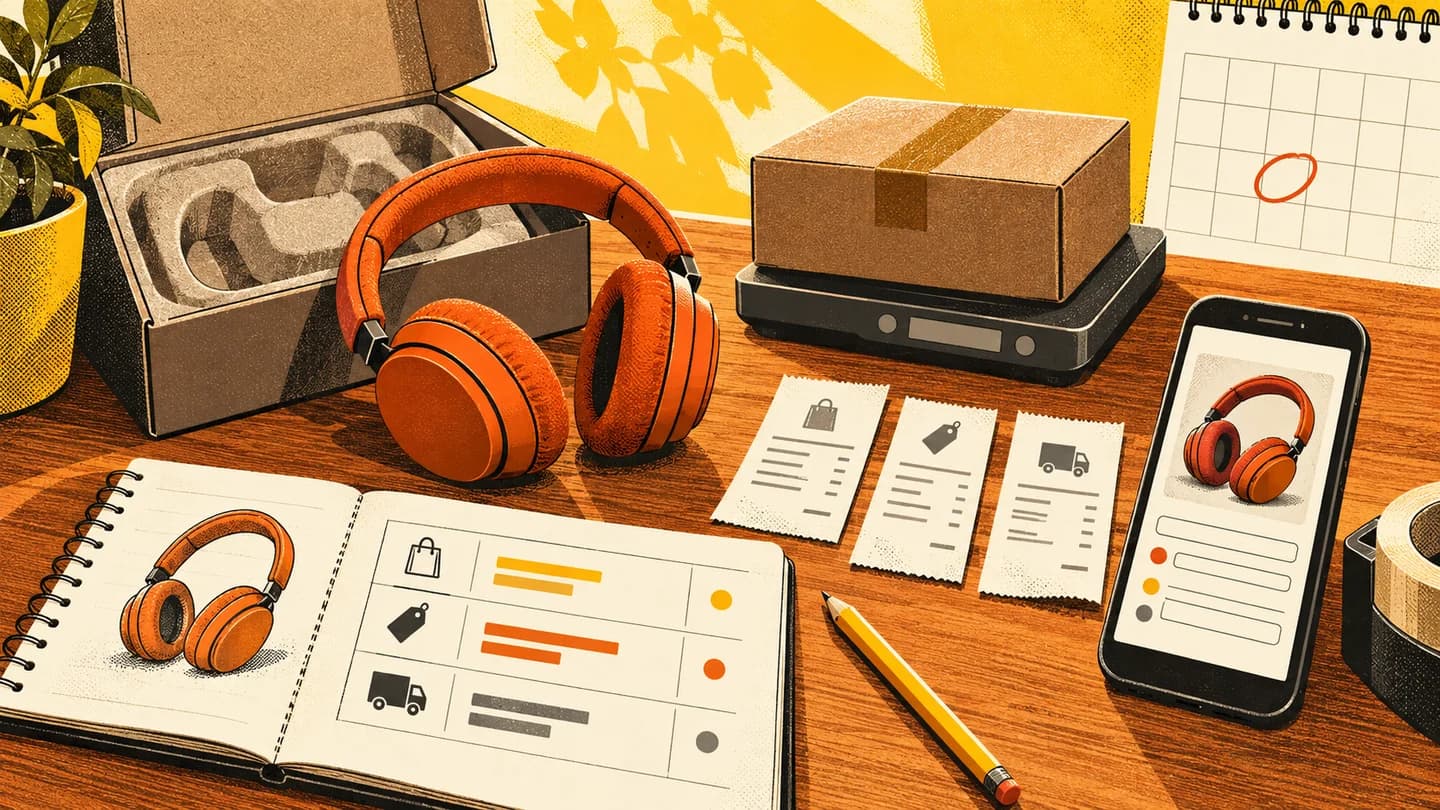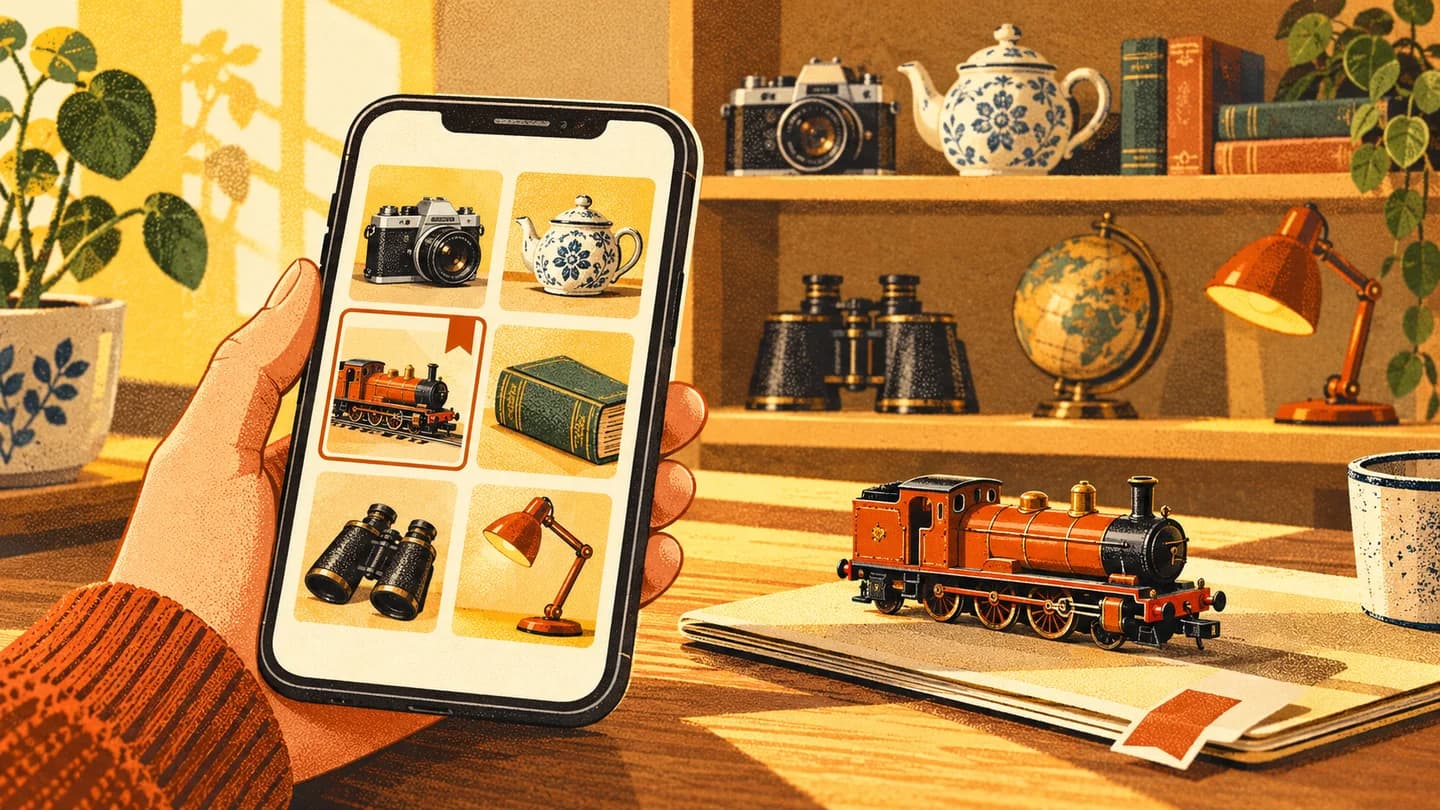
Return to completed valuations to review evidence, prepare a sale or record what happened to an item.
Use the original account
Saved finds belong to the account that created them. If your collection looks empty, check your sign-in details before assuming the scans disappeared.
Reopen a find
- Open Bargain Bandit and choose My finds in the same account used for the scan.
- Start with All finds. Search your finds by a useful title or model word, or clear the search to see the broader collection.
- Use Next and Previous if your collection spans multiple pages. Match the photograph and title before opening an entry.
- Select the find to reopen its full valuation, then review identification, condition, evidence and saved photos.
- For a real saved find, use its purchase and sale details to record what happened. Selling-draft tools depend on current availability; a saved valuation remains useful while those tools are paused.
If a find does not appear
The Below estimated value filter narrows the collection, so switch back to All finds before concluding that something is missing. A pending initial Art Scan does not appear as a completed find yet; return to Art Scan to check its research status. If the collection itself reports a loading error, use Try again rather than resubmitting the item for a new paid valuation.
Treat older values as dated research
A saved result helps you retain what was known at the time. It is not a promise that the market still pays the same amount. Before listing an old find, check fresh comparable sales and the object’s current condition.