The useful bit
Use the venue filters to plan the kind of second-hand shopping trip you want.
Choose shops or events
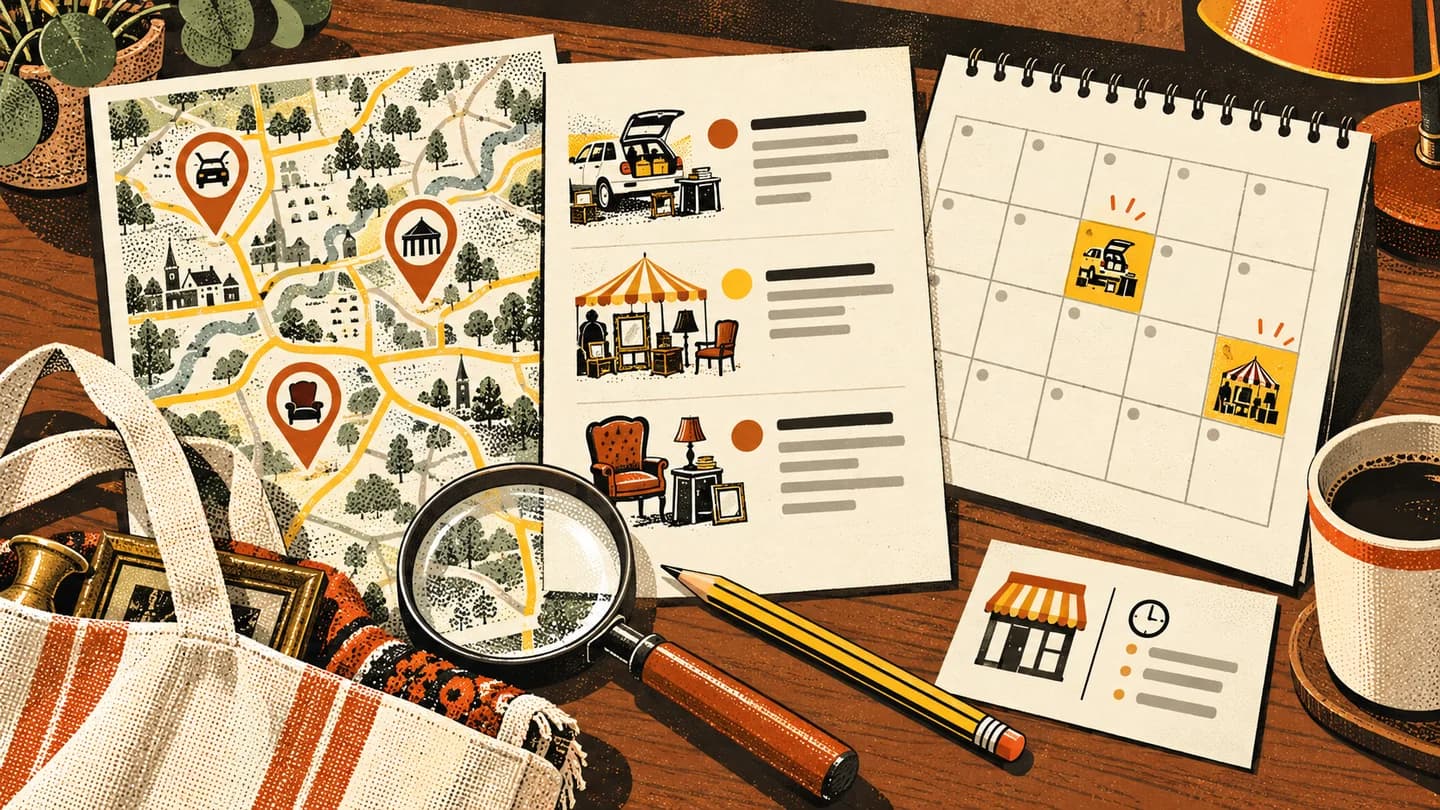
A shop visit depends on opening hours; an antique fair depends on a specific event date. Keep that distinction in mind when switching between map and calendar views.
Choose a venue type
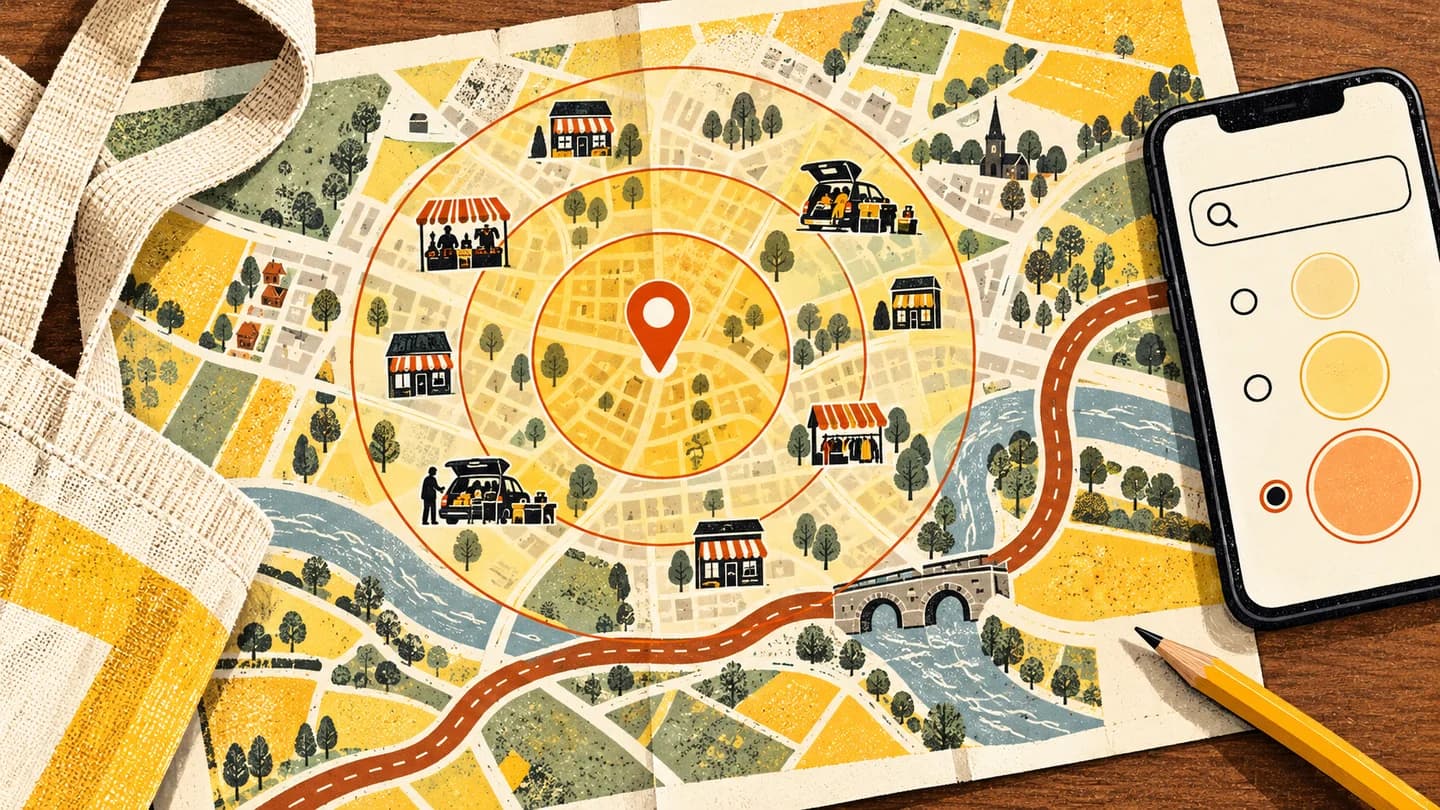
- Open Find a hunt, enter Your UK postcode, choose Within and press Find a hunt.
- Use List or Map, then select Charity shops, Antique shops or Antique fairs under Place type. Everything combines the types.
- Read each card’s address, Opening hours or event date, notes and source-check information. Select Show more places when additional cards are available.
- For shops, choose Shop website, Check shop source or Map listing, depending on the available source. Use that information to confirm opening and address details.
- For an antique fair, choose Check organiser and confirm its advertised date, entry times and fees before travelling. Calendar shows events; it does not show shop opening hours.
Browse without a local postcode
Browse all UK venues opens the national map. Zoom in or select a numbered group to explore a cluster, then select an individual venue for details. Use a postcode search if you want a local list of shops; an empty national list is not proof that the map has no shops.
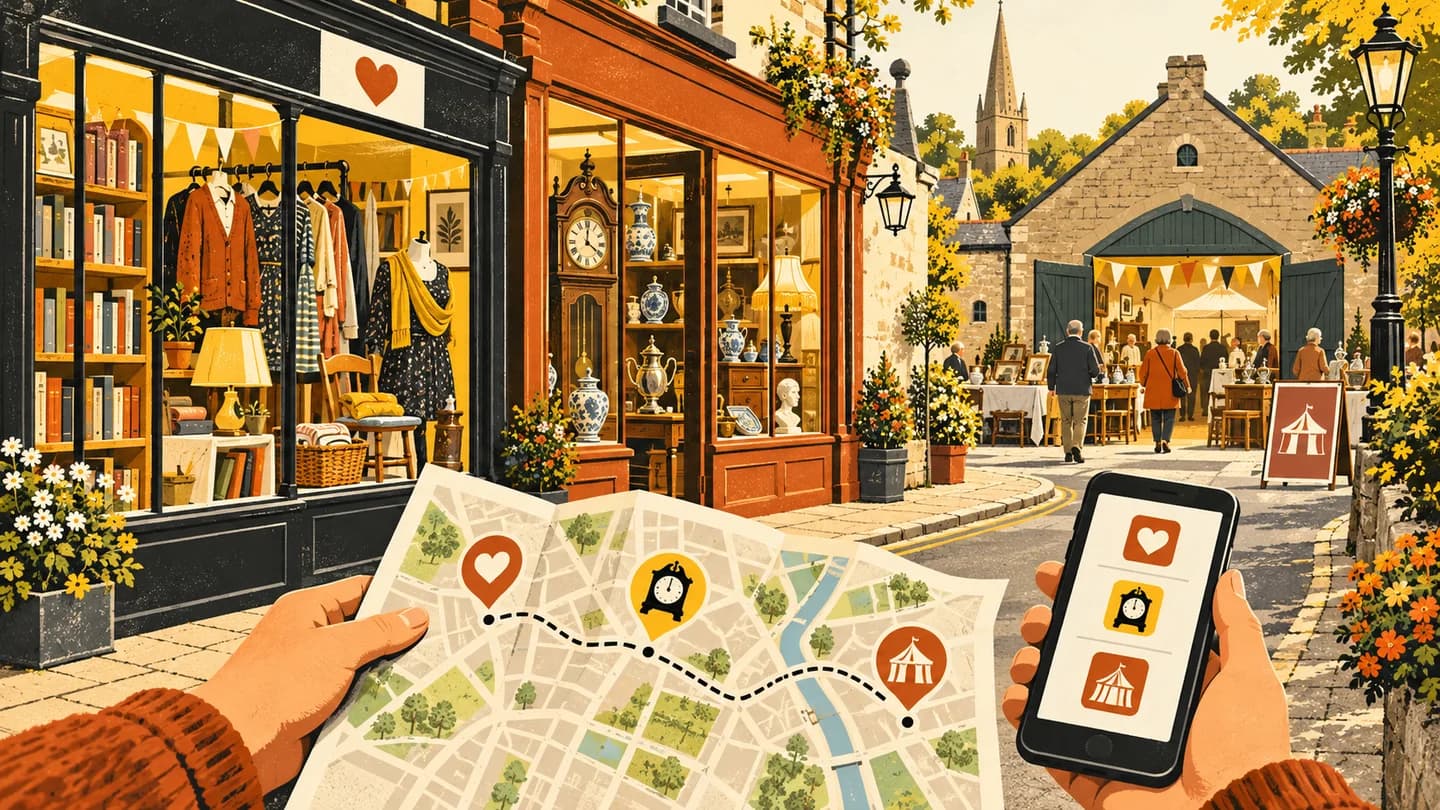
Combine nearby stops
A cluster of shops can make a buying trip more efficient than one distant destination. Check parking and walking distances separately; nearby map pins do not automatically form an accessible route.