The useful bit
Switch views according to whether you are comparing locations, reading details or choosing a date.
Each view has a different job
Start with your postcode and venue filter, then choose the view that answers your next question. A map helps with geography; a list makes records easier to compare.
Choose your view
Use List, Map and Calendar above the results.
- Map: explore locations and select a pin for venue details. On the national map, select a numbered group to zoom in; tightly grouped venues may open a list of names.
- List: compare addresses, opening information, dates and source links on cards. Show more places reveals further results.
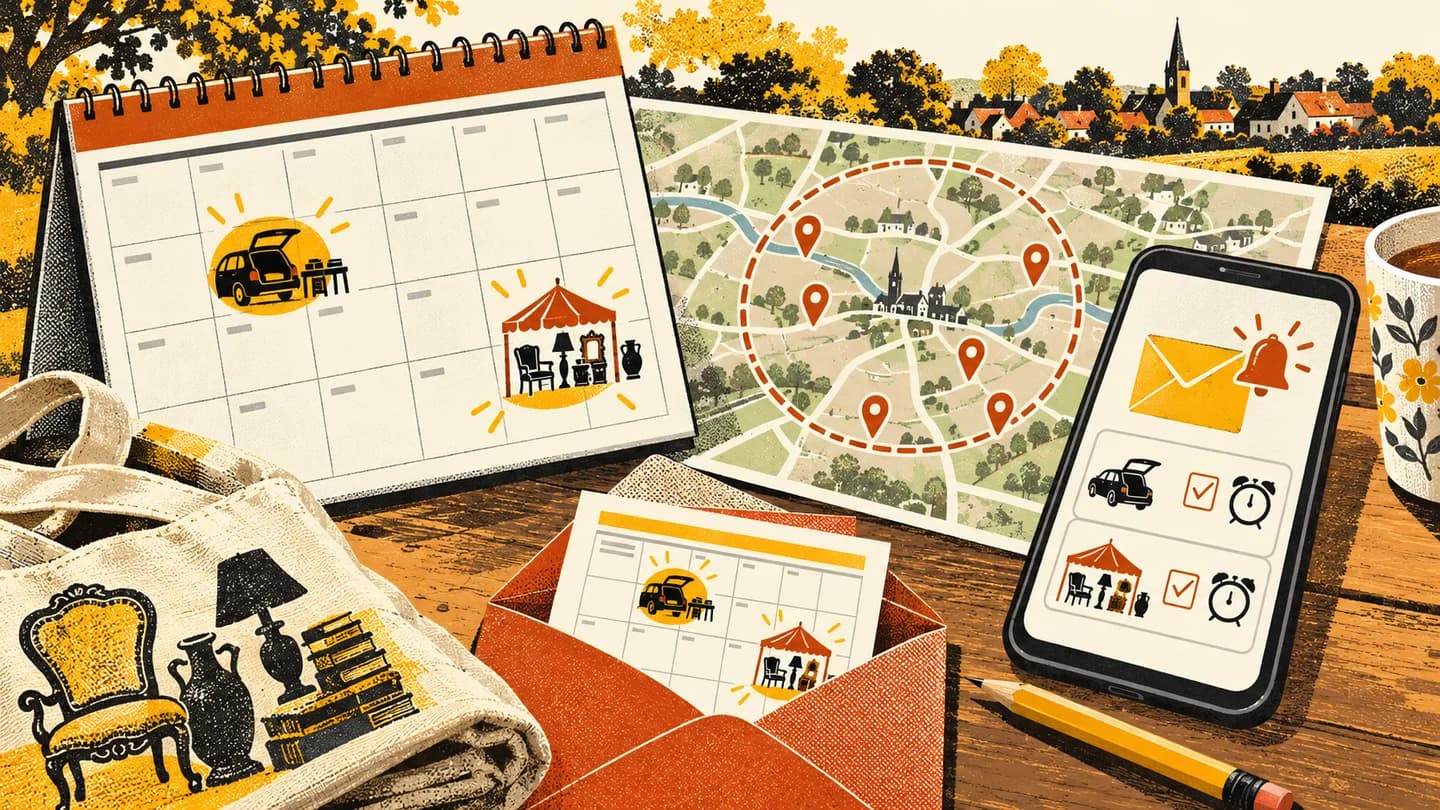
- Calendar: view dated car boot sales and antique fairs. Shop filters are removed in this view; switching from a shop filter resets the selection to All events.
Check an event in the calendar
- Choose Calendar after setting your search area.
- Use Previous month or Next month where enabled. The calendar has a limited forward window; a disabled arrow is not an indication that no later events exist.
- Select a highlighted day to filter the event cards to that date. Unhighlighted days have no listed dates for the current selection.
- Read the matching cards and use Clear followed by the selected date to return to the whole displayed month.
- Choose Check organiser to confirm the event, particularly a Usual schedule date. Change to List or Map when you want to check shop opening hours.