The useful bit
Use the description-writing tool for a first draft, then remove assumptions before a buyer sees them.
Current availability
Give it accurate input first
Correct the item’s identity and condition before generating text. A polished description built from the wrong model is still a poor listing.
When available: generate, review and save
- Open the selling draft through the saved find and choose an advert route. A new advert may begin writing its first description automatically.
- First check Listing title, Condition, Has it been tested? and Condition and included accessories. These details guide the wording.
- Choose Rewrite description and wait for Writing… to finish. Saving is disabled while the description is being written.
- Read Sales description line by line. Keep model details and observations that you can support; correct assumptions about operation, authenticity, completeness or accessories.
- If you change the underlying item details afterwards, rewrite or edit the description again. The prompt about changed details is a reminder to make the text consistent.
- Review the final draft, confirm ownership and accuracy, then use Save draft. If generation fails, you can still write or edit the description manually when the editor is available.
Use a short evidence note during the pause
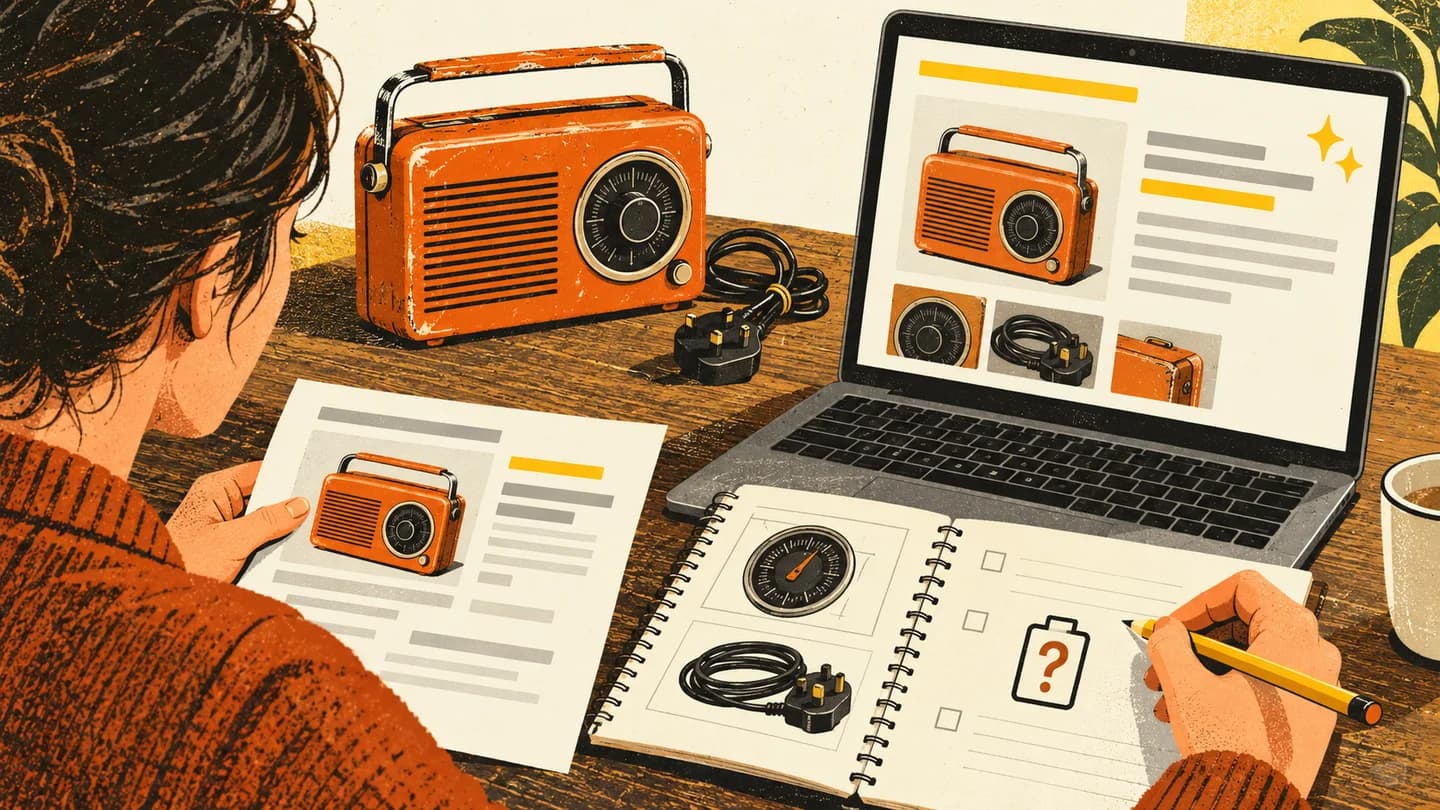
The AI tool is unavailable while selling is paused, but you can prepare its factual inputs. A useful note might say: “Portable radio, model read from rear label; FM reception tested; battery operation untested; scratched handle; mains cable included.” That is more useful than “excellent vintage radio”. Keep a manual description separately until the editor is available, and do not turn an untested feature into a working claim.
Watch for these assumptions
The system has not physically tested your object.
- “Fully working” when you only checked that it powers on.
- “Genuine” without appropriate authentication.
- “Complete” when you have not checked the contents.
- An included charger or case that is absent from the actual sale.