The useful bit
Make your subject easy to identify by controlling focus, glare, background and the details shown.
Give the scan something definite to work with
The system needs to distinguish your object from similar ones. A dark photograph across a crowded table may hide the exact details that change its value.
Take a clear set
- Move to even light where practical and ask before moving a seller’s item.
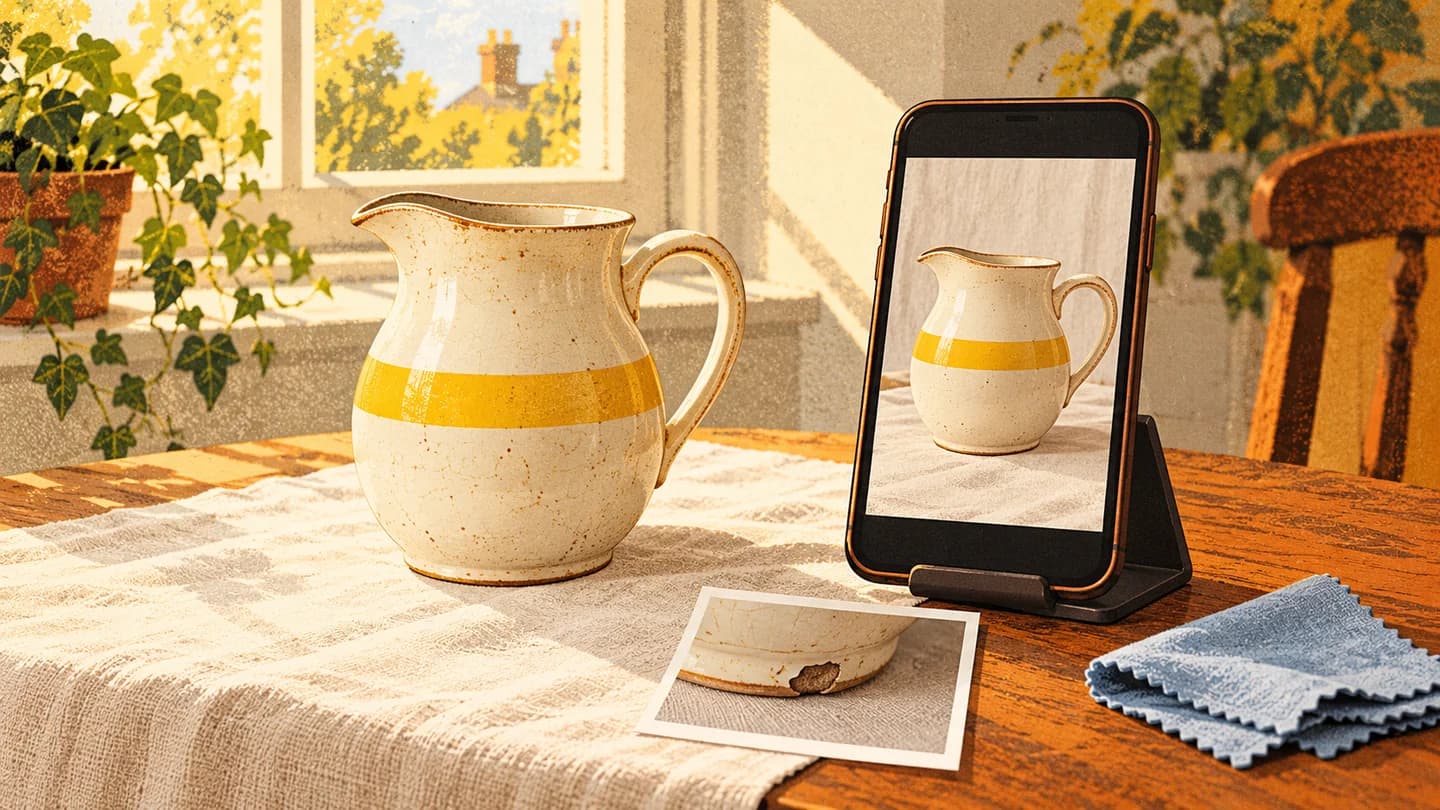
- Clean the phone lens and hold still. In your phone’s own camera app, tap the subject to focus where supported.
- Fill most of the frame without cropping off important parts.
- If preparing saved photographs or using Detailed Scan, check the picture before submission. In Quick Scan, check the live view first: pressing the shutter or choosing a saved image submits immediately.
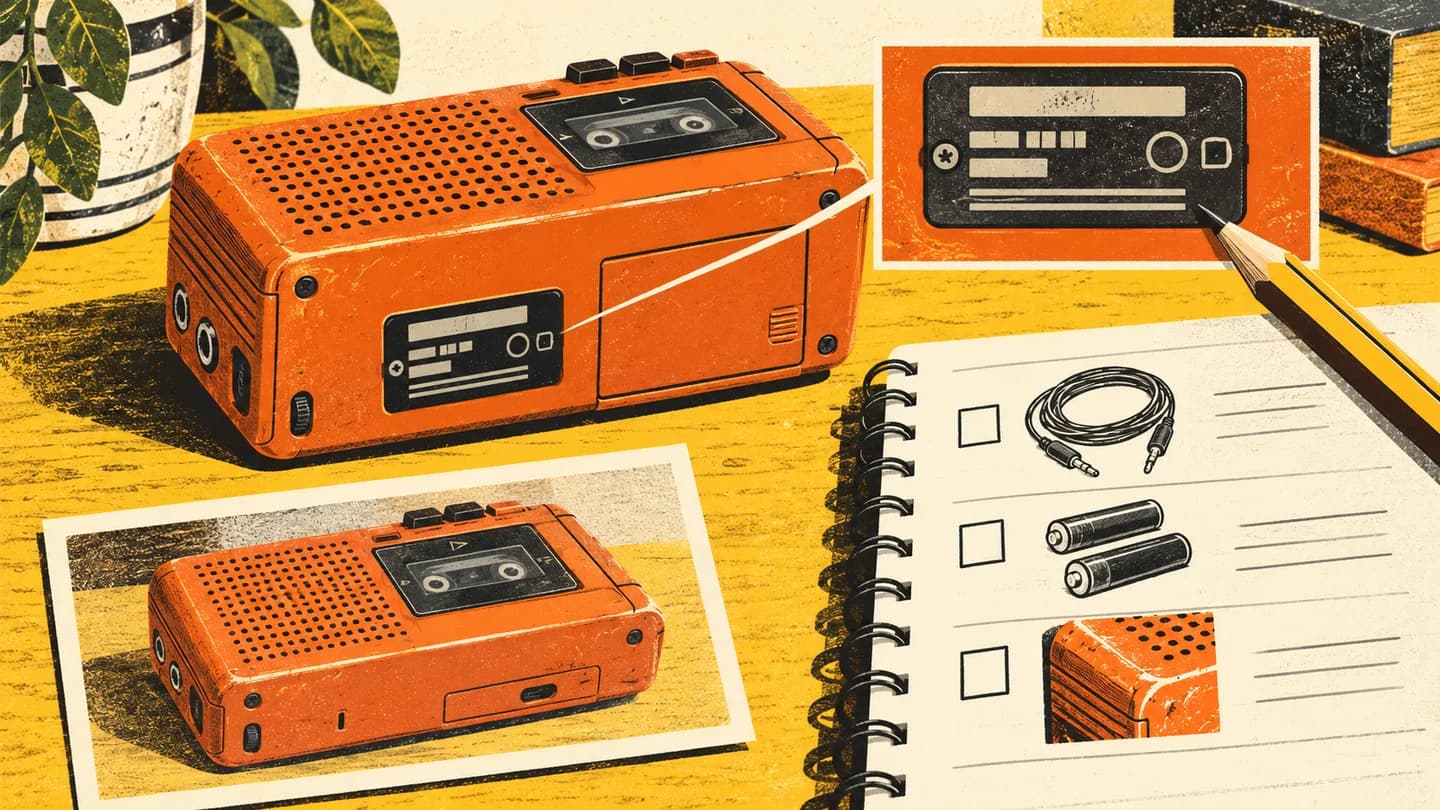
- For Detailed Scan, add the model label and a condition close-up.
Match the view to the object
Useful detail varies by category.
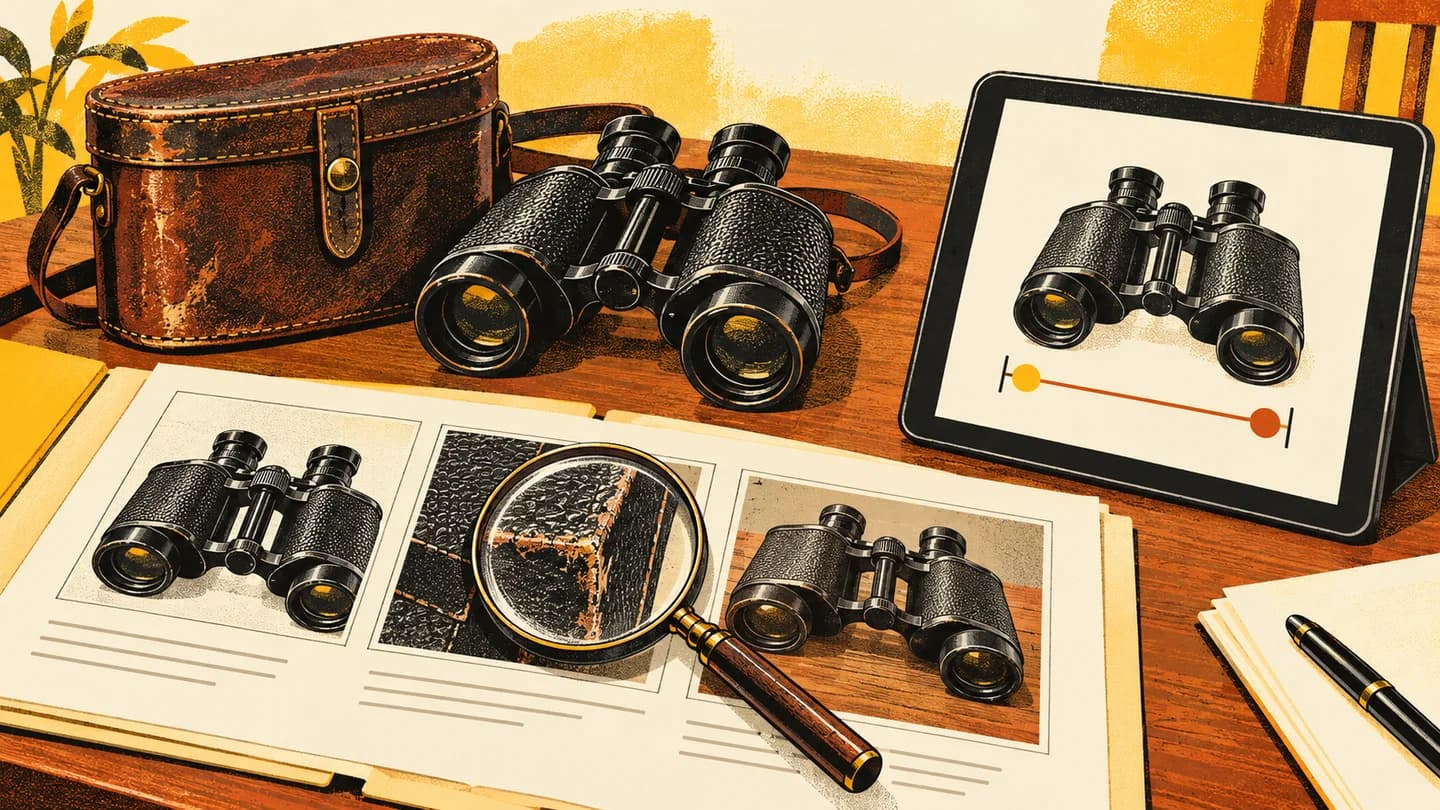
- Books: title page, edition information and jacket condition.
- Electronics: exact model label, ports and accessories.
- Pottery: overall shape, base mark and chips.
- Art: the whole image, with signature and label details explained in notes.