The useful bit
Review the milestones shown in your league panel and create a shareable achievement card.
Start with your own progress
Open Bandit League to see personal totals and the badge section. The progress shown reflects the app’s recorded and qualifying activity, so check your find details if something looks incomplete.
Review and share
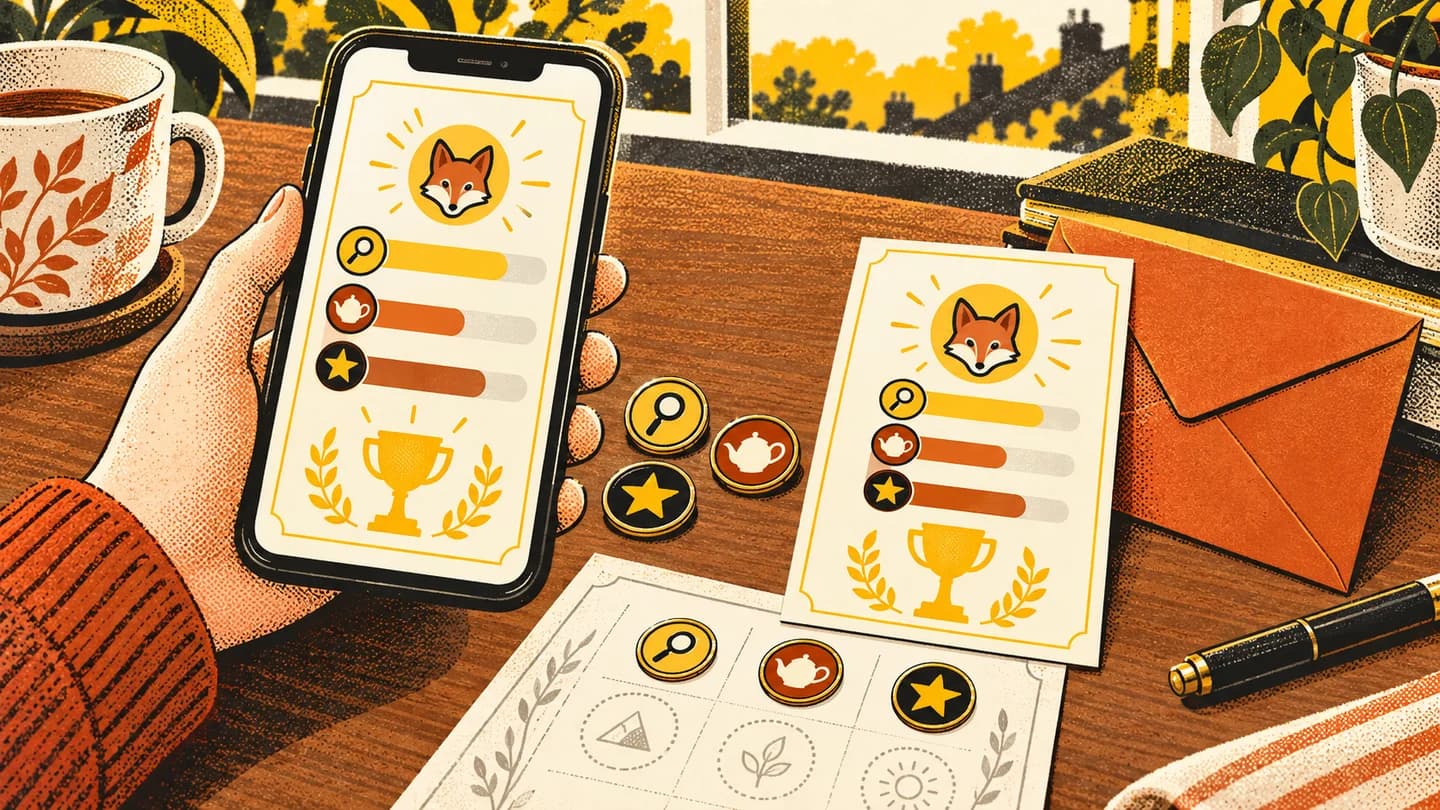
- Open Bandit League while signed in and scroll to Your little wins. Read the earned-badge count and each badge’s requirement or progress.
- Check the personal all-time value, reviewed profit and find counts. The share card uses those totals, not just the currently selected leaderboard period.
- Choose Share my progress when the card is ready. Your first qualifying find unlocks it; the controls may remain disabled while the profile is updating or the card is being prepared.
- If your device supports file sharing, choose a destination in its share sheet. Otherwise the app downloads the card. Save card is the separate download control.
- Open or preview the card and the accompanying message before sending it yourself. The card contains totals and counts, without your item photographs, name, alias, rank or account details.
If sharing is not supported
Some browsers do not provide the same native sharing options. A downloaded card can be shared manually through your preferred service. Keep any surrounding message honest about whether the figures are value estimates or realised profit.