The useful bit
Improve a car comparison by supplying the details that distinguish it from similar advertisements.
Be specific about what you know
Two cars with the same registration year and badge can have different engines, gearboxes and equipment. A registration lookup may not supply everything needed for a useful comparison.
Complete the details
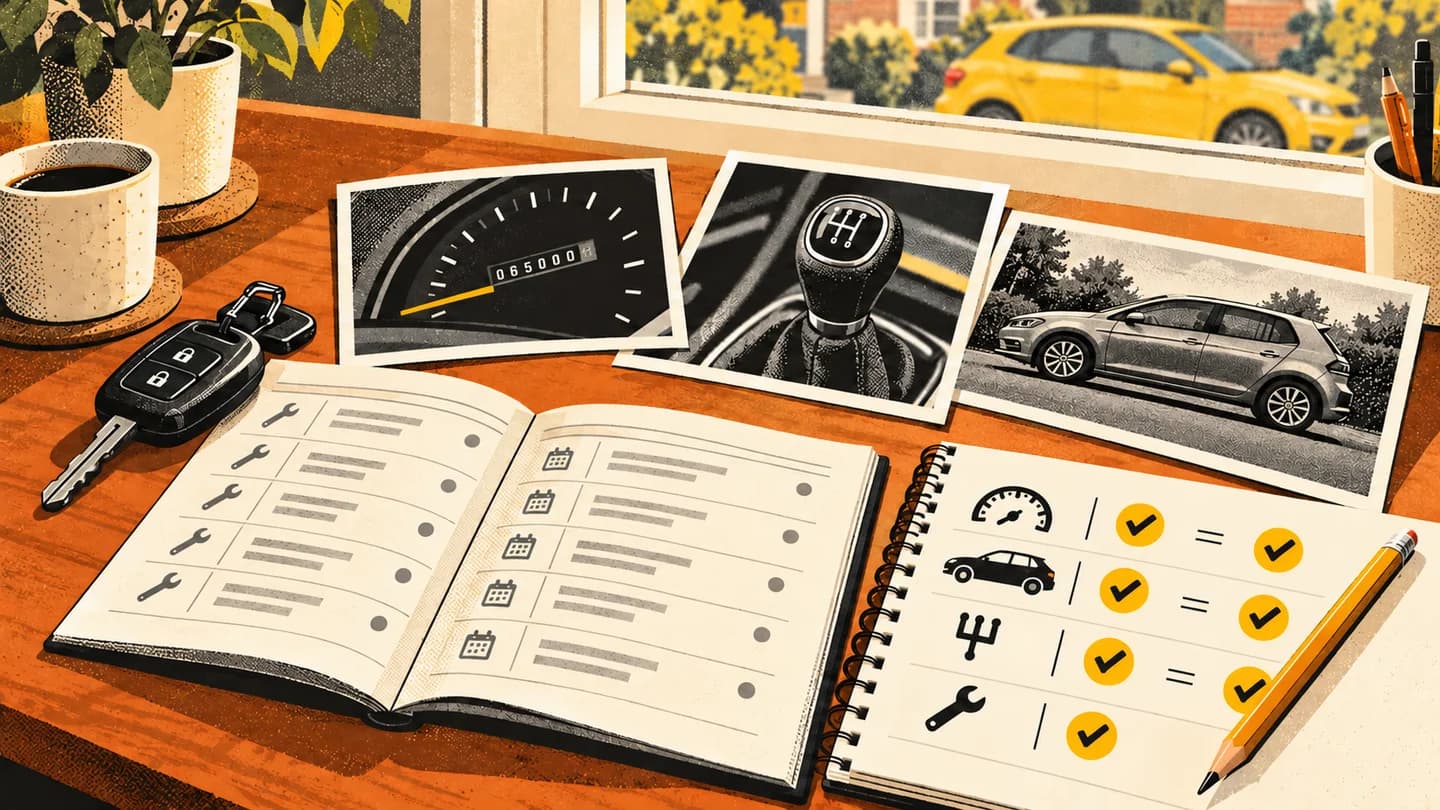
- Open Value my car and add the photographs of this vehicle. Read the current odometer and enter whole miles in Mileage. If you cannot confirm the mileage, leave it blank instead of entering zero.
- Use Make, model & trim for the exact version you can establish from the vehicle and reliable paperwork. Enter the Year if known.
- Choose Condition based on the vehicle today. Add a damage photograph if that helps; do not choose Excellent merely because the bodywork looks clean.
- Expand Add gearbox & service history, or Add year, gearbox & service history when that label is shown. Select Manual, Automatic or Not sure under Gearbox.
- Choose Full history, Partial history, No history or Not sure under Service history. This is a dropdown, not a space to paste receipts or explain a service record. Select only what the evidence supports.
- Review the entered values and photos, then read the charge and press Value my car. Check the result has used the correct version and assumptions.
Keep claims proportionate
The detail should describe this car today.
- Do not use an old advert’s mileage as current mileage.
- Distinguish receipts from a seller’s verbal history.
- Mention known faults rather than pricing a healthy example.
- Check optional equipment instead of assuming every trim has it.