The useful bit
Use the original scan and credit activity together to understand a debit, refund or pending request.
A balance alone can be misleading
Other scans or purchases may have changed the balance since the request started. Look for the relevant activity rather than trying to reconstruct it from memory.
Check the record
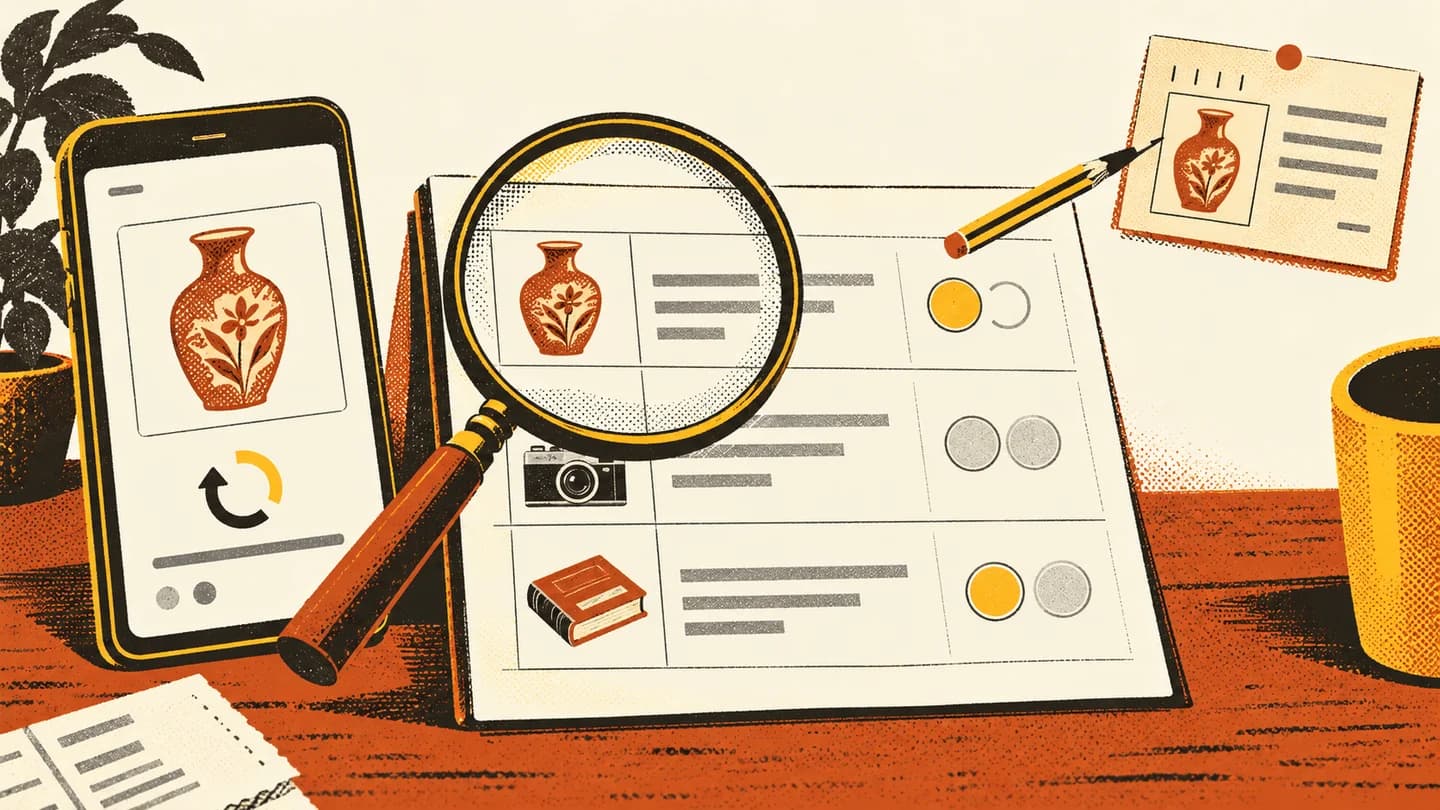
- Open My credits in the same account used for the scan and find Your credit activity.
- Locate the scan by its title, date and status. Use Next or Previous to move through older activity.
- Read the credit amount on the scan entry. A returned charge can appear as 0 credits on that original entry, with wording such as Valuation failed — credits returned or Photo too blurry — credits returned. Do not require a separate positive refund row as proof.
- Compare the history with the original result or recovery message. A completed result can explicitly say Credits returned, while an unresolved request may still need Check this scan or Check this Art Scan.
- If the outcome remains unclear, note the mode, date and visible title/status before reporting it. Check payments is for purchases; it is not the recovery control for an interrupted scan.
Different outcomes need different checks
Read the terms displayed for your scan mode. In particular, Art Scan charges for completed research and appraisal even if it cannot support a price; failed scans or scans that cannot identify the item follow its refund terms. An unpriced Art Scan is therefore not automatically a refund. A browser connection error is also not evidence that a completed scan failed.