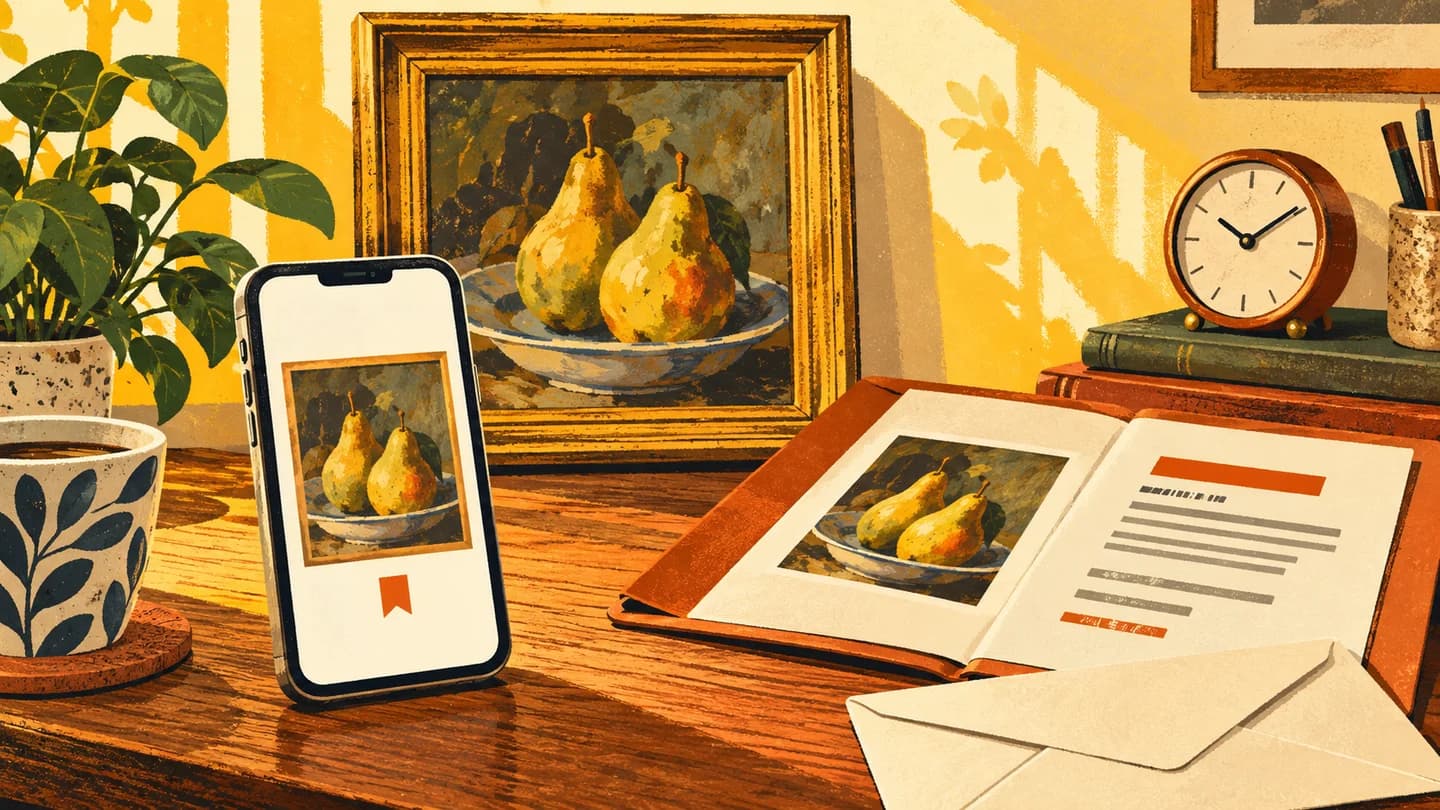
Reopen a completed Art Scan in My finds, or check the Art Scan screen if its research is still running.
You do not have to stare at the progress screen
After Art Scan submitted confirms that the request was accepted, research can continue while you use another part of the app or close it. Wait for that confirmation before leaving: choosing a photograph or beginning an upload is not the same as a submitted scan. Most appraisals are described as taking a few minutes, but complex pieces can take longer.
Find the result
- Reopen Bargain Bandit and sign in to the account used for the scan.
- Open My finds. Set the filter to All finds and clear any search text that could hide the artwork.
- Look for the completed appraisal by its photograph and title. Use Next if your collection spans several pages.
- Open the saved entry to read the identification, evidence and any conditional prices.
- If it is not there yet, open Art Scan. Its background-research message shows when scans are still running. If the original reply was interrupted, use Check this Art Scan when offered to recover that request.
Pending research and email delivery
My finds lists completed entries; an initial Art Scan that is still researching may not be visible there yet. If the submission confirmation named an email address, check that inbox and its junk folder for the completed appraisal. The saved result remains available in My finds, so an email delay does not require you to submit the artwork again.
If the result seems missing
Confirm you did not sign in with a different email, check the connection and revisit the existing view. Clear the Below estimated value filter before concluding that a completed appraisal is missing. If the scan failed, review My credits for the debit and refund; a failed request does not necessarily produce a completed appraisal card.