Use the car valuation flow to research a private-sale guide range from photographs and accurate vehicle details.
A guide price is only part of a car decision
Condition, mileage, exact trim and history can change a car’s value significantly. The valuation is not a mechanical inspection, finance check or vehicle-history report.
Prepare the request
- Choose Value my car in the website footer to open the car valuer. Sign in to the account you use for Bargain Bandit.
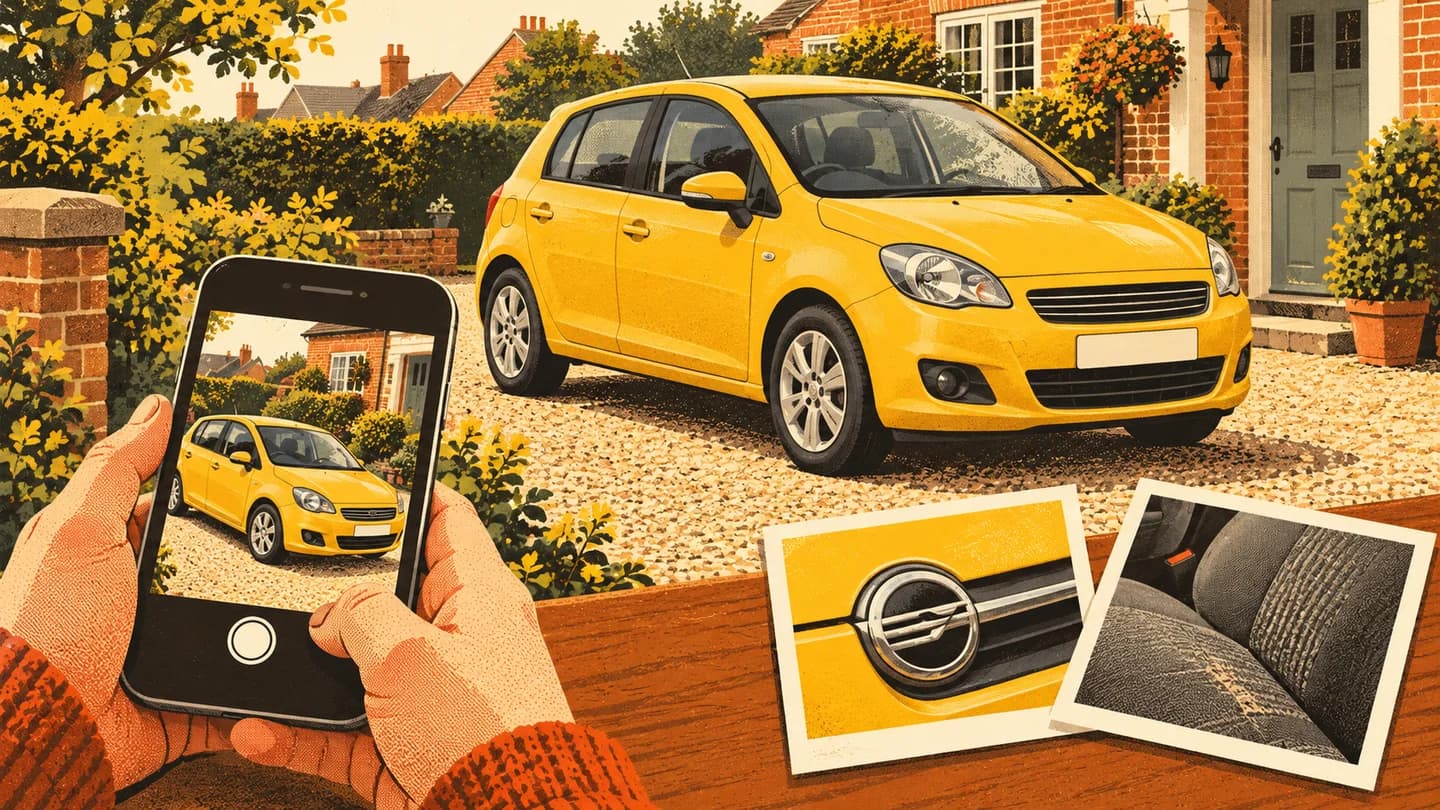
- Use Take photo or Choose photos to add one to three images of the same car. Start with the whole car and include a clear number plate; a badge, interior or damage close-up can supply another useful view.
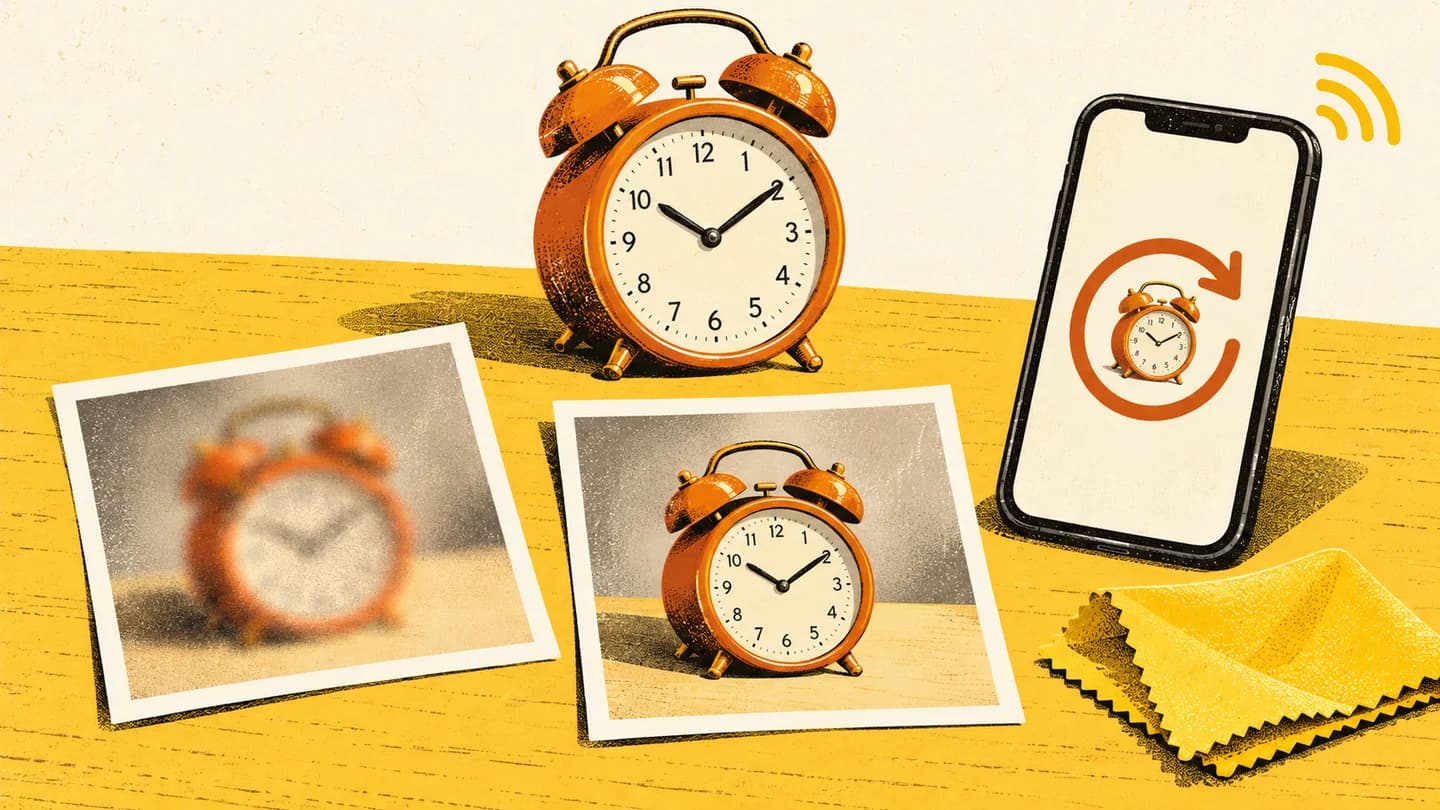
- Check the previews. Use Replace selected photo to correct a poor image, or Make main photo if another view should lead the result. Selecting photos does not itself start a paid valuation.
- Enter Registration to correct an unclear plate, plus Make, model & trim and current Mileage in miles where known. Read whether the page says Registration lookup available or Photo-based estimate; a lookup may not be connected.
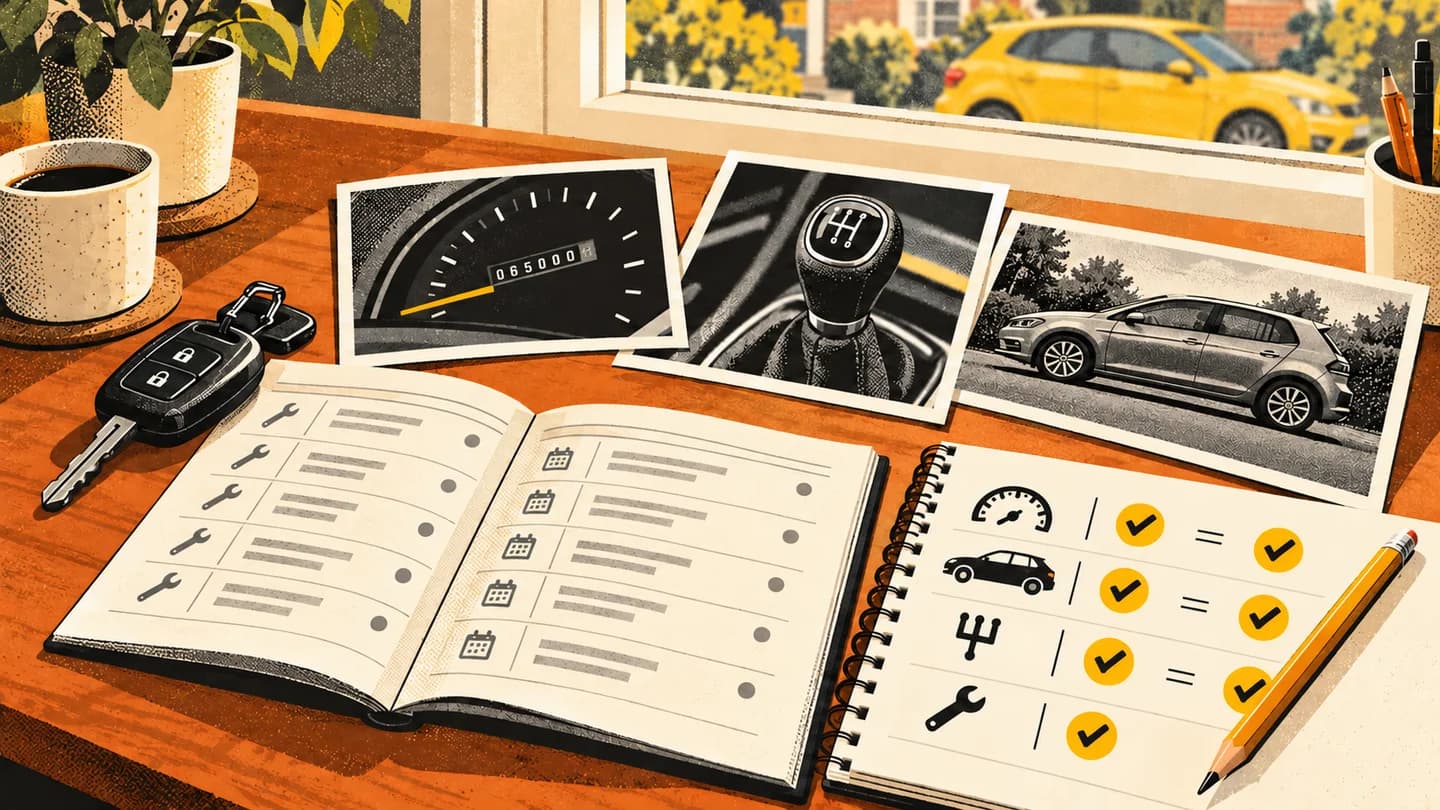
- Choose Condition and open the extra-details section for Gearbox and Service history. Add the year if known; its position depends on lookup availability. Leave unknown details blank or set to Not sure rather than guessing.
- Read the displayed credit cost and press Value my car once. On the result, choose See listings & full valuation and check the identity, assumptions and comparable asking prices.
Revisiting or refining the estimate
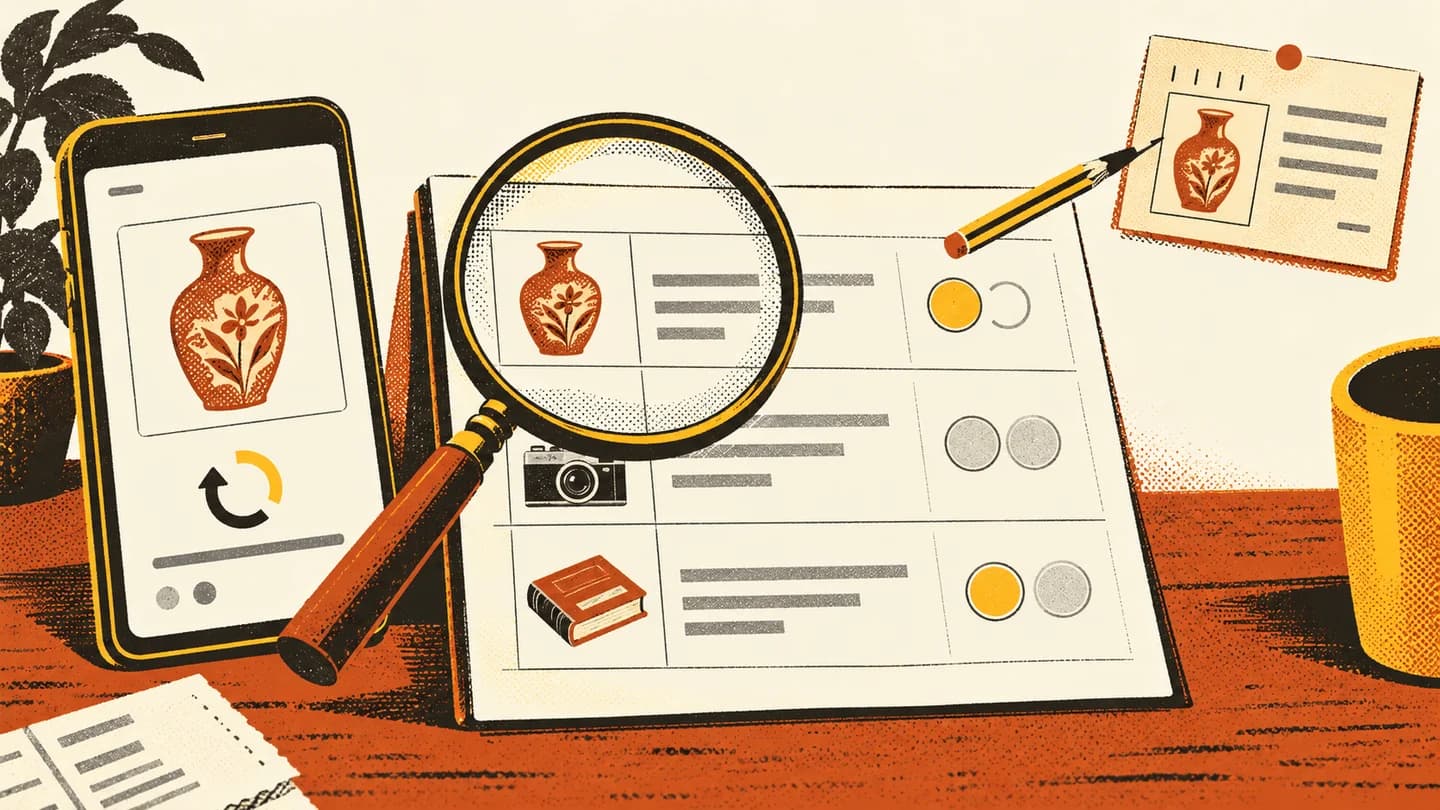
The result is saved to My finds. Refine car details lets you correct inputs, but pressing Refine estimate runs a new chargeable valuation at the displayed price. The previous result remains saved. If the connection was interrupted, use Check this scan first; Check & edit details checks the existing request before reopening its inputs.
If the page says live valuations are temporarily unavailable, you can prepare the details, but the valuation cannot be submitted. Use Check connection when offered. Wait for availability to return rather than assuming the disabled button has started a request.
Read the market evidence
Car adverts are asking prices, not confirmed achieved sales.
- Compare the same model, trim and gearbox.
- Allow for mileage and condition differences.
- Check whether dealer and private adverts are being mixed.
- Investigate unsupported or missing details before relying on a number.