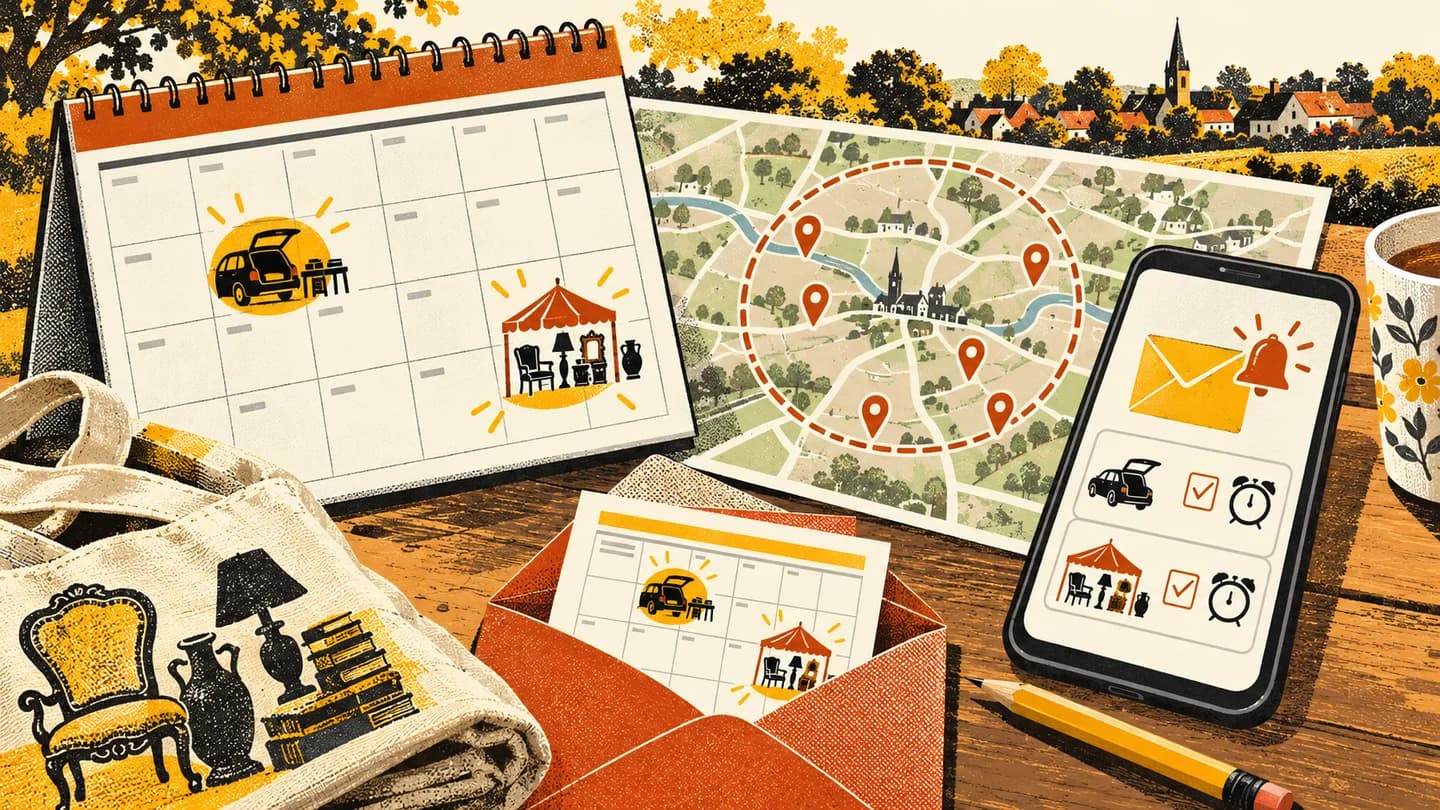
Choose an area, event types and reminder timing so relevant hunts can reach your inbox.
Set reminders around a useful journey
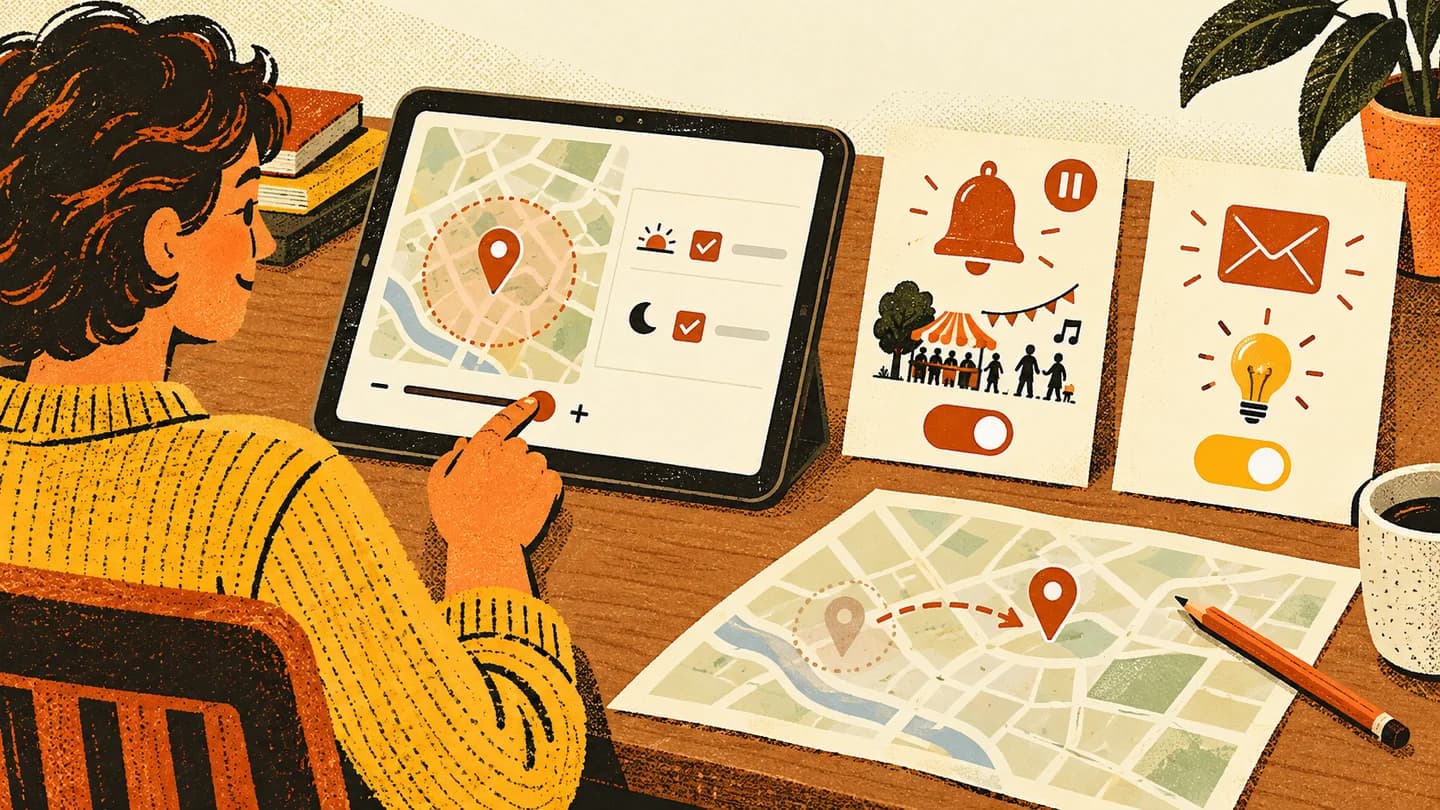
A broad area may produce events you will never attend. Start with a radius that suits your typical buying trip and adjust it when you see what is included.
Save your preferences
- Open Find a hunt and choose Get email reminders to reach Local sales. Sniffed out. Sign in to set up reminders if prompted.
- Enter Your UK postcode in the reminder form and choose Within: 5, 10, 25 or 50 miles. If offered, Use my search postcode copies the current search centre into the form.
- Under Tell me about, tick Car boot sales, Antique fairs or both. At least one event type is needed; shop opening hours are not reminder events.
- Under Remind me, choose A week before, The day before or both. Check Sent to your account email and read the consent checkbox.
- Tick the email-consent box and choose the displayed save or enable button. Its wording depends on whether reminders are already active and whether email delivery is available.
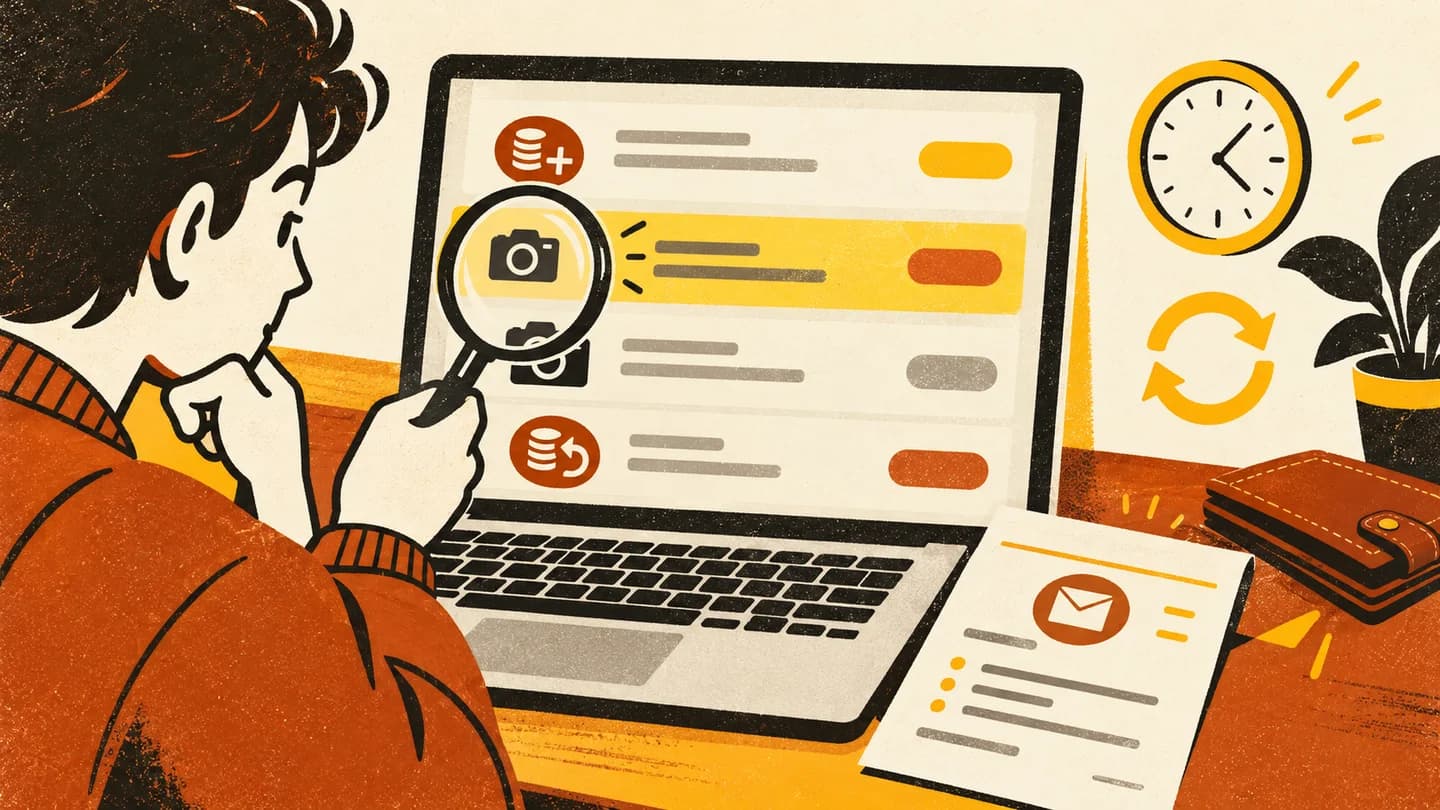
- Read the confirmation. If it says Email confirmation needed, follow the confirmation email and return to Check status. Saved preferences alone do not prove reminders are on; look for Reminders are on.
Signup reminders and delivery availability
If you supplied a postcode when creating your account, reminders may have been enabled automatically without a separate confirmation email. Check the actual status instead of setting them up twice. If the form says email delivery is unavailable, your choice can be saved, but emails will not start until delivery is available and any required confirmation is completed.
Check where emails go
Use an account email you can access. Look in junk or filtered folders if an expected message is missing, and confirm your reminder choices remain active.