The useful bit
Start a selling draft from an existing valuation and check every reused detail before listing.
Current availability
Reuse the research, then verify it
Your saved photographs and identification can save preparation time. They do not remove the need to confirm condition, accessories and the price you want to ask.
When available: open the selling workspace
- Choose a real, identified item in My finds. Sample valuations cannot become your selling draft.
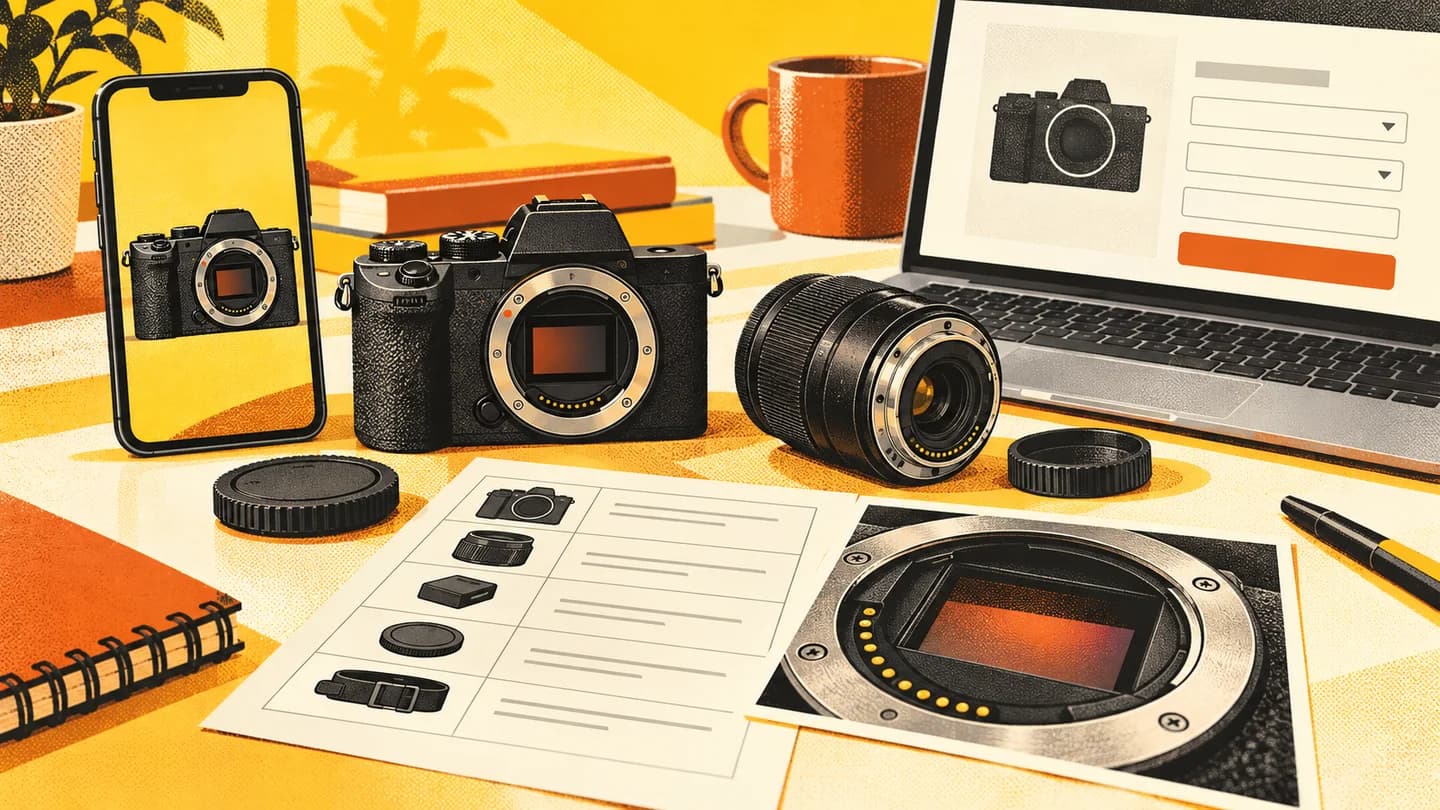
- Open its full valuation and select Sell this item. Check that the photograph and model match the object you own.
- Choose an available advert route, such as List on eBay, to open Item details. The MPB route opens a buyer’s quote request instead of a listing editor.
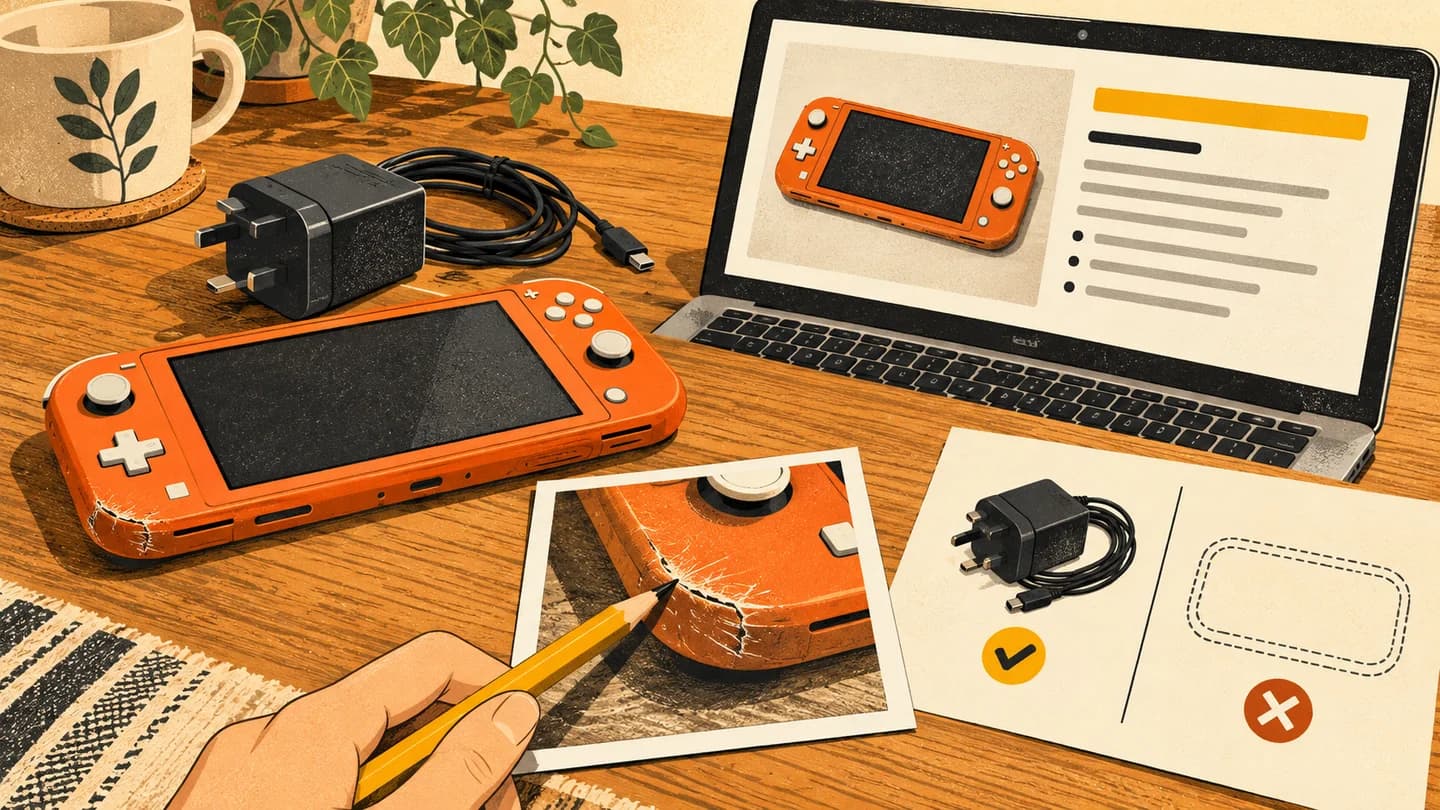
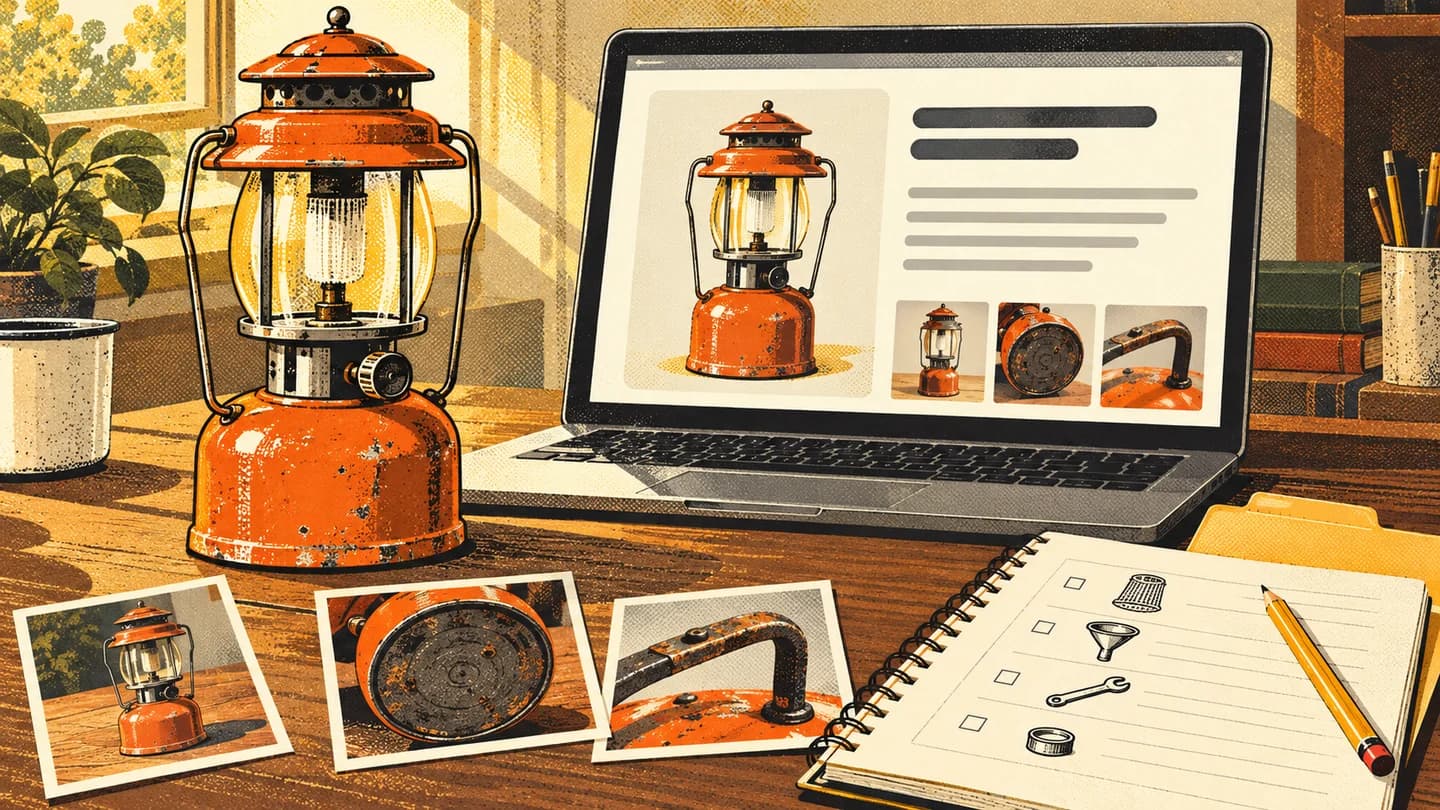
- Choose the saved photographs to include. Review Listing title, Sales description, Asking price (£), Condition and Has it been tested? Add faults and included parts under Condition and included accessories.
- Check Delivery and Item postcode. If posting, set the Postage charge (£) and Dispatch within time that you can fulfil.
- Wait for any description writing to finish. Press Save draft and look for Item details saved as a private draft. If the form reports an error, correct it before leaving.
Prepare while selling tools are paused
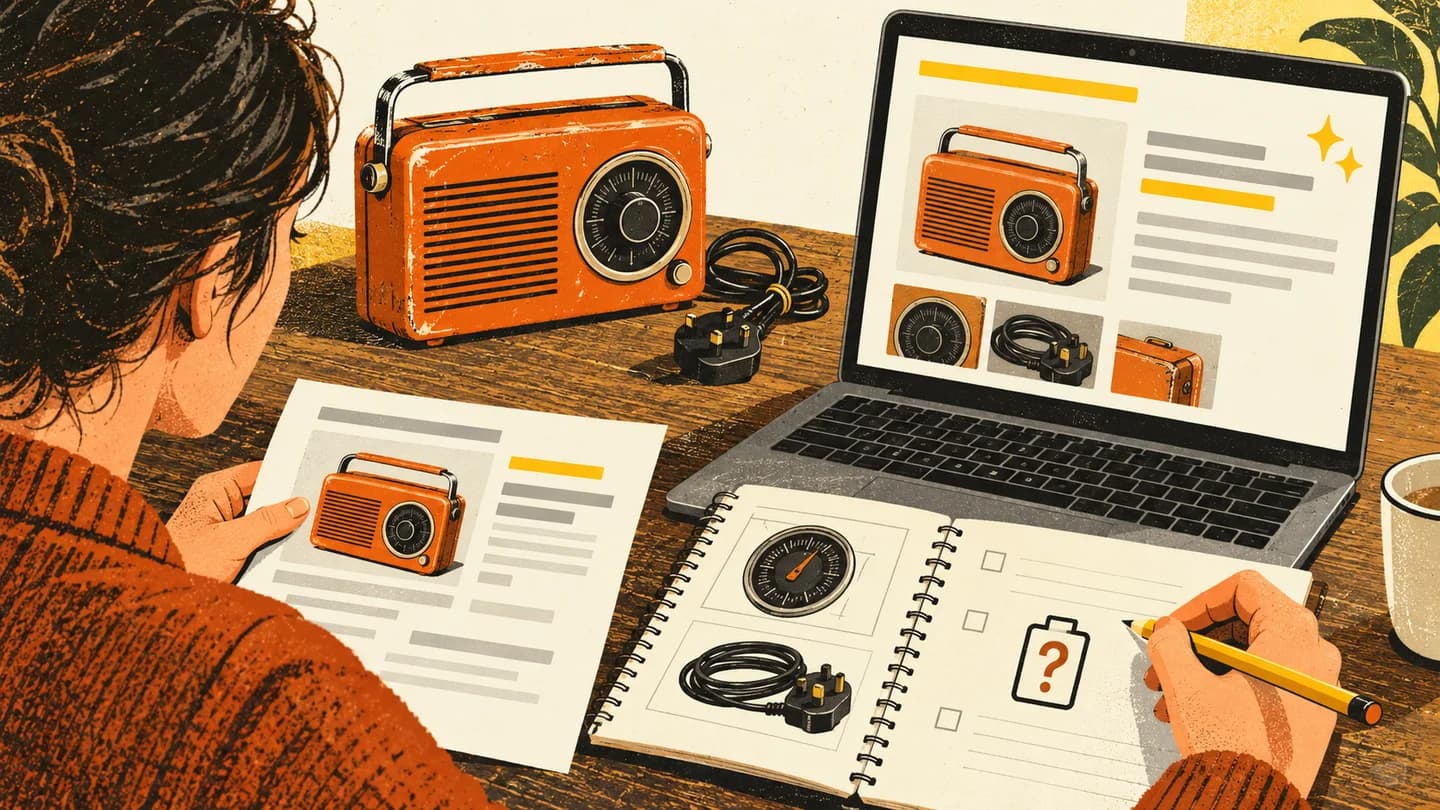
Open the saved valuation and keep a separate note with the exact model, what is included, tests performed, defects and intended asking price. Keep the original photos alongside it. This is your preparation record; writing it elsewhere does not create a draft inside Bargain Bandit. A missing Sell this item button during the pause is not a reason to pay for another scan.
Before going further
A draft should describe a sale you can fulfil.
- The photographed item is the one you own.
- The price is your asking price, not a guaranteed valuation.
- The description names any missing parts.
- Claims about testing and authenticity are supported.