The useful bit
Choose a saved photograph when taking a new picture is inconvenient, then check it contains the evidence you need.
Use your own useful photographs
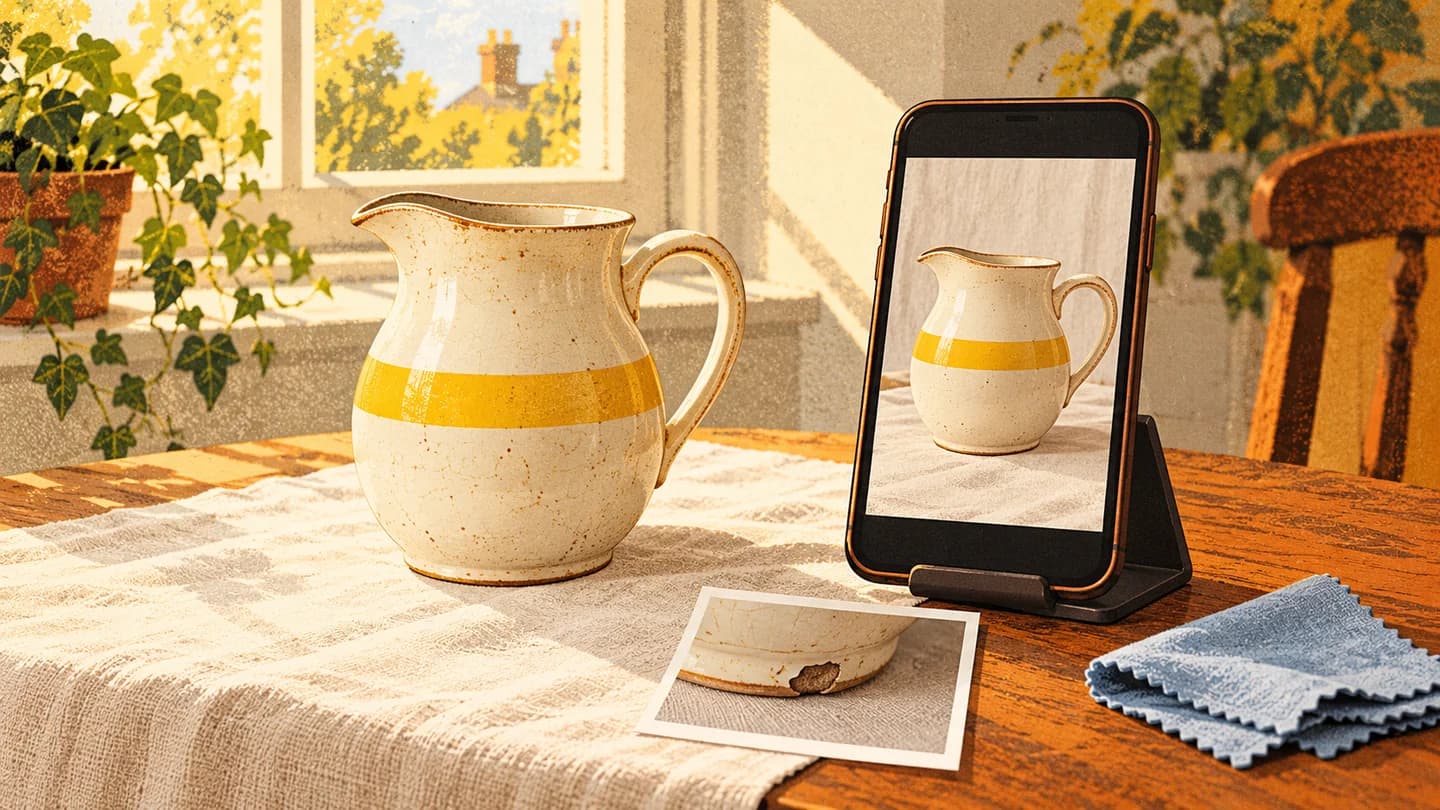
A saved image is handy when researching an item at home. A stock photograph is less useful because it cannot show the condition or completeness of the object you will actually buy.
Upload with a review step
- Open Detailed Scan if you want to check the selected photographs before starting a valuation.
- Use its photo-picker option to select an image from your device.
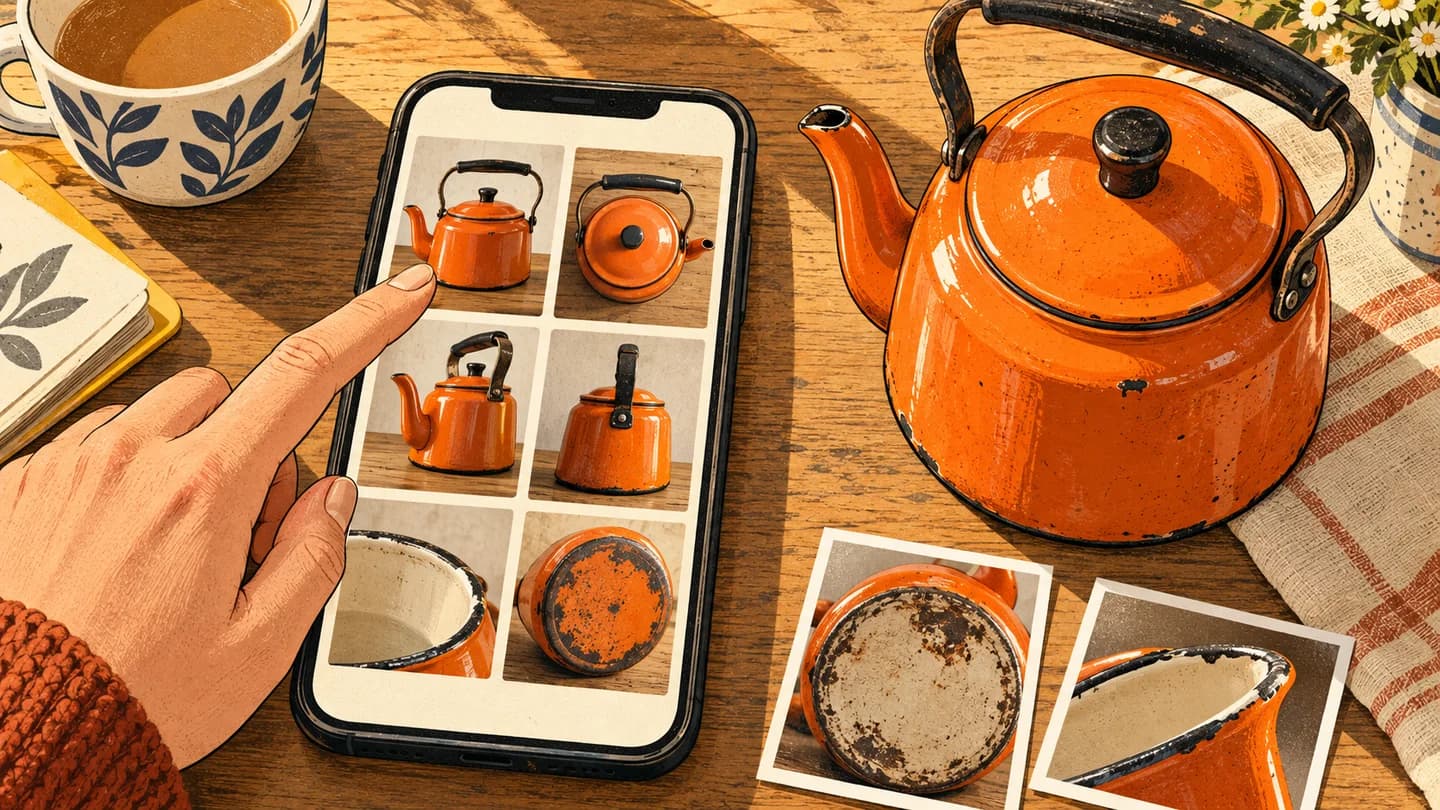
- Allow the photo to finish preparing, then check that the preview shows the right item and legible details.
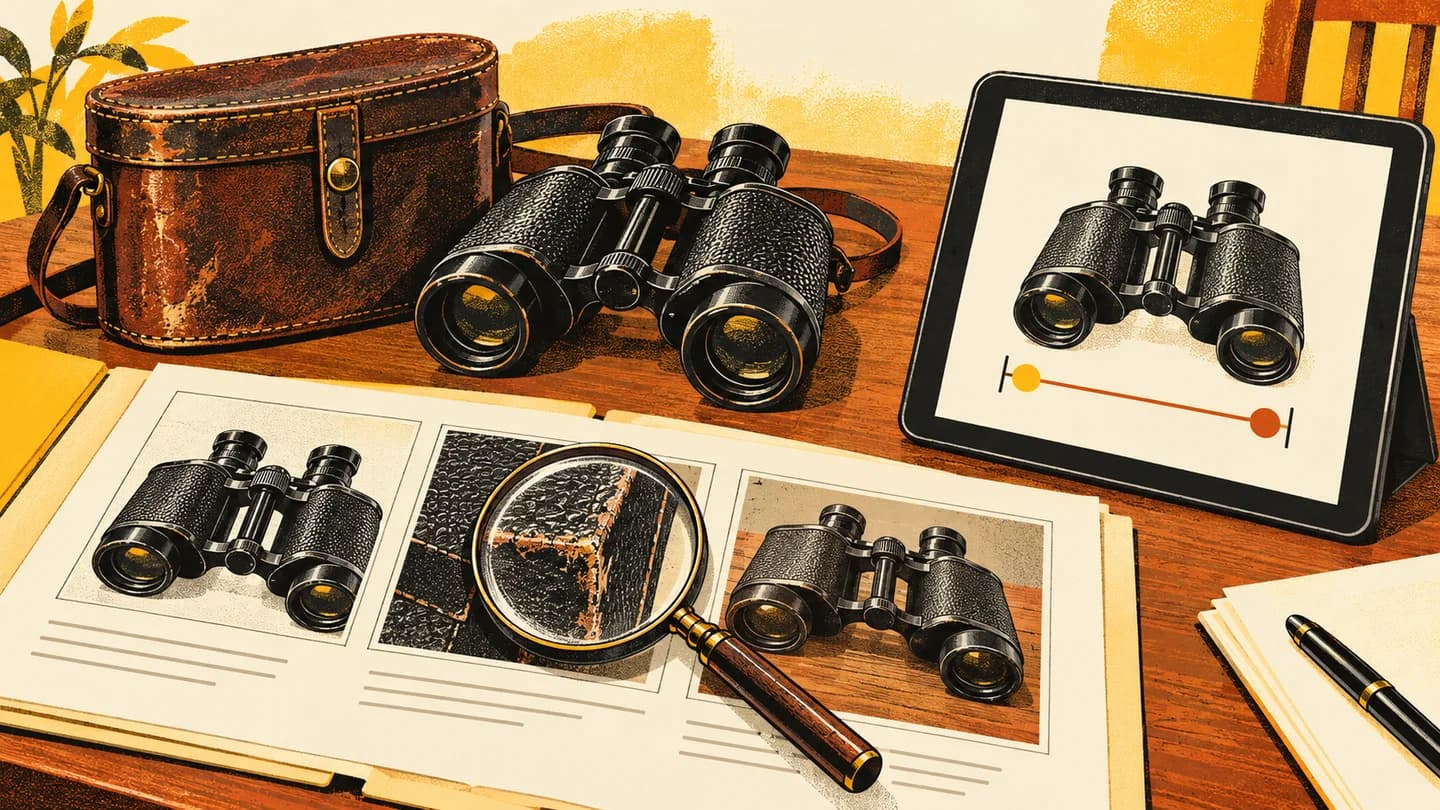
- Remove or replace poor images. Add up to three views of the same object and any useful condition or model notes.
- Check the credit cost, then press Start Detailed Scan when ready.
Quick Scan works differently
Check before uploading
A larger file is not automatically better evidence.
- Avoid screenshots with tiny item photographs.
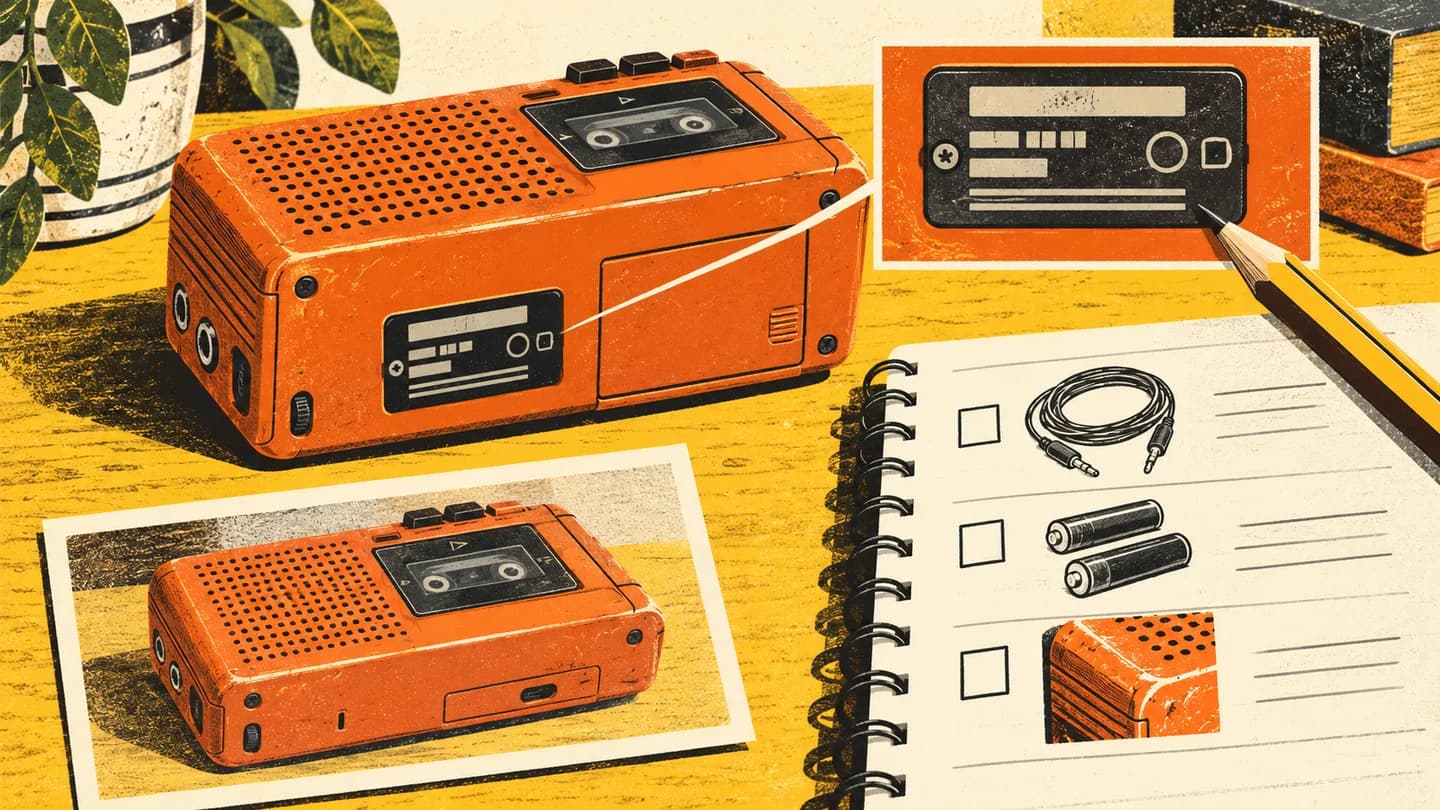
- Keep labels sharp enough to read.
- Do not mix photographs of different objects into one Detailed Scan.
- Leave out personal documents and unrelated private information.