The useful bit
Research visible artwork while keeping the physical object’s medium, edition and authenticity separate.
Begin with the whole work
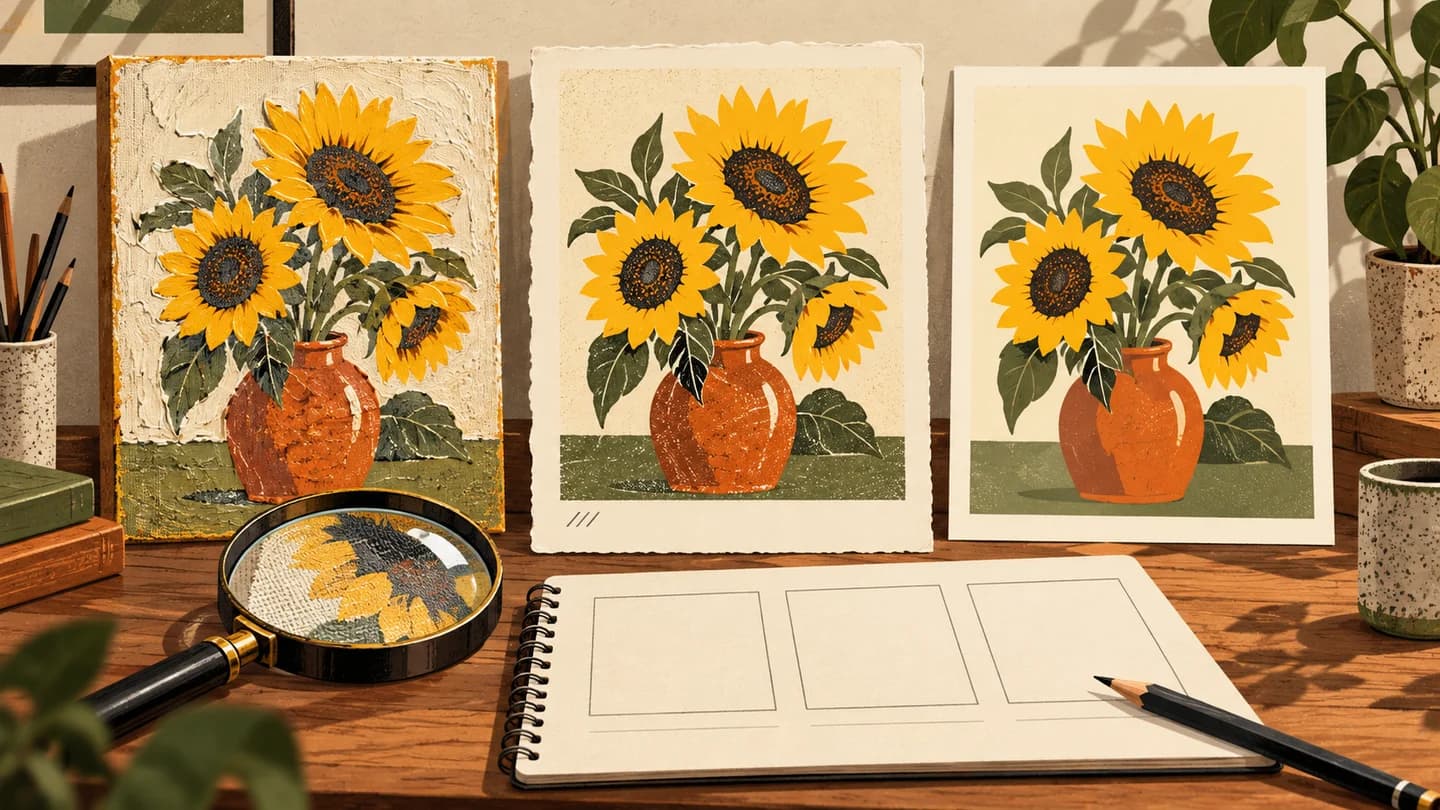
A familiar image might exist as an original, a signed edition and a decorative reproduction. Art Scan can help investigate the image and likely identity; it cannot physically authenticate the object.
Submit an Art Scan
- Open Art Scan and sign in if prompted. Read the displayed credit cost and charge terms before starting.
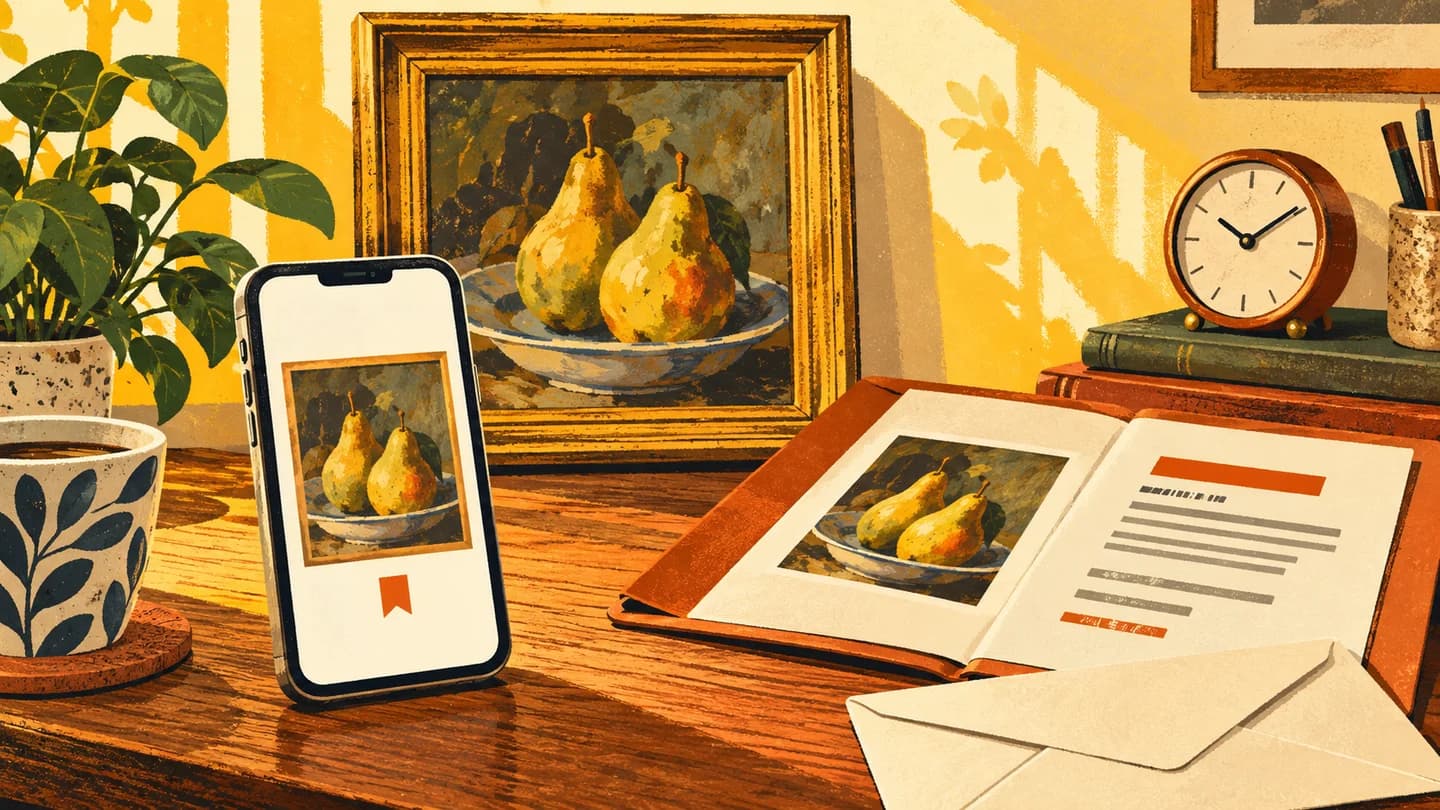
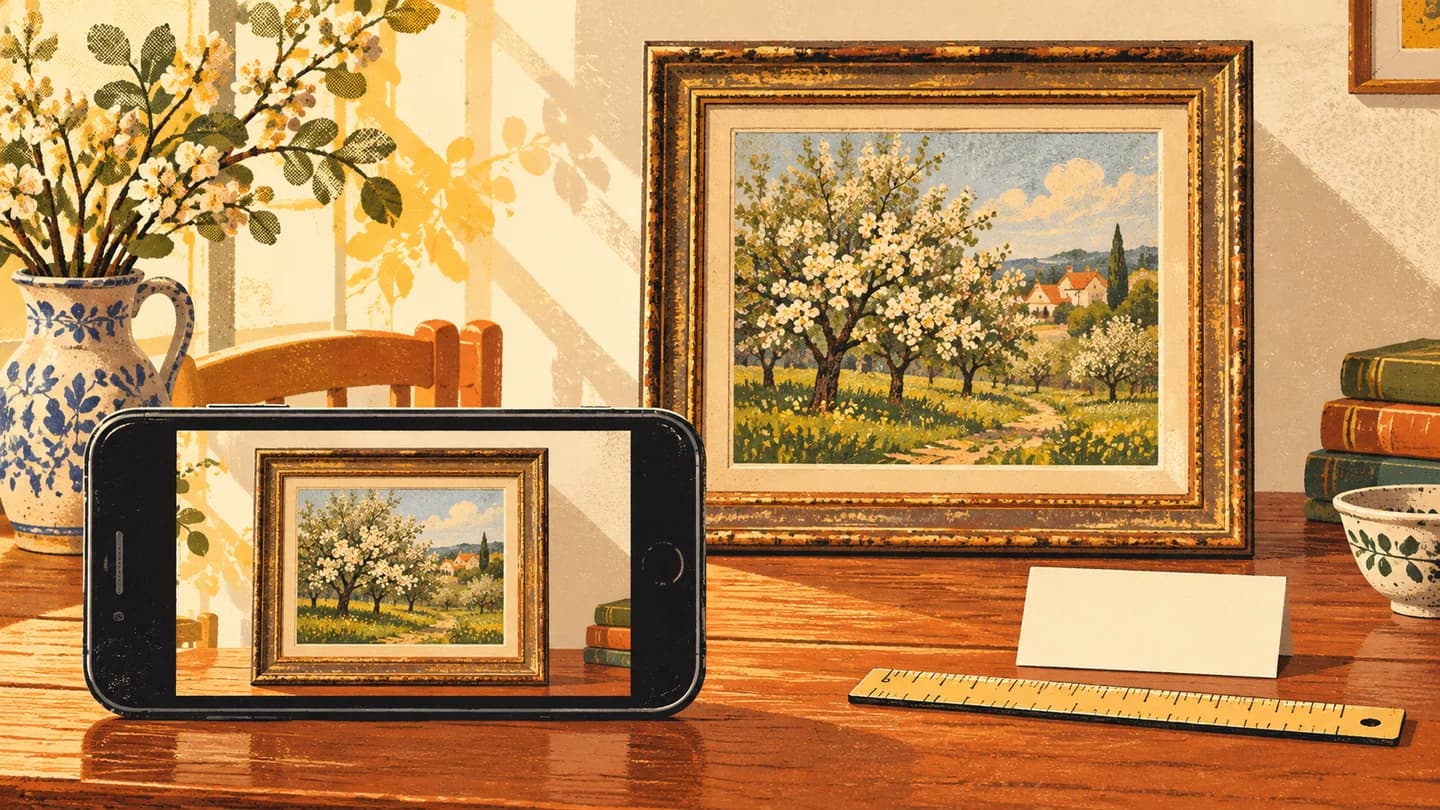
- Take or choose one clear photograph of the whole work, including its edges and any visible signature. Review the preview and replace the image if necessary.
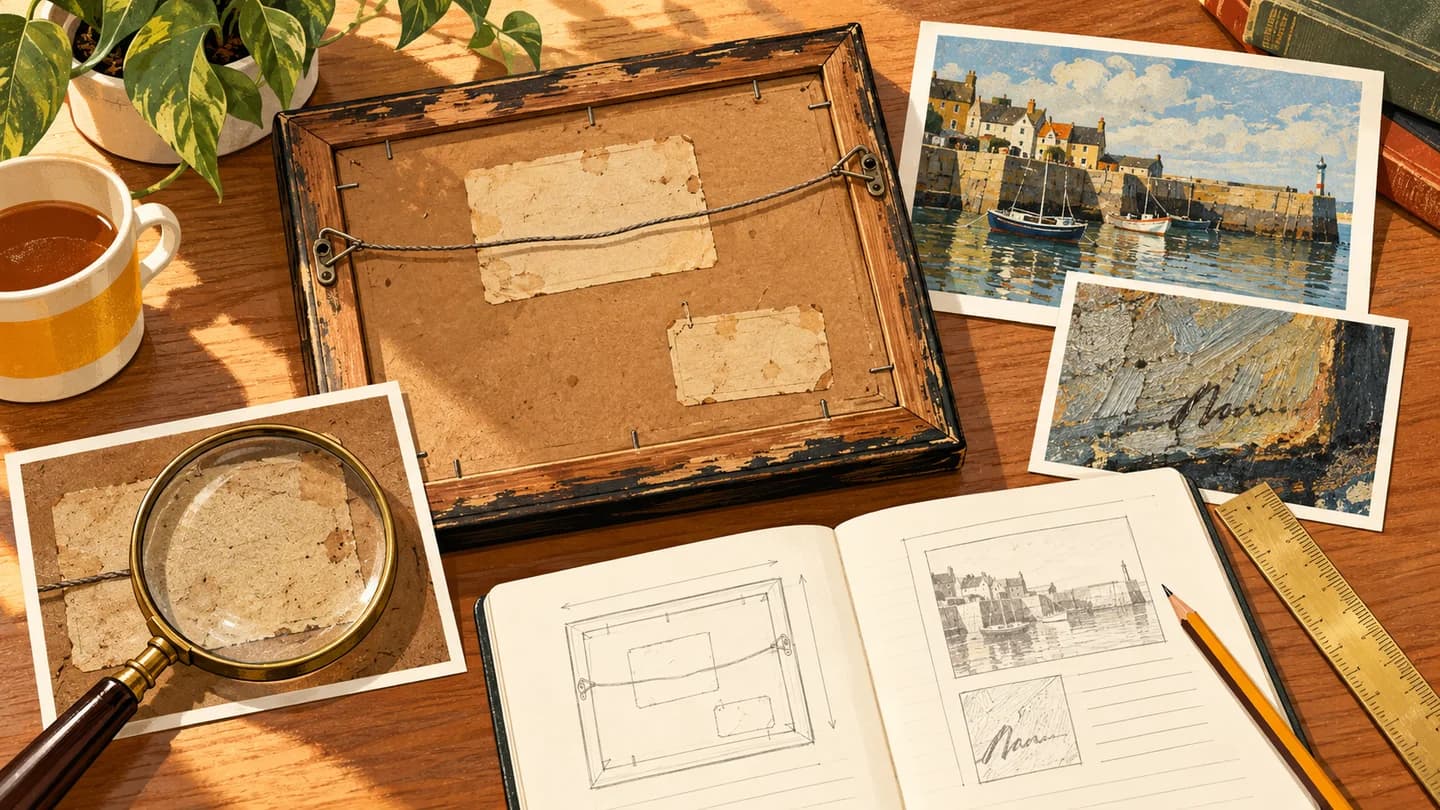
- Expand Add details (optional). Use What else do you know? for signatures, labels, dimensions and provenance, separating observations from the seller’s claims.
- Add Asking price (£) if known and choose a supported Condition, or leave Not sure. Mention glass, obscured details and faults in the notes.
- Press Start Art Scan once. Wait for Art Scan submitted or another clear result before closing the page; merely selecting a photograph has not submitted it.
- After confirmation, use Keep scanning to return to the app. When the research finishes, open the saved appraisal in My finds. If the confirmation names an email address, the app also sends the appraisal there.
Research can be useful without a price
Read these parts carefully
The result may leave more than one possibility.
- Artist or design attribution and its supporting evidence.
- Whether the medium has been established.
- Edition and authenticity questions.
- Which assumptions any price estimate depends on.