The useful bit
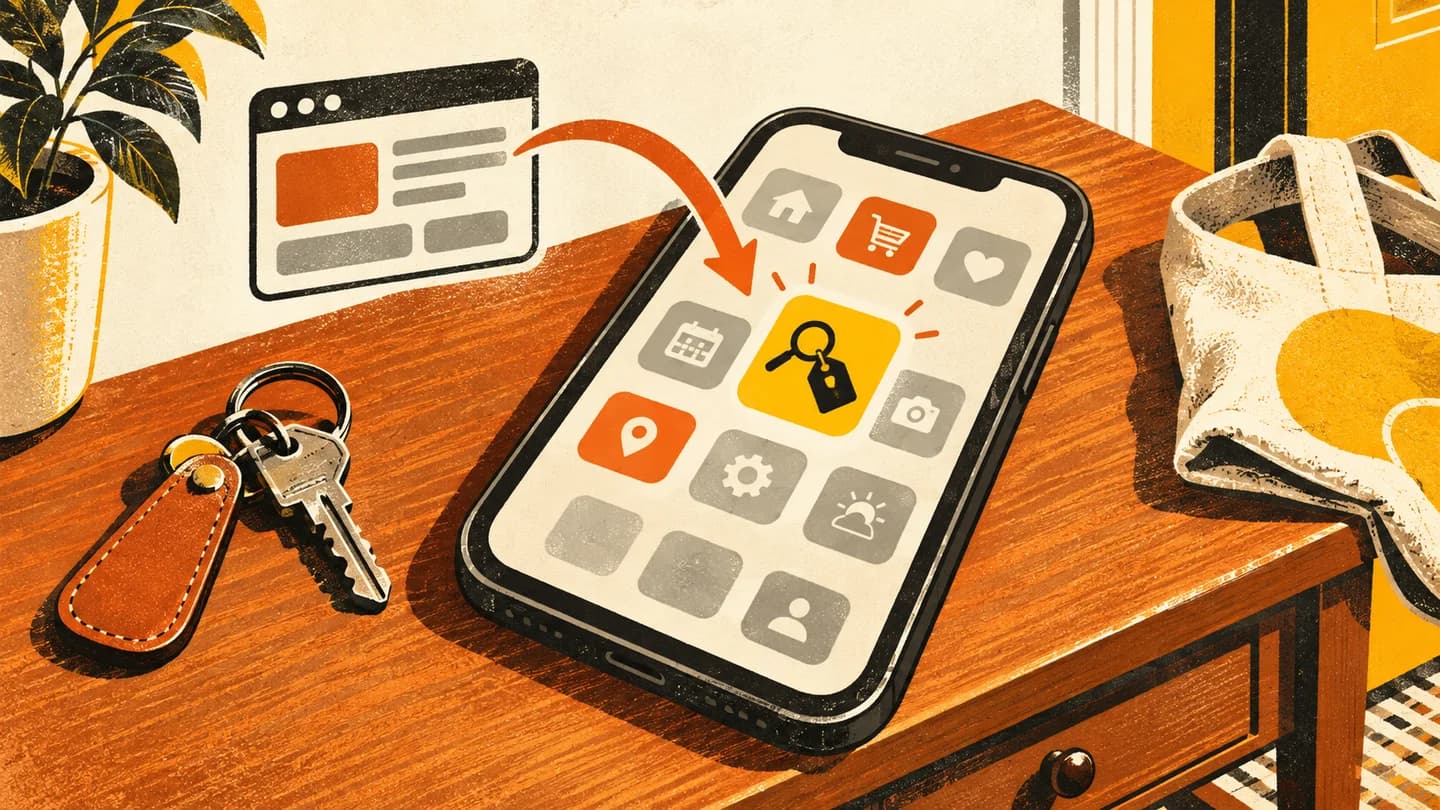
Put Bargain Bandit on your phone’s home screen for quicker access when you spot a possible bargain.
A shortcut for your next buying trip
Bargain Bandit runs on the web. Adding its icon saves you searching for the address every time you visit a sale; it does not turn online valuations into an offline feature.
On iPhone or iPad
- Open the app in Safari, outside a social app’s embedded browser.
- Open Safari’s Share menu. Its position depends on your browser layout.
- Choose Add to Home Screen.
- Enable Open as Web App if offered, then tap Add.
- Find the new icon and open it to check you reach Bargain Bandit.
On Android
- Open Bargain Bandit’s app page in Chrome.
- Open the three-dot browser menu.
- Choose Install and create shortcut, then Install where offered. Other versions may show Add to Home screen.
- Follow the confirmation prompts and open the resulting icon.