The useful bit
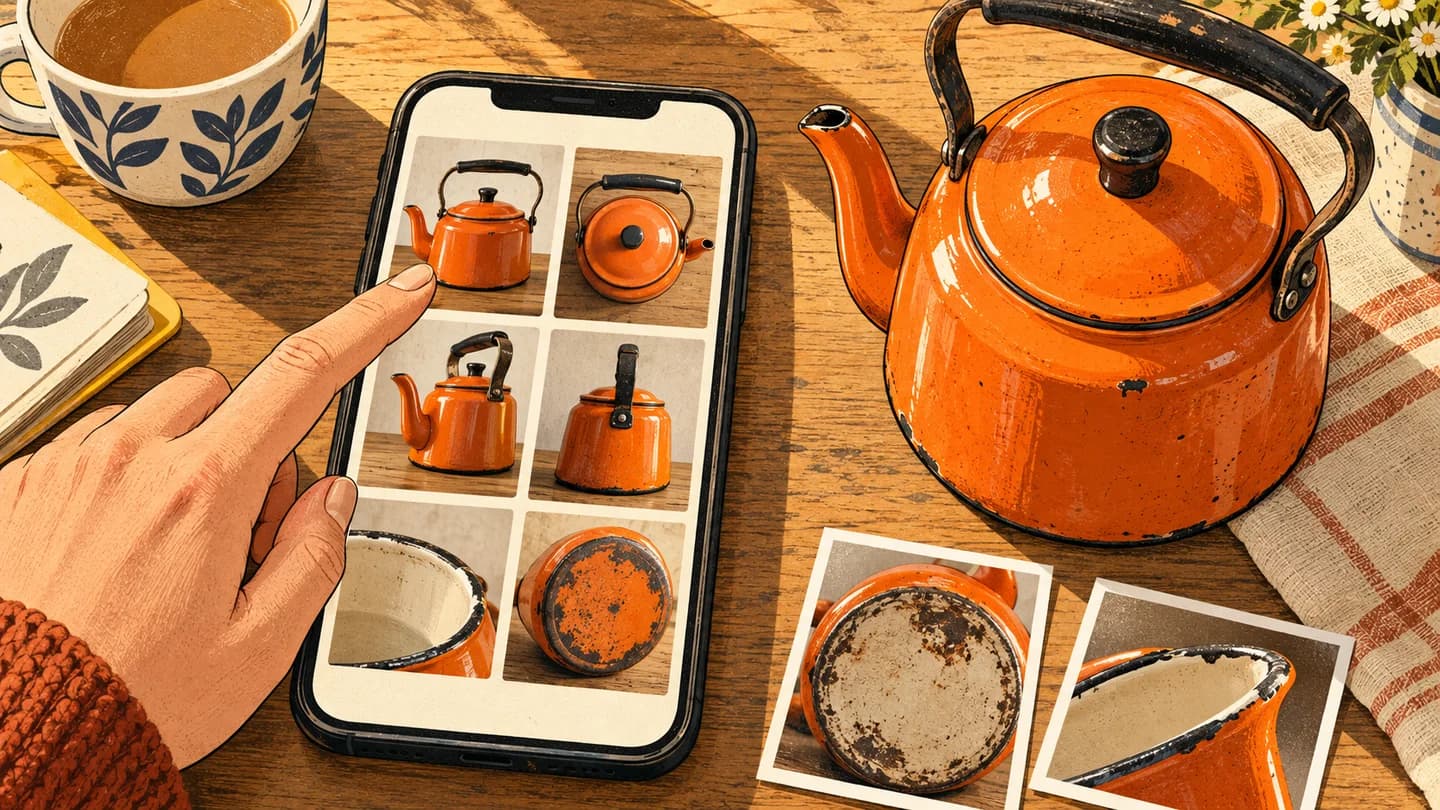
Give Bargain Bandit up to three useful views of one item, including identifying details and condition.
Make every photograph add information
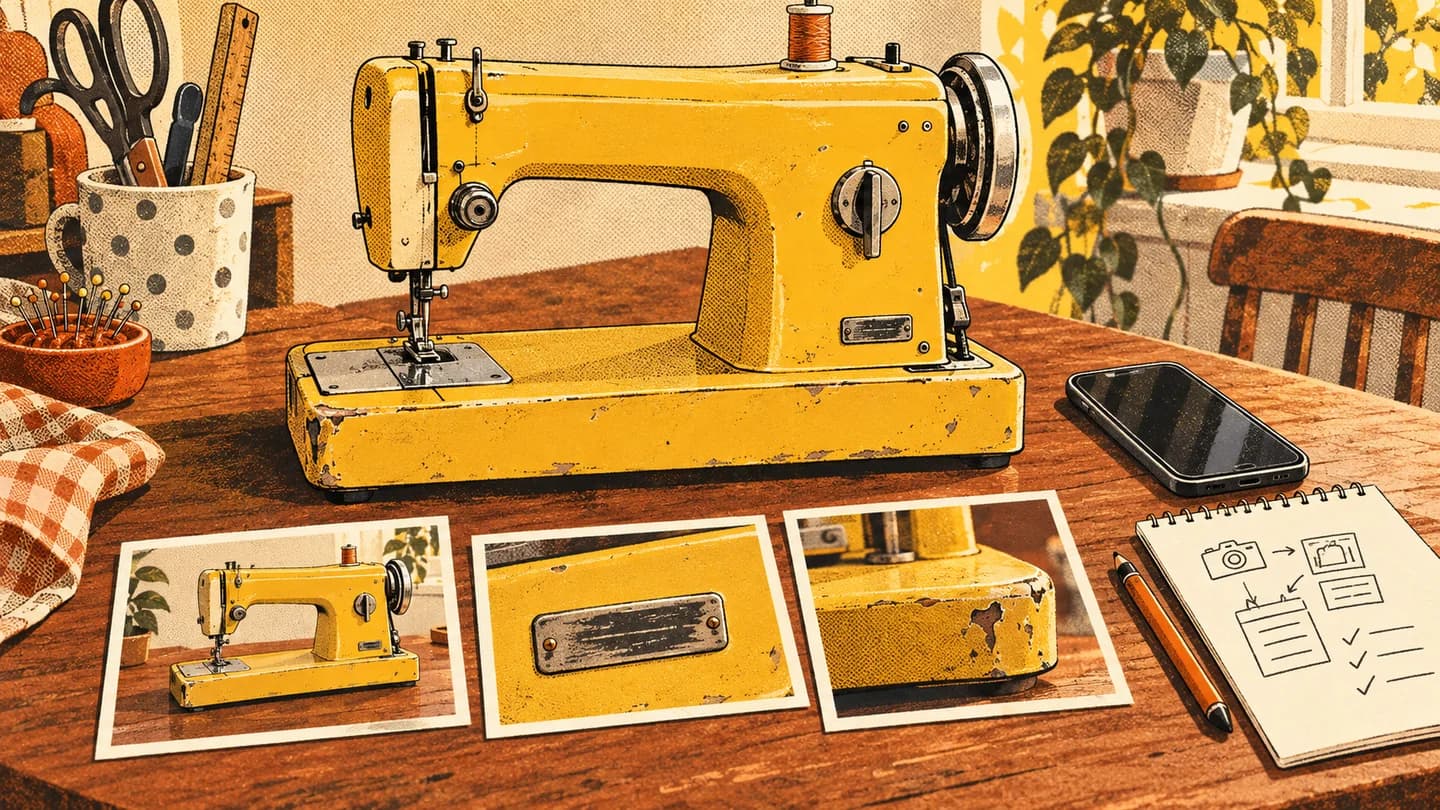
Detailed Scan is useful when the front view leaves important questions unanswered. Three near-identical images provide less evidence than an overall view, a readable label and a close-up of damage.
Prepare and submit
- Open Detailed Scan and sign in if prompted. Check the displayed credit charge.
- Add an overall image showing the complete item.
- Add up to two further views of the same object: model information, underside, maker’s mark or condition. Remove or replace a poor image before submitting.
- Expand Add details (optional). Enter Asking price (£) if known and select the condition you can support; leave Not sure when you cannot judge it.
- Use Anything else you know for the model, testing, accessories and faults. The field allows up to 500 characters, so give concrete facts first.
- Review the photographs and details, then press Start Detailed Scan once. Wait for the result; use Check this scan if the app offers recovery for an interrupted request.
Useful details to include
Tell the system what a photograph cannot reliably establish.
- The exact model number you can read in person.
- Whether you have actually tested a function.
- Accessories present and components missing.
- Damage outside the main photograph.
Read the result critically
Compare the result with all the evidence you supplied. If the identification still does not fit, do not base your offer on the high end of its range. A scan cannot replace specialist authentication or testing.