The useful bit
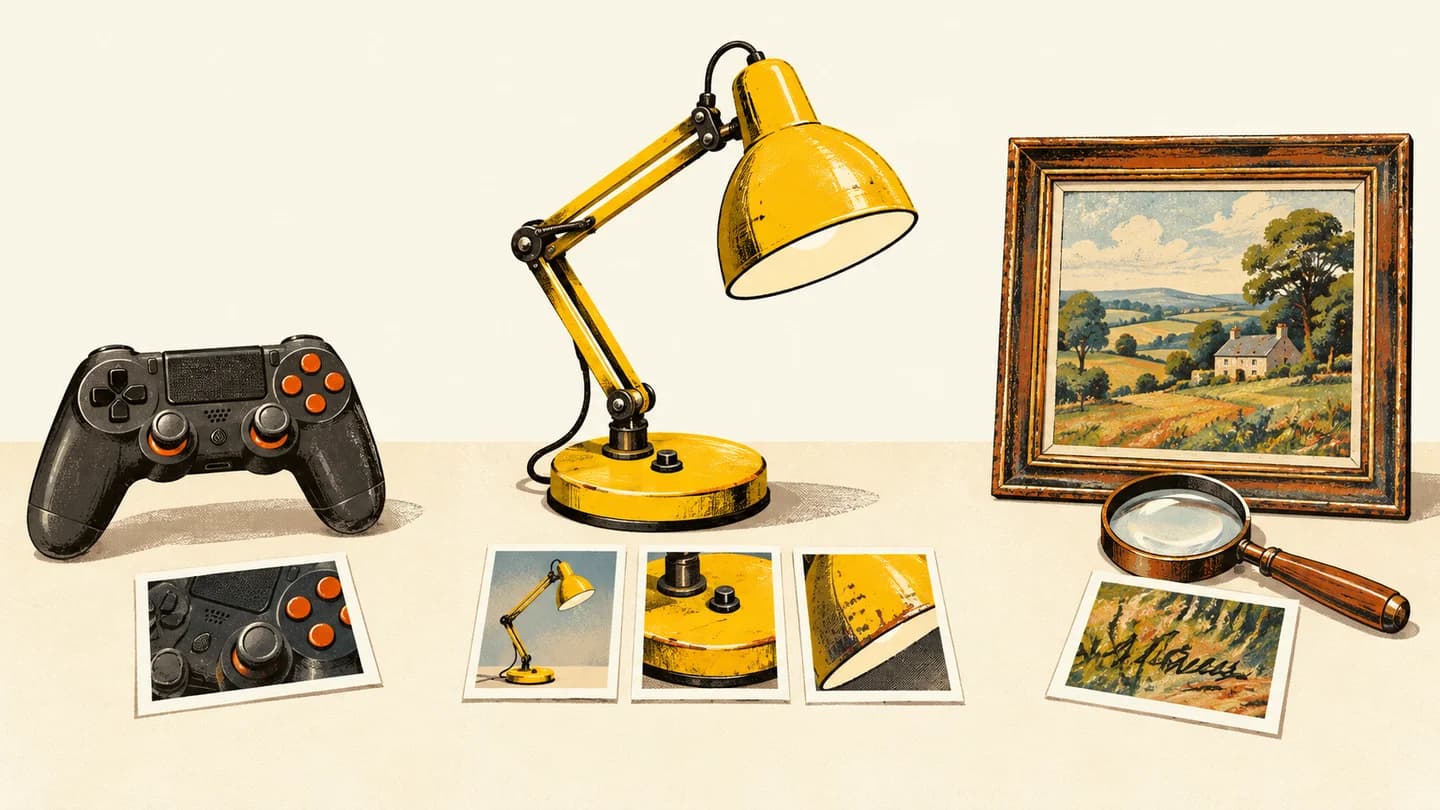
Choose the scan that fits the evidence you have and the question you need answered.
Start with the object, not the highest price
A more involved scan is useful only if its input and research suit the problem. Check the charge before taking or selecting a picture. Quick Scan submits immediately; Detailed Scan lets you review photos and details before pressing its start button. Art Scan has its own specialist submission flow.
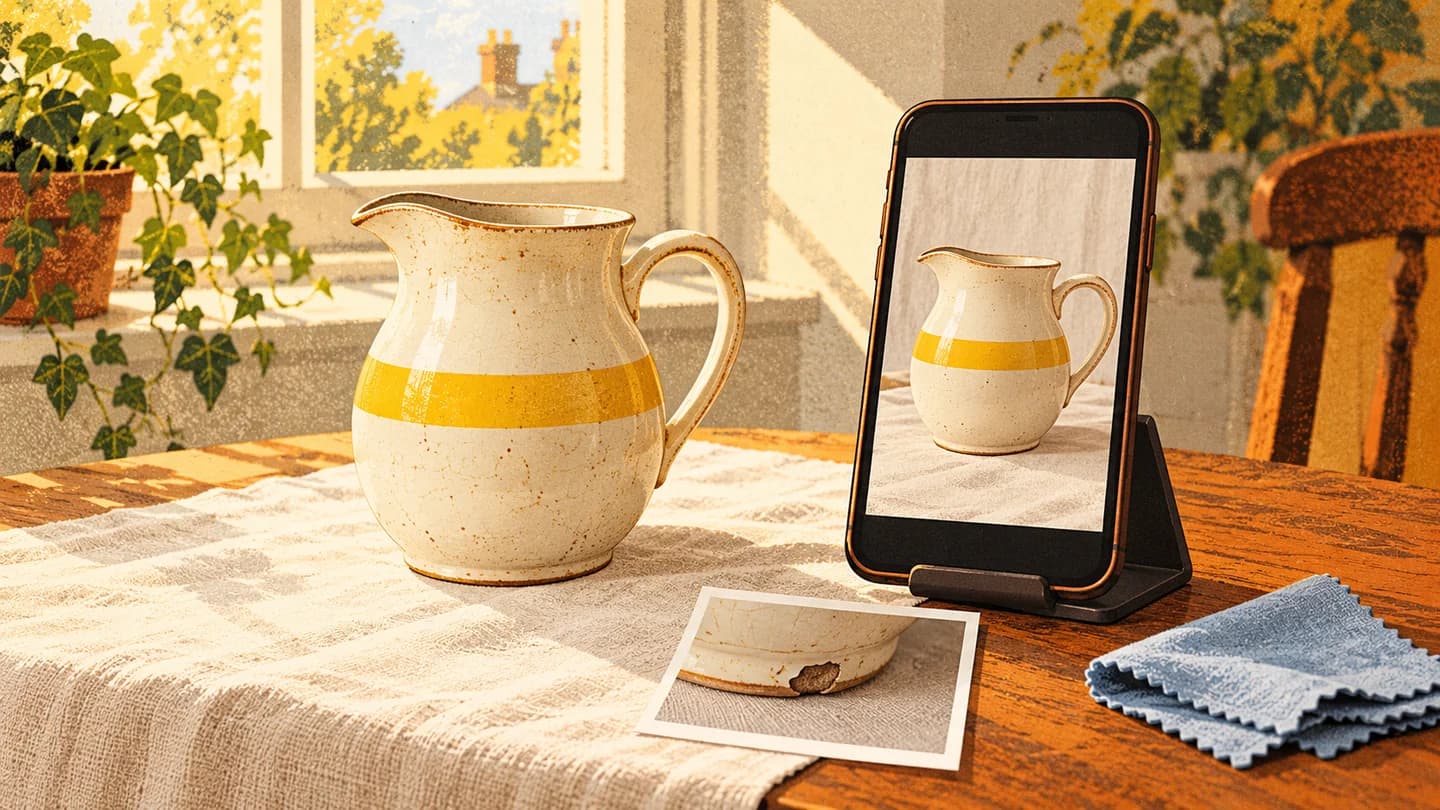
Quick Scan
Use it for a straightforward first look.
- One photograph of one item.
- A clear view with identifying details already visible.
- A research starting point while checking a stall find.
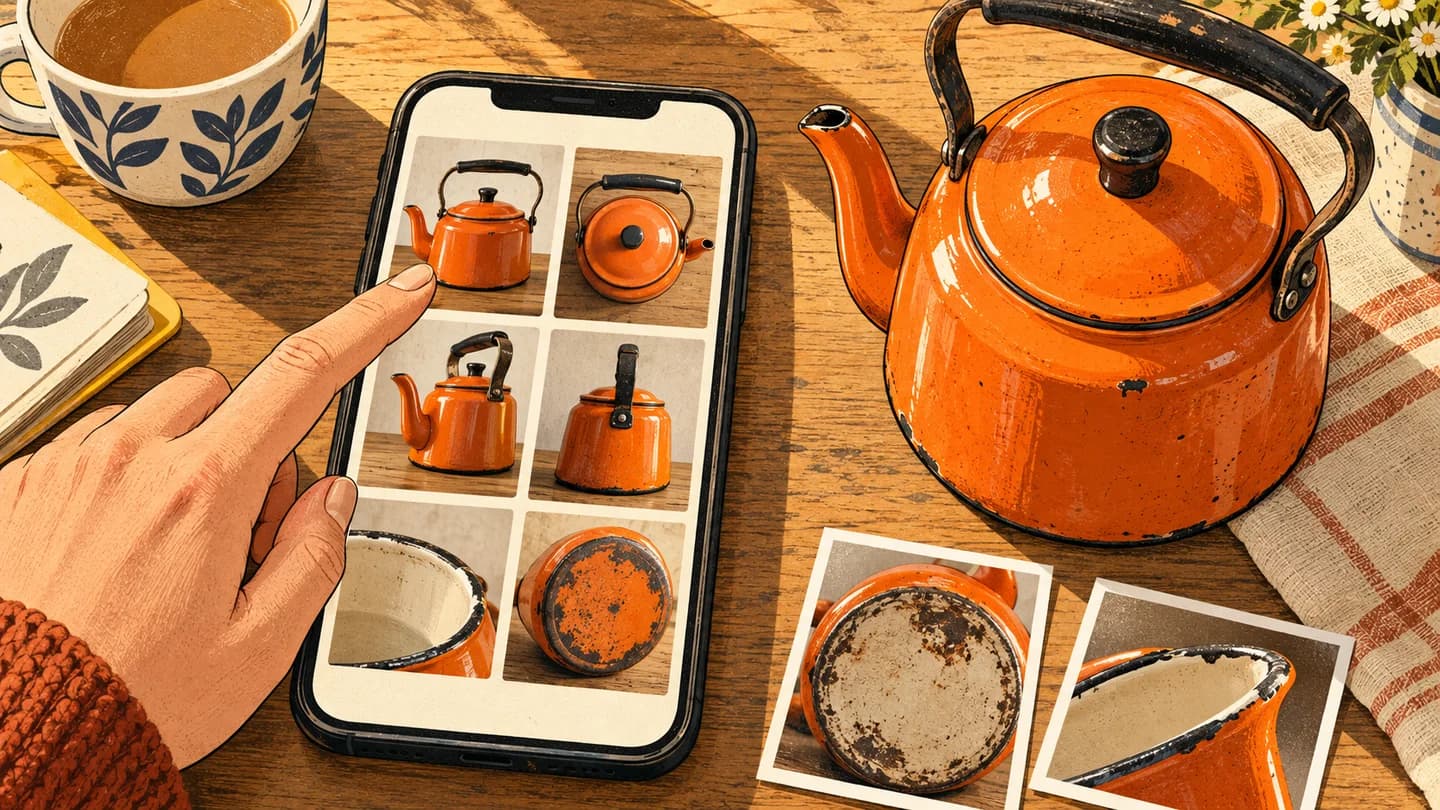
Detailed Scan
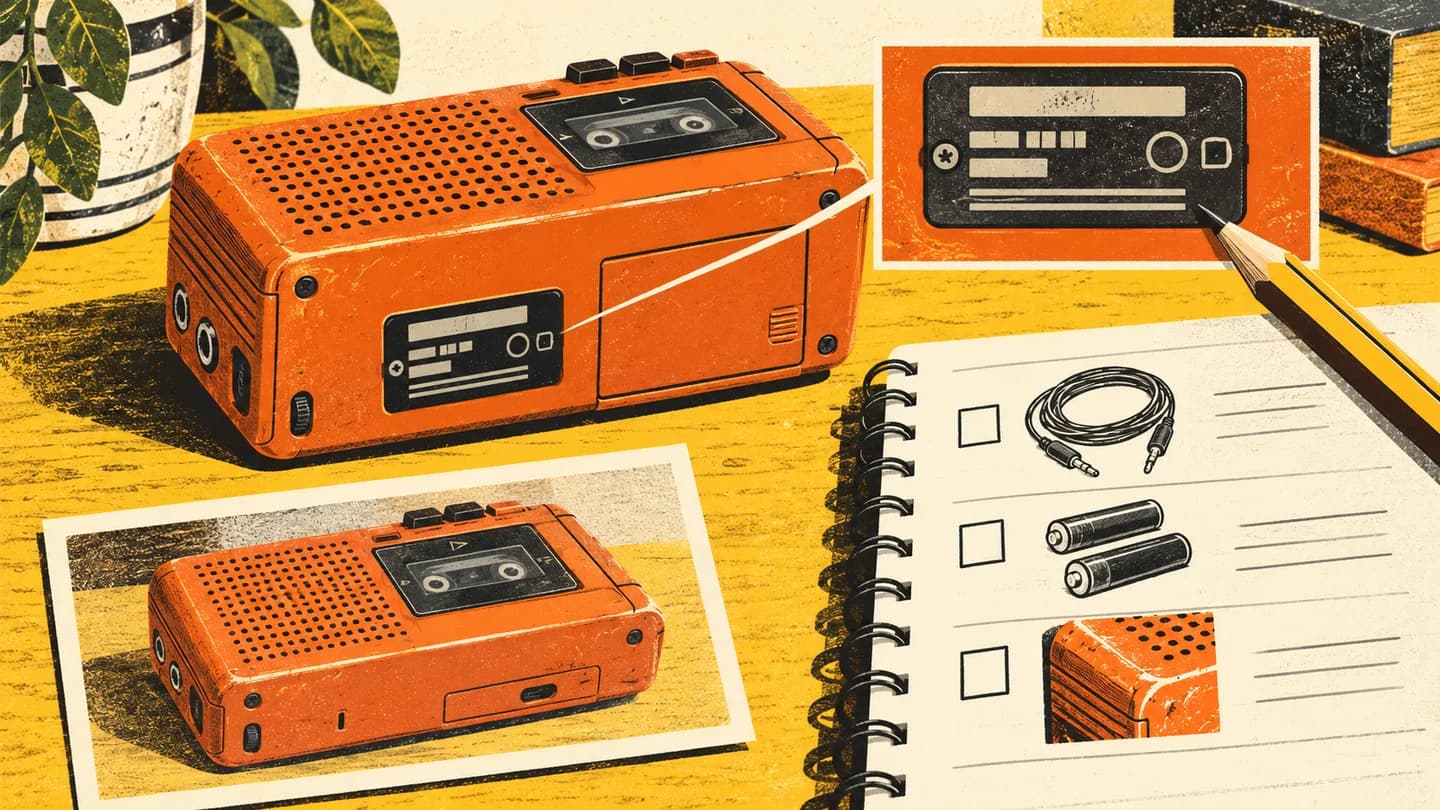
Use extra views when they resolve a specific uncertainty.
- Up to three photographs of the same item.
- Front, label and condition views rather than repeated angles.
- Written context about testing, accessories or damage.
Art Scan
Use the specialist research flow for a painting or print.
- Show the whole work clearly.
- Explain signatures, labels and provenance in the notes.
- Return to My finds if the research continues while you use the app.