The useful bit
Use one clear photograph to get an identification and estimated resale range, then check the result against the item.
Choose a useful view
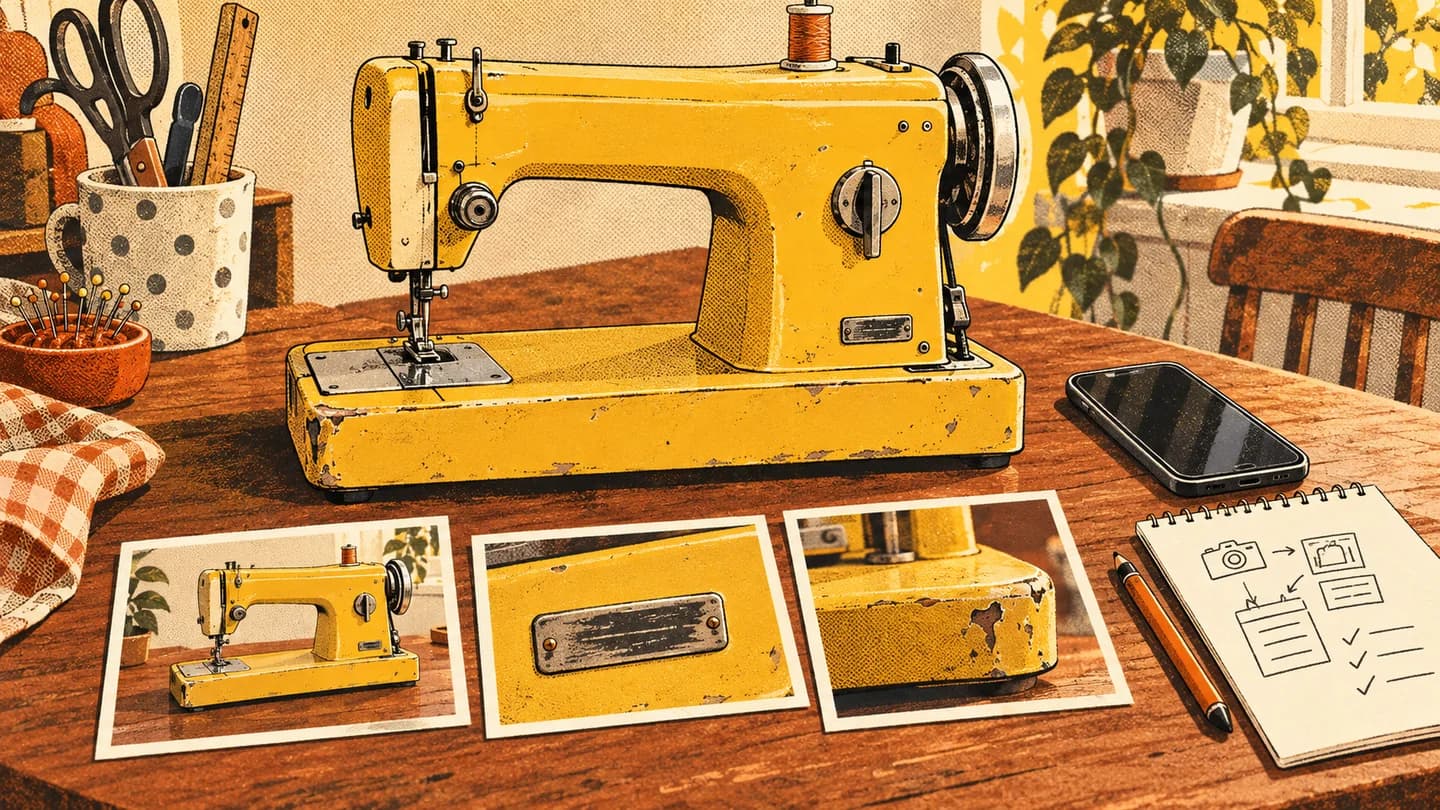
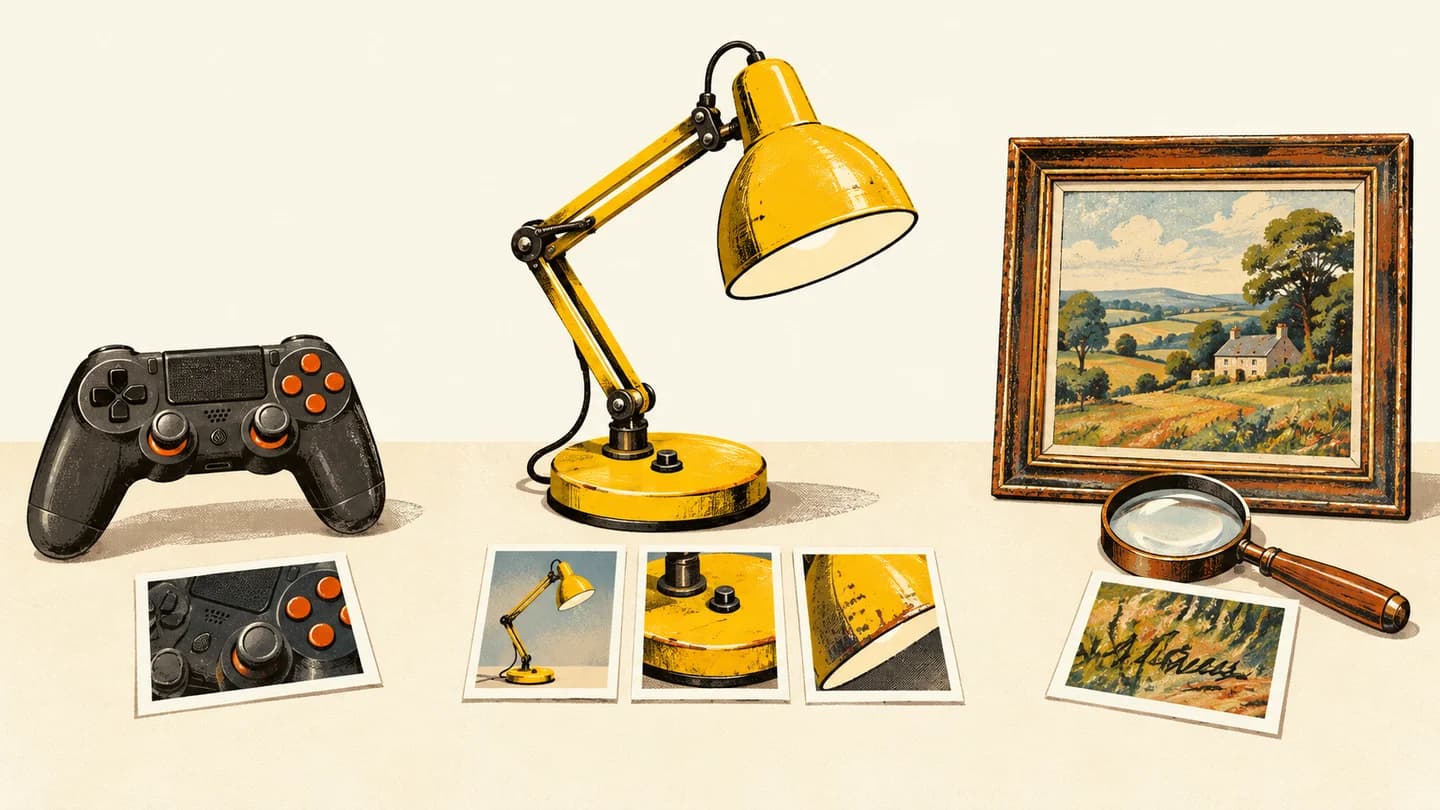
Quick Scan is for one item from one photograph. A clear model label can be more helpful than a dramatic angle. Keep unrelated stall objects out of frame so the subject is obvious.
Run your scan
- Open Quick Scan and sign in when asked. Read the displayed credit cost before taking or choosing a photograph.
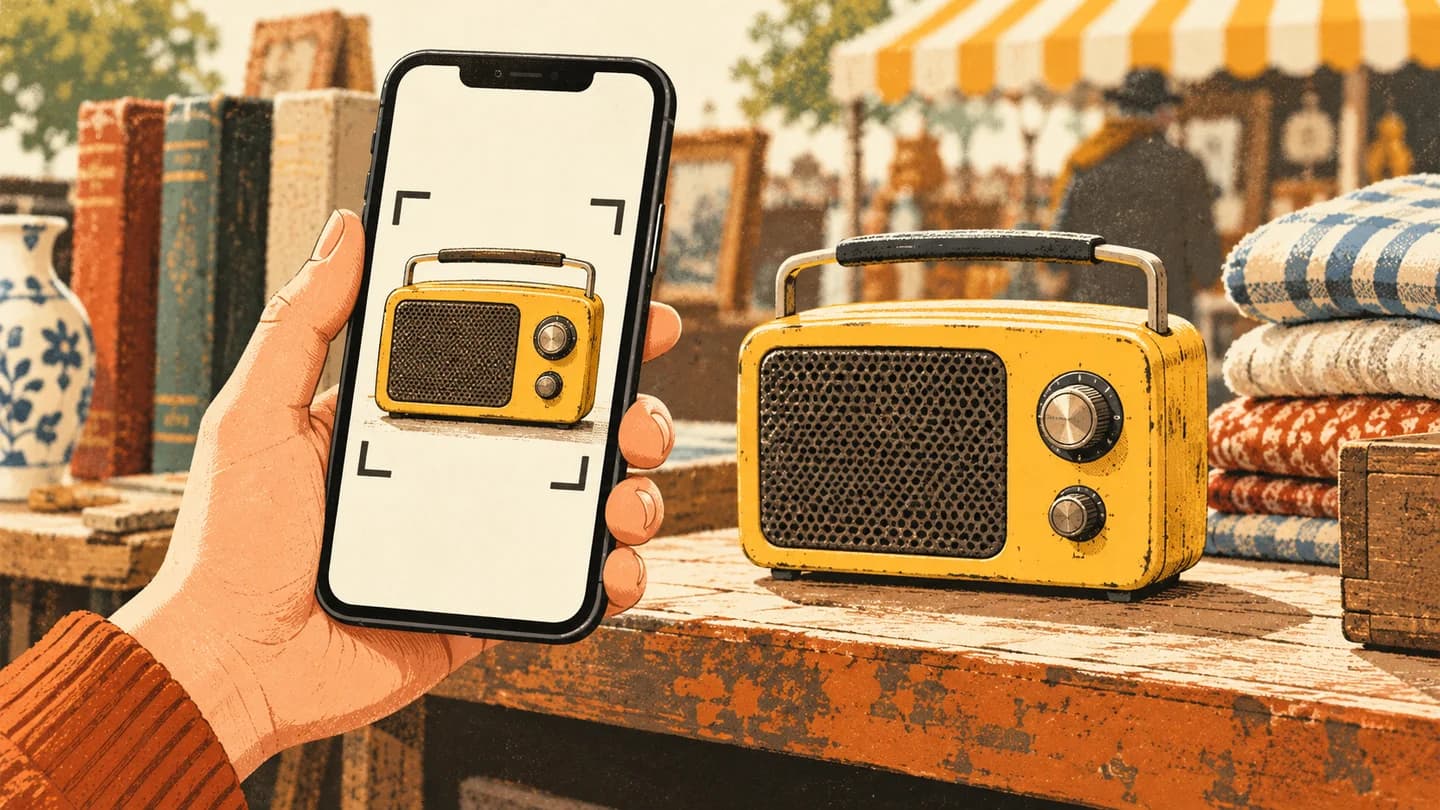
- Allow camera access, or press Open camera if the preview has not started. Put one item fully in frame and check focus and lighting in the live preview.
- Press the shutter once when ready. Taking the photograph sends it for valuation immediately; there is no separate review-and-submit screen.
- If using Phone camera or Choose photo instead, select the image carefully: that route also submits the chosen photograph immediately.
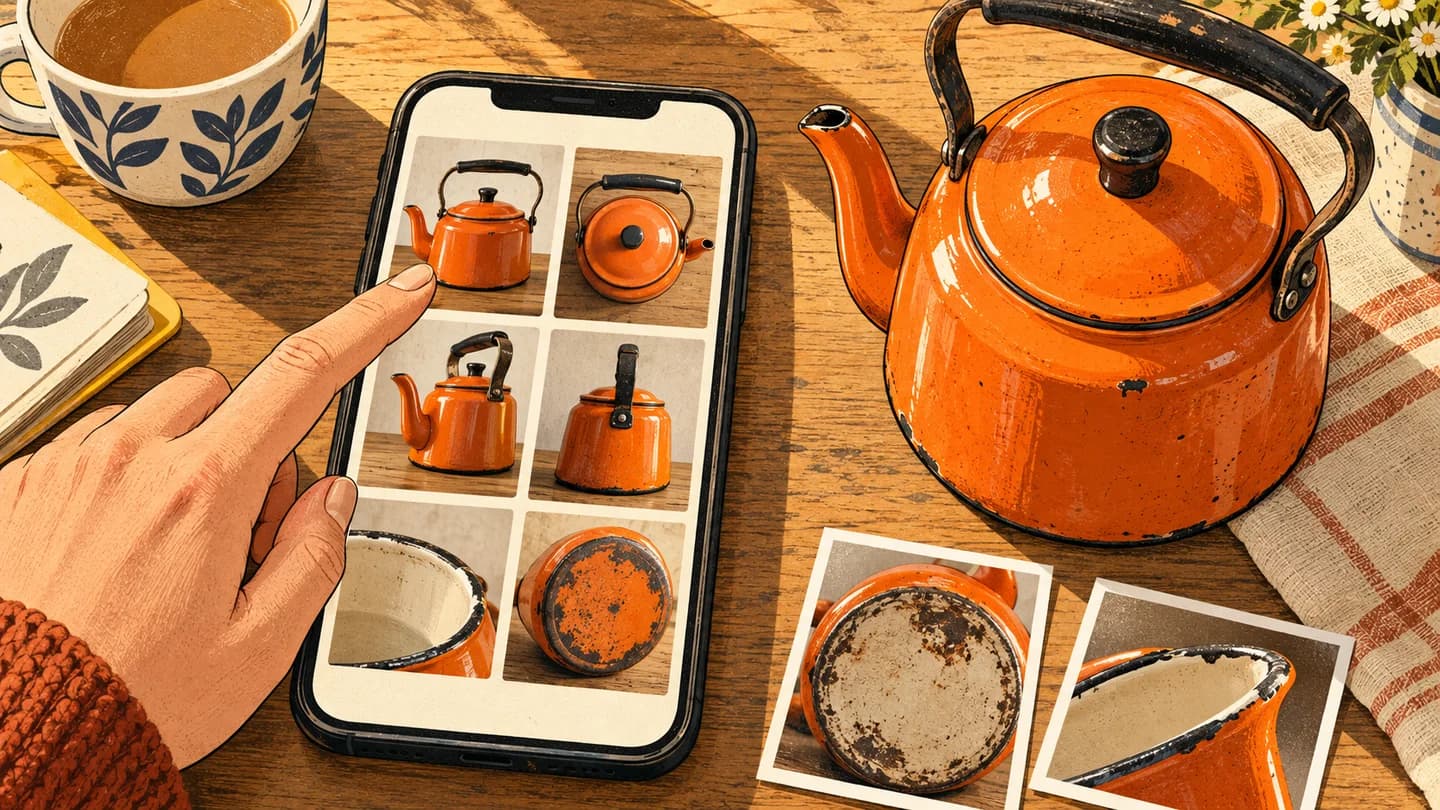
- Wait for the result. Read the identified item, estimated range, confidence and condition together.
- Choose See checks & full valuation for the fuller evidence, pre-purchase checks and buying-price calculation. Your real scan is saved to My finds.
Before acting on a number
An estimate is the start of the decision.
- Match the brand and exact model against the object.
- Check whether damage or missing accessories were visible.
- Inspect comparable sales and the pre-purchase checks.
- Use your buying price and realistic costs in the profit calculation.
If the camera or connection gets in the way
If the browser camera will not open, use Phone camera or Choose photo. Both still need an internet connection and submit immediately. If a submitted scan is interrupted, use Check this scan when offered to recover the same attempt rather than repeatedly starting new ones. A blurry-photo response offers Retake photo or Choose another photo and tells you that no credits were used.