Create an account to keep your scan credits, valuations and saved finds together.
Choose the account you will keep
Use an email address you can access. Keeping purchases and scans on one account makes it easier to find your history later. If a friend invited you, open their personal link before starting registration.
Create your account
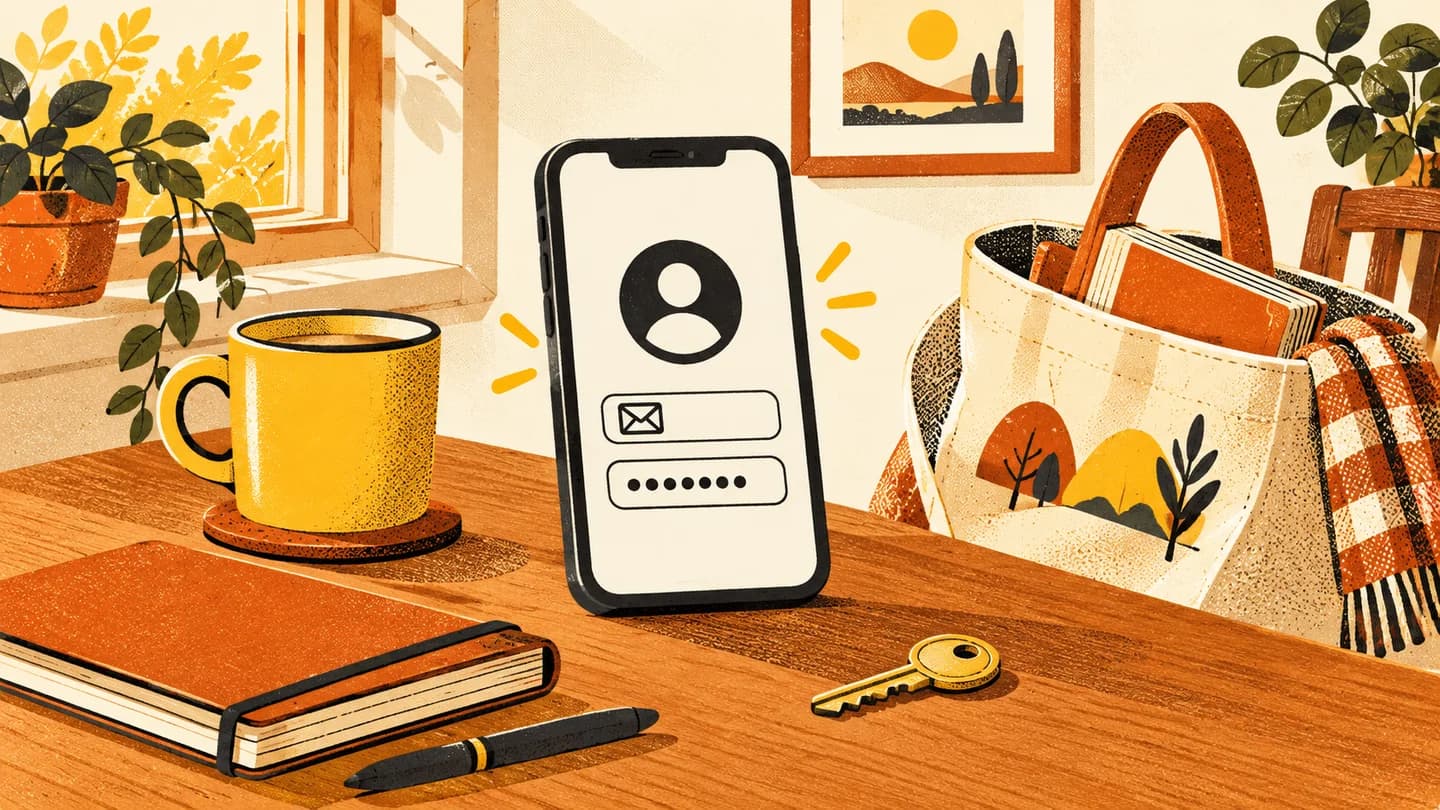
- Open Bargain Bandit and choose the signup option. If you reach Sign in, choose the New here? option beneath the form.
- Enter your email address and a password of at least 12 characters. Add the name you want to use; the name field is optional.
- Add a full UK postcode only if you want nearby-event email reminders. Adding it turns on reminders a week before and the day before relevant events; leave it blank for no reminders.
- Choose separately whether to receive the optional getting-started emails. The checkbox covers tips and offers, not your postcode-based event reminders.
- Check your email spelling, then press Get my free credits; the button shows the current welcome-credit amount. Wait for the app to open before starting a scan.
Check that it worked
Open My credits to see your available balance, then try the app’s example before spending credits on a new scan. Welcome offers are shown in the app; creating extra accounts is not a way to top up an existing balance.
Use the same sign-in method next time
If Continue with Google or Continue with Apple is offered and you use it, return through the same provider. Those buttons are shown only when that sign-in service is available. Do not create a second account just because your existing scans are missing: first check that you used the original account and sign-in method.