The useful bit
Download the shop-directory records, understand their sources and check the details before using them to plan a hunt.
Know what the downloads contain
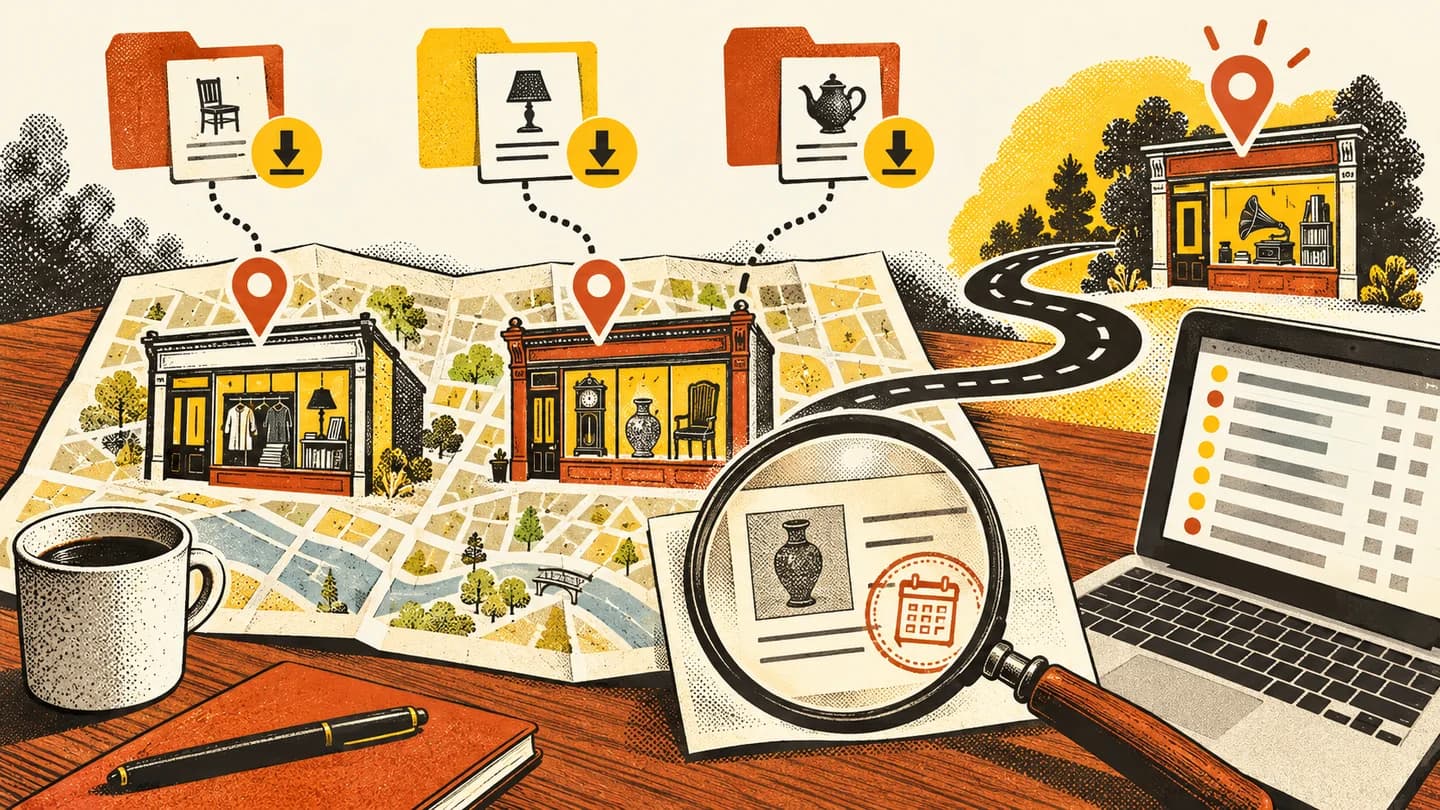
Find a hunt offers downloadable shop-directory snapshots for transparency and reuse. They are JSON data files, not a personalised route, saved-finds export or live feed of opening hours. You do not need a download just to browse nearby shops: the map and list are easier for everyday trip planning.
Download the appropriate records
- Open Find a hunt and scroll to Good directions. Honest details.
- Choose Download the OpenStreetMap antique shop data for the antique-shop snapshot, or Download the OpenStreetMap charity shop data for charity shops.
- For individually researched additions, choose Download researched shop records and attributions. This is a separate collection from the OpenStreetMap imports.
- Save the JSON file using your browser’s download controls. Open it in a text editor or a tool that supports JSON if you want to inspect the records.
- Read the file’s source information and check dates before using any listing. Downloading the file today does not mean every shop was checked today.
Check the right fields
| Record type | Useful checks |
|---|---|
| OpenStreetMap snapshots | The top-level checked and sourceTimestamp fields, attribution and source; individual shop name, address, website, hours and source. |
| Researched shop records | The file’s provenance and sourceRights; each shop’s source, checked date, address and location notes where present. |
| Both kinds | Coordinates describe a mapped position. Confirm the published address, entrance and current opening information before travelling. |
Interpret missing or approximate details
An empty hours field is not evidence that a shop is closed. Community map hours may use shorthand, and source records can become stale. Research-based records can use approximate pins rather than the door itself. Check the shop’s own current information when a detail matters to your journey.